
Unusual request, so let me be straight about what it is before I ask for anything.
The short version: I pay for MLB.tv, but the league geo-restricts games depending on the IP you watch from. The one setup that unlocks every game (no local blackouts, and none of the "this game is a Netflix/Roku/Peacock exclusive" carve-outs) is MLB.tv International, which needs a UK or EU IP. I've built a small Raspberry Pi that lets my stream appear to originate from a home internet connection over there, and I'm looking for someone willing to plug one into a spare ethernet port and forget it exists.
The honest part: this works around MLB's geo-restrictions, which is against their terms of service. I'm doing it with a fully paid subscription to watch games I've already paid for, but if that's not something you want on your connection, totally fair, no hard feelings, stop reading here. I'd rather you pass than feel misled.
Still with me? Here's everything.
First, the thing you actually care about: it barely touches your connection
It is NOT a 24/7 relay, and it does NOT stream whole games through your line. MLB only checks your location at the moment a stream starts. So my usage is:
- I switch it on only at game time, for a game I'm actually blocked from.
- The stream starts, the check passes, and after under ~5 minutes I switch it back off
- The game then keeps playing over my own connection, not yours.
Net effect on you: a WireGuard handshake and a few minutes of video per game I watch. A few MB, not hours. I use a Home Assistant script to enable/disable the VPN Client in UniFi, so it's guaranteed to shut off after a few minutes. No accidentally leaving it on forever and using your connection
Why a residential UK/EU IP, specifically
I've already done the homework, and residential is the only door left open:
- I already run this through a family member's connection in the US, and it works flawlessly. But a US IP still leaves me blocked from national-broadcast games (the ESPN/Fox/Peacock/Apple/Netflix exclusives), because those are carved out of US MLB.tv at the product level no US IP fixes them. MLB.tv International has no such carve-outs, hence UK/EU.
- Commercial VPNs are blocked. I tried Mullvad, Proton, Nord and others... MLB blocks their IP ranges outright; streams fail to start.
- Datacenter/VPS IPs are blocked too. Hetzner, OVH, etc... same story, flagged as non-residential and refused.
A real residential connection is the only thing MLB treats as a legitimate viewer. That's why I need a person with a spare port, not a server I can rent.
How it works (the technical bit)
- The Pi runs WireGuard, dialing outbound to a small cloud relay I rent (it never listens for inbound, so your router never needs to forward a port to it).
- It also runs Tailscale as an independent, outbound-only management door, so I can maintain it without ever asking you to touch it.
- The OS is a hardened Raspberry Pi: deny-all-inbound firewall, key-only SSH, no passwords over the wire, automatic security updates, and self-healing tunnel watchdogs.
   [ my home, Starlink / CGNat ]
          │   WireGuard  (encrypted, outbound)
          ▼
   [ small VPS I rent ]   ◀─ only forwards encrypted frames; sees nothing
          │   WireGuard  (encrypted)
          ▼
   [ My Pi in your home ]   ── dials OUT only, never listens; firewall blocks your LAN entirely
          │
          ▼
   [ your home internet ]  ──▶  MLB.tv  (only ever sees your residential UK/EU IP)

   ( my paid stream flows back up the same path to my TV — I switch the tunnel
     off after the first few minutes, so most of it never crosses your line )
What I'd send, and what you'd do
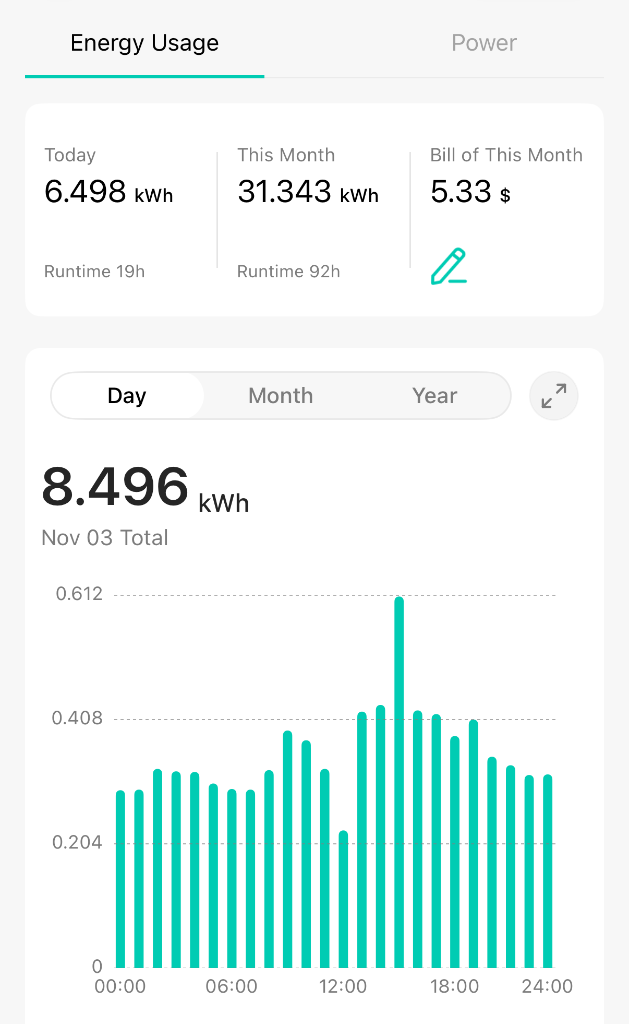
A Raspberry Pi in a small case. You give it power (~3–5 W, ~£0.50/month of electricity) and one ethernet port. That's the entire job... no router config, no port forwarding, no software on your devices, no accounts.
What it can't do on your network
The firewall denies all inbound, and for forwarded traffic it drops every private-network destination before allowing anything out. In plain terms: traffic from my tunnel physically cannot reach your LAN... not your PCs, NAS, printer, or router admin page. It can only reach the public internet.
Two things make trusting me cheap:
- Put it on a guest/IoT VLAN if you have one. Isolating it costs it nothing and then the guarantee above is enforced by your gear, not my word.
- Unplug it whenever. Nothing on your end depends on it.
Trust but verify
Send me your SSH public key and I'll set you up a read-only account. One command, sudo host-verify, prints the live firewall rules, the tunnel status, and every connection the box currently has open — so you can confirm all of the above any time. That account can't change anything or reach the rest of the box; it's there purely so you don't have to trust me blind. Happy to walk through the whole config with you too.
What's in it for you
Mostly my genuine gratitude willingness to reciprocate in kind: host something for you, help on a homelab project, or whatever feels fair.
If you're in the UK or EU and up for it (or just have questions) reply or DM. Cheers, and thanks for reading either way.