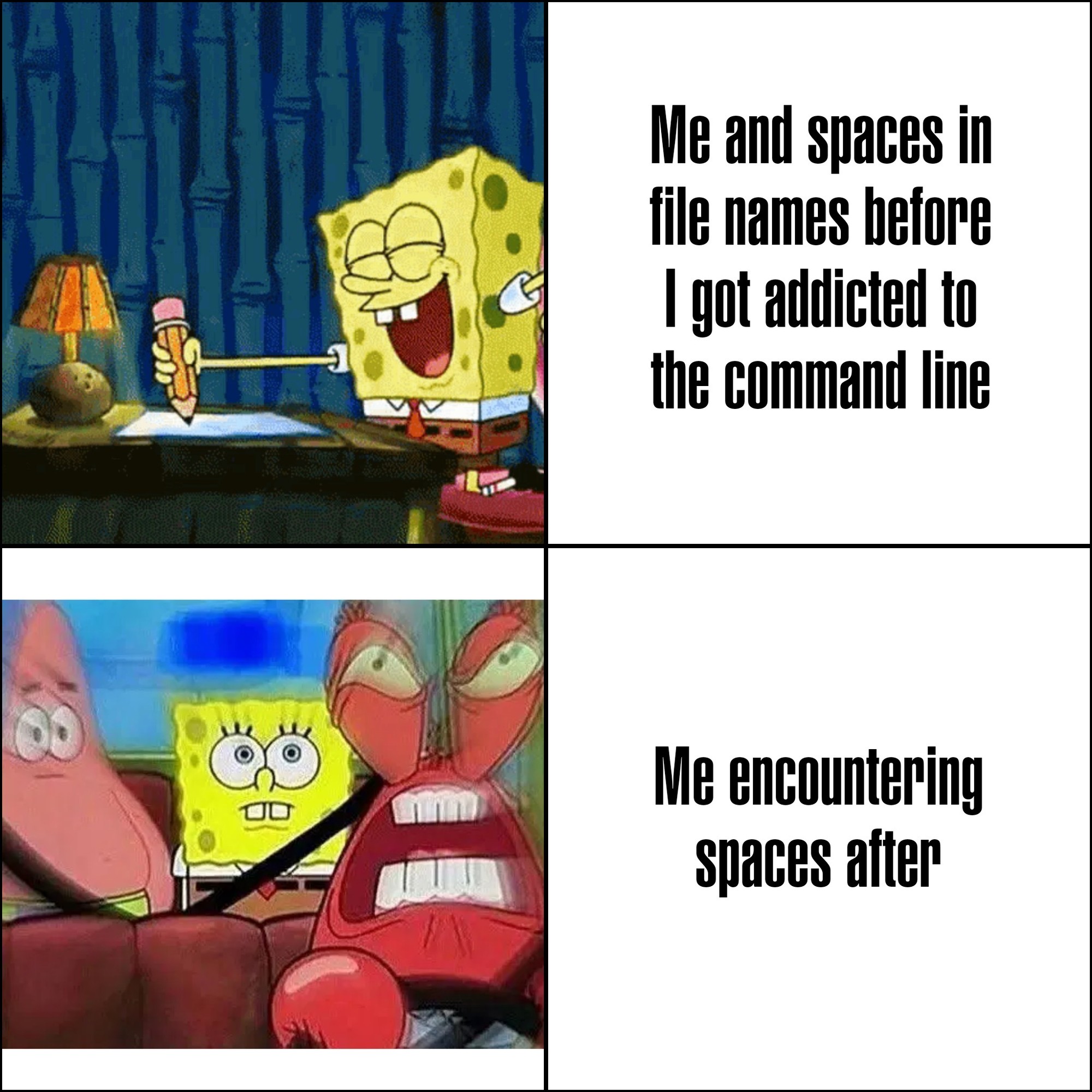
I've recently learned that in Linux, you can use emois in filenames. I died a little lot inside when I learned that.
post
Microsoft intentionally made programs install to C:\Program Files on Windows 95+ to force programmers to deal with spaces in filenames.
Someone make one of those "statements made by the utterly deranged" memes about it, please and thank you.
what is even more funny about this is that the name of that directory used to be locale-dependent, so in sweden it was just called "Program", completely nullifying that idea.
C:\Program Files
C:\Program Files (x86)
C:\ProgramData
It's only localised in the file explorer. The actual folder name is always Program Files.
Only since vista, it used to be localized.
what about placeholders/variables like %localappdata%, %windir%, %programfiles%?
I can only assume these always existed, otherwise it would have been a nightmare for everyone.
Excel used to have, and I think it still has, localised function names.
Makes it a nightmare to look up stuff on the Internet.
Given even what little I know of their history and what they are doing now, I cannot be sure this wasn't the intention at least partially
I\ don\'t\ know\ what\ you\ mean,\ I\'ve\ never\ encountered\ any\ annoyances.
'I don't know what you mean, I've never encountered any annoyances.'
Single quotes don't allow any escaping in shell, you need
'I don'\''t know what you mean, I'\''ve never encountered any annoyances'
Or, in Zsh with setopt rcquotes:
'I don''t know what you mean, I''ve never encountered any annoyances'
Oh\ come\ on,\ it\'s\ not\ that\ bad
Some shells enclose those types of files within inverted commas. Such that:
> ls
file\ name.md
is instead
> ls
'file name.md'
(I use fish)
"inverted commas"? single quotes?
Yes, I am a weird english.
What is the Old Continent name of those: `
On its own, the backtick is primarily used in computing, and so doesn't have an old-timey-English name, nor does the Jargon File mention a Commonwealth Hackish name for it. While there are a variety of other names, I don't think any of them are specific to the UK
When used with a letter, it marks a grave accent; this was its original purpose on a typewriter
Floating commas
In dutch I've heard them be called flying commas unapologetically (vliegende comma's — ironically has one in it because many plurals need it, it doesn't mark possession)
I tried to parse the first one but got all confused because there's no closing single quote.
Are you typing the whole filename by hand? Tab expansion exists, you know?
Now I use lowercase and underscores everywhere.
Hyphens > underscores for filenames because all web standards prefer hyphens so if you ever want to network your files its a much smoother experience!
This is the best for tab completion, altho I prefer hyphens visually
I prefer lowercase with hyphens, but I'm transitioning into a team that does everything camelCase, which is the second best case, but I still strongly dislike it.
not sure why the default behavior is this:
file\ name\ with\ a\ bunch\ of\ spaces
instead of this:
"file name with a bunch of spaces"
but you can just press " before pressing tab to auto-complete, and it will use the 2nd form
I mean, at least in Bash tools like ls do use quotes by default:
$ ls
filename_without_space 'filename with space'
But yeah, tab expansion uses backslashes, sadly.
Because quoting requires token expansion (e.g. ~ to /home/you). Escaping gives you a much shorter path in that case.
That said I'm with you, full quoted paths read better to me.
the struggle between spaces in filenames look cute and oh fuck what's the code to reference a space in a filename in terminal?
Just put the whole thing in quotes. You might have to escape extra sets of quotes, usually with a backslash.
If you intend on using that with tab completions, you will have extra work to do.
I very intentionally have all my code in Personal Projects 🥰 and Work Projects 🏦 directories so I can find bugs in the handling of file paths.
" is your friend
I'm a big fan of PascalCase. ThisIsAGreatFilename.odt
Windows is stupid as shit, trying to shift+right click > open Powershell in a path containing a space results in it throwing an error, and you have to paste the path in yourself anyway
Don't try svelte kit. This is pseudocode but it's valid. The only symbol show here that is not real is the / that I've placed at the end of folder to show that they are folders. There are other special cases
routes/
+page.ts
(admin)/
+page.ts
[user=uuid]/
[[community]]/
+page.ts
posts/
[...postIds@]/
+page.ts
sveltekit is beautiful (thanks for spreading the word)
Im trying it out yet. It seems fun, the tutorial is amazing. I don't think I'd want to do large enterprise projects with it
Have you noticed issues that you think would arrise at scale, etc for an enterprise project?
I'm using it for a small/medium sized project and it's great and has not got in the way once. Wondering how you feel, since I don't have experience with much enterprise code.
i think i am old. i grew up using DOS, and really hated spaces in filenames and folders because they appreared truncated at the first space with a tilde and index of that file/folder representation.
ex: C:\folder name is bad\ == C:\folder~1
i hated that so much that when i got to windows 3.1 i refrained from using spaces (some command line was still necessary in w3.1)
i have jept that habit through the years, so when i moved from windoes to linux, my natural instincts of snake_case_folder_names made it so i didnt have to change : D
One of the fun things about modern Windows is that ~1 shit still appears every once in a rare while. Gotta love just stacking more and more shit on top of ancient systems in the name of backwards compatibility!
I think you're misremembering a little. Long filenames was introduced in Win95.
Yea, Win 3.1 didn't support long names - that came with Win95. Win 3.1 was a shell on DOS.
But I understand - it all blends together after um... 40 years (ouch!).
top 97 comments