Wooosh?
Millennial here, I read it by skipping over the emojis, as if they didn't exist, and it was at least as understandable as most other random internet ramblings.
You might want to double-check that first link... Looks like it's pointing to your personal downloads folder.
What? How? Like... I just... What's the train of thought where that makes any sense?
Target's online pricing varies depending on the store you'll be picking up from, so I imagine Walmart can do the same.
Did this many of you seriously manage to read that without getting unreasonably annoyed and distract by the "dirt" on your screens? Like damn.. I even took all my meds today and still couldn't get past that.
I think I said "but I'm le tired" to someone recently and was caught off guard when they totally got it. Haha.
"Hokay so here's the earth...."
Apparently turns 23 years old on Friday.
Glad I'm not the only one!
My work computer is quite locked down (can't even install Solitaire or Minesweeper), so I'll have to set up whatever filter in Outlook. And I think it deletes the messages once flagged as phishing, so I don't think I have one to inspect right now.
Anyway, some random blog seems to point back to KnowBe4's whitelisting guide, so I think the filter would need to look for something in the header or for the specified IP addresses?
Where might I find more details to set up filters?
Many years ago, I bought a "realistic" cat face baklava, and my cat had a similar reaction.
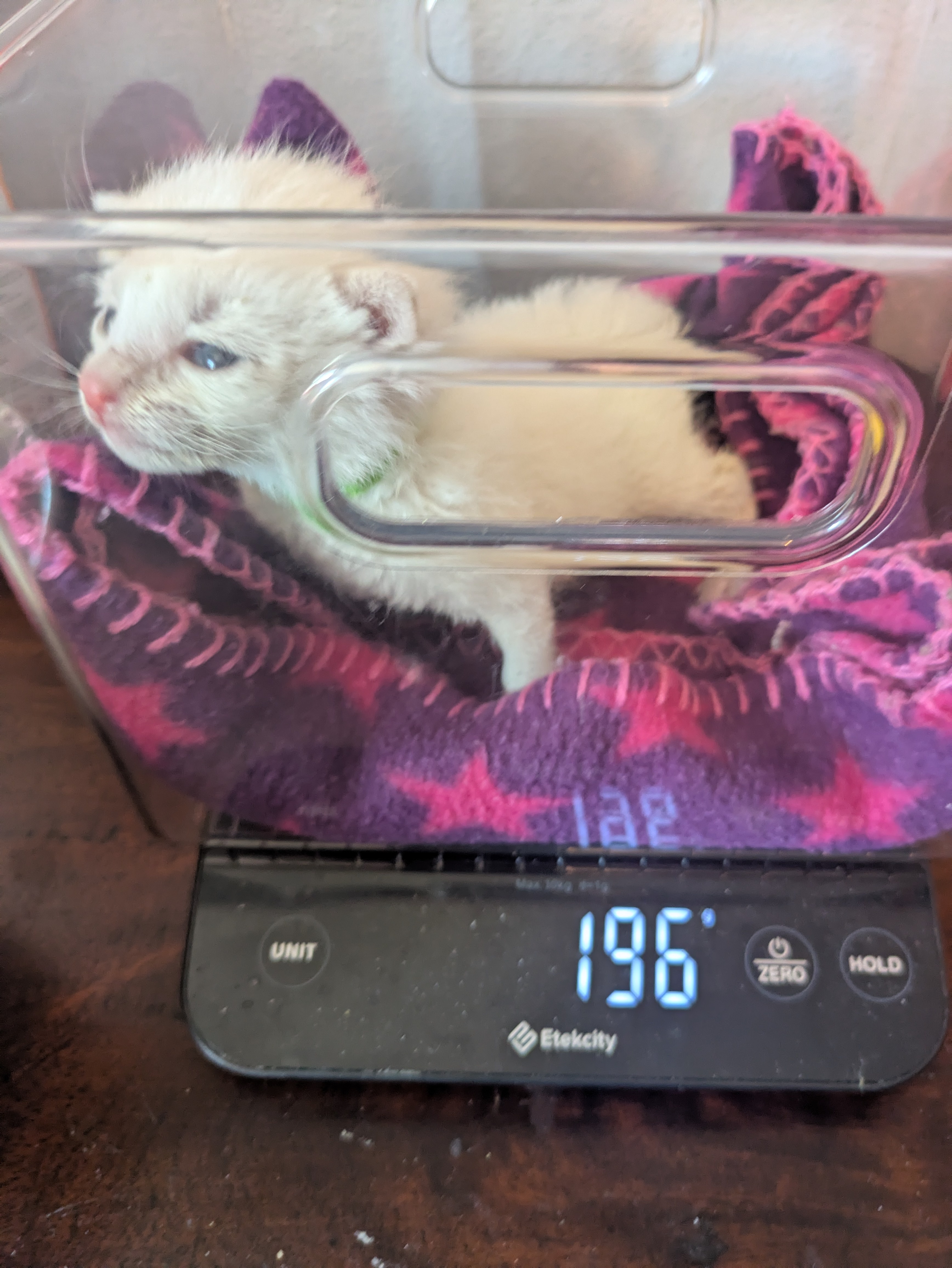
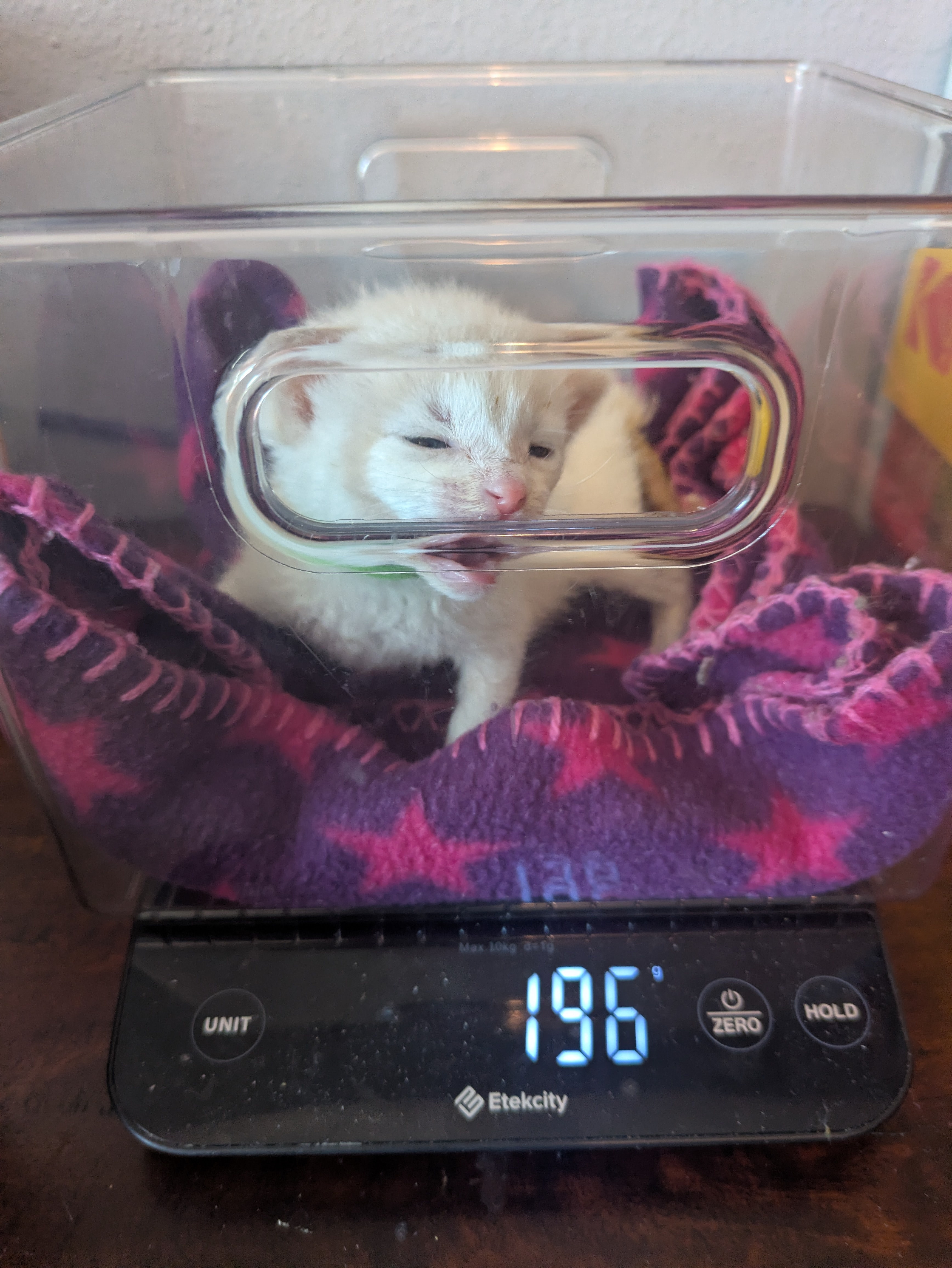
view more:
next ›