1
2
submitted 3 days ago by to c/firefox@fedia.io
3
submitted 1 week ago by to c/firefox@fedia.io
4


Part of the ongoing Big Tech's War on Users series. On Sunday, Mozilla launched Come Back to Firefox, which it's calling one of its most ambitious campaigns...

5


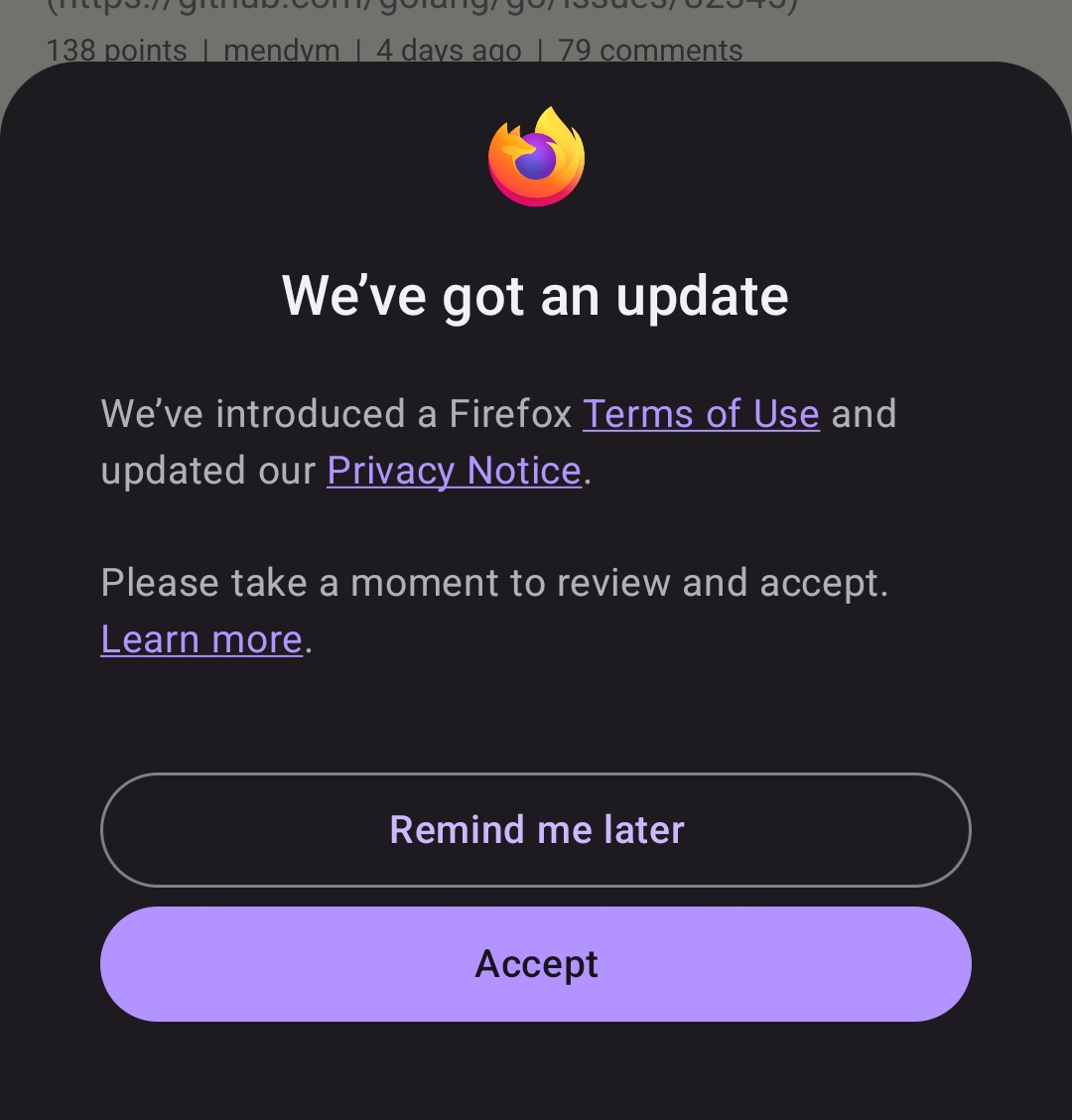
As seen in Firefox 159 Release Candidate for Android.

I chose "Remind Me Later" of course

6
submitted 2 weeks ago by to c/firefox@fedia.io


This is an Android-only release

7


On Saturday, October 17, at 20:06 UTC, Mozilla received a report that private keys associated with eight eMudhra intermediate certificates had been compromised. These keys could allow attackers to issue ...

8
submitted 2 weeks ago by to c/firefox@fedia.io
9
submitted 2 weeks ago by to c/firefox@fedia.io


Not a terrible idea IMO, especially because everybody in my bubbles already either uses or definitely knows about FF

10
submitted 3 weeks ago by to c/firefox@fedia.io
11
12


Instead, it became clear that Microsoft will respect user choice only when it is forced to. It is important to think about what that means for a company whose operating system runs on more than a billion machines. Microsoft’s standard for respecting people’s choices is legal compliance. Not what’s best for its users. Not its own published principles. Not what’s technically feasible. Not even what it already does for users in Europe.

  1. 😲
  2. Imagine following your own published principles
13


Following the release of Firefox 158, Mozilla promoted the next major release, Firefox 159, to the beta channel for public testing, so it’s time to take a look at the new features and improvements.

Firefox 159 promises easier access to saved passwords from the sidebar by default, the ability to search open tabs with a keyboard shortcut, support for importing bookmarks from Google Chrome profiles that are signed in to a Google account, and improved visuals for menus and panels on Linux and Windows.

Firefox 159 also promises to fix an issue with tabs sometimes detaching into a new window when clicked on Linux with Wayland, an issue with long drop-down lists on web pages showing a blank space in place of the last options, and loading issues with sites that reject an HTTP/3 request, falling back to HTTP/2 instead of failing.

On top of that, Firefox 159 promises to fix the file upload dialog opening in the last folder a file was saved to, such as Downloads, instead of the folder last used for uploads, as well as memory usage issues causing rapid growth when sites like the Zoom web app were left open in a minimized window.

Last but not least, Firefox 159 promises to display addresses written in the Balinese, Canadian Aboriginal Syllabics, Javanese, and N’Ko scripts in their own script instead of being encoded as “xn--” text, and updates the AI chatbot’s Summarize page option to share the page’s address instead of the page’s text content.

For macOS users, Firefox 159 promises support for the native macOS share picker, better support for web games when using a gamepad, support for opening the sign-in page for apps that sign in through the default browser, and better support for the Apple Writing Tools suite when pasting text on sites.

For Windows users, Firefox 159 promises to improve video playback when NVIDIA RTX Video HDR is enabled. Also, the upcoming Firefox release promises to update the Web Console to allow let, const, and class variables to be declared again, so a snippet can be edited and re-run without a redeclaration error.

For web developers, Firefox 159 promises support for scoped custom element registries, so custom elements that share a tag name can coexist on the same page, and support for scroll-driven animations, so CSS animations and Web Animations API animations can progress with the scroll position of a container.

In addition, it promises an updated Sanitizer API that can now sanitize HTML as it’s parsed rather than afterwards, so custom element constructors no longer run for elements the sanitizer removes. Also, WebGL now supports the EXT_clip_control and EXT_texture_mirror_clamp_to_edge extensions, and EXT_texture_norm16 for WebGL 2.

Mozilla plans to release Firefox 159 later this month, on October 27th, 2026, along with the Firefox 153.6 and Firefox 115.44.0 ESR releases. Until then, you can download the latest beta version of Firefox 159 right now from the official website, but keep in mind not to use it for production work.
14


From this blog post:

[A]s the indoor music scene heats up and the basketball and ice hockey seasons are in full swing, fans flocking to the Uber Arena, Uber Eats Music Hall, and Uber Platz will see Firefox highly visible around the venue. They may even bump into our very own mascot, Kit, who will be on hand to help them skip the main queues courtesy of Firefox.

We know that the experiences people care about often begin online. The internet is the gateway to how they discover, plan, and navigate their way to concerts, sports events, and nights out before they happen in real life.

Firefox’s presence will help make every step of that journey simple and smoother, starting at the door.

People with Firefox downloaded on their phone will have access to a dedicated Firefox Fast Lane that allows them to skip the main line at the Uber Arena. To ensure the smoothest possible entry, a QR code for downloading Firefox will also be available at the Fast Lane.

15
submitted 1 month ago by to c/firefox@fedia.io
16
submitted 1 month ago by to c/firefox@fedia.io


I just updated my software on my desktop and have to say that I don't like the new extra rounded look for the tabs and menus. Searching for ways to disable the new FF UI came up with hits for Final Fantasy as well as previous UI choices that weren't very popular for Firefox. Even reducing it to just things posted in the last week didn't give the answer.

But searching for "disable nove UI firefox" made the solution pop up in the AI summary. I was skeptical whether it even existed, but it worked: open about:config (literally just type that in the address bar if you never have done this before), click past the warning (be aware that just messing with settings in here can break your FF install), then search for "browser.nova.enabled" and click the button on the right side to toggle it off. Then close any FF windows you have open and relaunch it and you should see the more rectangular UI again.

Hopefully this nova disabled mode continues to work going forward. If not I might finally move to one of the forks.

Anyways, enjoy.

17


Firefox's biggest visual refresh in years is now available, with a modernized look across the browser toolbars, sidebar, menus and individual features, built with our updated design system.

18
submitted 1 month ago by to c/firefox@fedia.io
19


Interesting anecdote that demonstrates honoring consent might actually keep bugs at bay.

Been pulling my hair out debugging a relative’s persistent BSOD (once every ~6hrs) after nudging them to take the first degoogling step by switching browsers.

I could not believe at first that a user space program, especially a Windows Store sandboxed one, could affect anything in the kernel, but analyzing every single coredump shows the exact same trigger: Firefox attempted to rename the UrlAssocistions/http registry key in the UWP sandbox’s virtualized registry hive, triggering an access violation in the Registry system service and crashing ntoskrnl.

It turns out that there is a secretly enabled config "browser.shell.setDefaultBrowserUserChoice.regRename" that causes Firefox to attempt this renaming periodically despite the user already having unchecked the “check if default on startup” option . A quick search reveals that it was a vestigial A/B testing feature that was already slated for deprecation, but remained in the current version and a perfect storm of I’m guessing UWP kernel memory bug and Firefox dark pattern triggered this outcome.

20
21
22
23
submitted 2 months ago by to c/firefox@fedia.io
24
 
 
25
view more: next ›