Alternative Imgur version

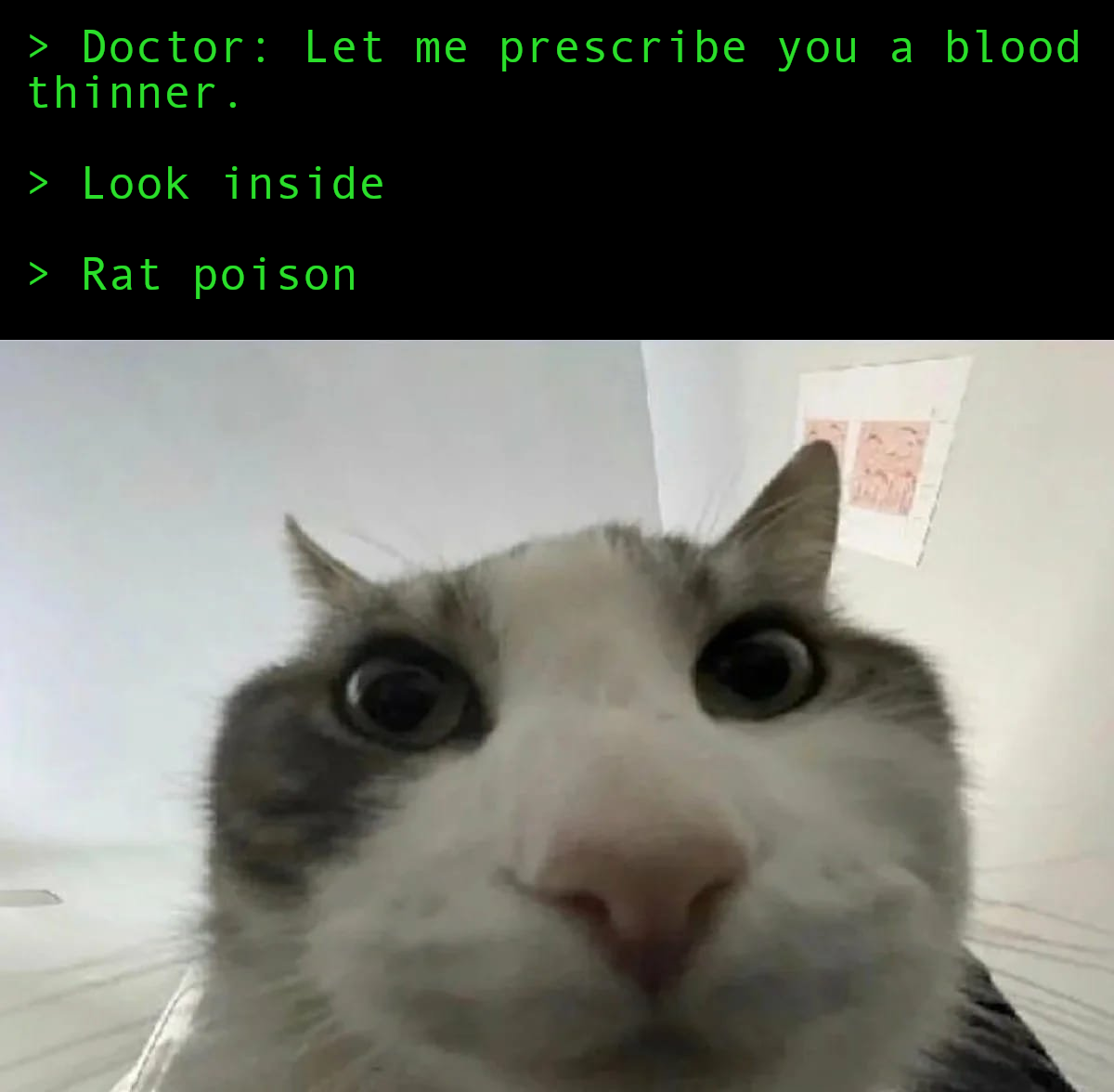
Today used as blood thinner, Warfarin's first commercial use was rat poison.
Alternative Imgur version
Today used as blood thinner, Warfarin's first commercial use was rat poison.
Alternative Imgur version for the main image

Previously I was using Samsung N150P (netbook) as my home server and it served me around 6 years. >> https://programming.dev/post/708584
Though after upgrading to Debian 13, additional 90 packages were installed just with the upgrade. I also had a little adventure with it :) >> https://programming.dev/post/708488
Anyway, this new mini PC I got is from 2016 and surprisingly it has 8GB DDR3 RAM (I'm rich now). It's generally in good condition. Even though it's Celeron N3000, this one doesn't have hyperthreading so only 2 cores. Still it's a real upgrade over Atom N450 CPU.
Since last year, I was planning to get a Raspberry Pi and moving from there. However thanks to AI overlords it got so expensive I had to bail from that fantasy. I got this for 40$ and with 8GB RAM I think it was a good deal.
I was already planning to change my home server to Alpine for a while but I just couldn't touch a perfectly fine system because lazy. So this time I went with Alpine and I already love how small it is. I just installed a couple monitoring tools and packages like sudo along with Pi-hole so currently it has quite few packages.

Don't worry though, I'm planning to use that RAM, with time. :)


Alternative Imgur version


Alternative Imgur version


Imgur version for those who cannot view ImgBB for some reason


Explanation:
This is a Samsung tablet from 2014, currently has LineageOS 18.1 (Android 11), the last it can get. Since it's unused I did a little experiment until I find someone who will use it. Today I have found so here is the post.
After charging it to 100%, I disabled Wi-Fi connection, put it on battery saving mode and it's been on for more than 2 months. Battery is still in good condition after all these years I guess. :)

Hi there!
I recently switched from Arch Linux after a decade and now settled on Void Linux. So far so good. However sometimes I gather minor things here and there. My current issue is, the proprietary drivers of Nvidia still seeking systemd for some parts and not sure how to walk around this.
I cannot suspend my PC because when I wake it up I always see something about nvidia-sleep.sh. Probably it cannot wake the GPU up properly.
This is
nvidia-sleep.sh:
#!/bin/bash

if [ ! -f /proc/driver/nvidia/suspend ]; then
    exit 0
fi

RUN_DIR="/var/run/nvidia-sleep"
XORG_VT_FILE="${RUN_DIR}"/Xorg.vt_number

PATH="/bin:/usr/bin"

RestoreVT() {
    #
    # Check if Xorg was determined to be running at the time
    # of suspend, and whether its VT was recorded.  If so,
    # attempt to switch back to this VT.
    #
    if [[ -f "${XORG_VT_FILE}" ]]; then
        XORG_PID=$(cat "${XORG_VT_FILE}")
        rm "${XORG_VT_FILE}"
        chvt "${XORG_PID}"
    fi
}

case "$1" in
    is-suspend-then-hibernate-supported)
        # suspend-then-hibernate only works correctly if $SYSTEMD_SLEEP_ACTION
        # is supported, which was added in systemd 248.
        systemd_version=$(systemctl --version | head -n1 | cut -d' ' -f2)
        if [ "$systemd_version" -gt 247 ]; then
            exit 0
        fi

        echo "systemd version $systemd_version is too old to support suspend-then-hibernate with NVIDIA." 2>&1
        echo "Please upgrade to systemd 248 or newer." 2>&1
        exit 1
        ;;
    suspend|hibernate)
        mkdir -p "${RUN_DIR}"
        fgconsole > "${XORG_VT_FILE}"
        chvt 63
        if [[ $? -ne 0 ]]; then
            exit $?
        fi
        echo "$1" > /proc/driver/nvidia/suspend
        RET_VAL=$?
        #
        # If suspend/hibernate entry fails, switch back to the active VT
        #
        if [[ $RET_VAL -ne 0 ]]; then
            RestoreVT
        fi
        exit $RET_VAL
        ;;
    resume)
        echo "$1" > /proc/driver/nvidia/suspend
        RestoreVT
        exit 0
        ;;
    *)
        exit 1
esac
I'm using Niri so no desktop environment here if that helps. My driver is nvidia580. Also using greetd (w/ tuigreet). So, what can I do here?
Linux void 6.18.38_1
pkgver: runit-2.3.1_1
Nvidia 580.159.04
Edit: Tried nouveau and suspend works with it. However because Nvidia didn't provide firmware blobs for my card (GTX 1080) I cannot use the open drivers well.
Edit 2: Tried to give power management from acpid to elogind, thinking it might help to fool this script since it's systemd's standalone part here. Currently elogind both handles my seat and power management. I actually had some hope here, but sadly didn't work. Here are my elogind config files anyway:
/etc/elogind/logind.conf.d/logind.conf
[Login]
KillUserProcesses=no
HandlePowerKey=poweroff
HandlePowerKeyLongPress=poweroff
HandleRebootKey=reboot
HandleRebootKeyLongPress=poweroff
HandleSuspendKey=suspend
RemoveIPC=yes
/etc/elogind/sleep.conf.d/nvidia-sleep.conf
[Sleep]
AllowSuspend=yes
AllowHibernation=no
AllowSuspendThenHibernate=no
AllowHybridSleep=no
#SuspendMode=deep
SuspendState=mem standby freeze
HandleNvidiaSleep=yes
Nvidia, this is for you:

AI images: hide. Yeah, sure.
I guess old printed encyclopedias are much MUCH better than this shit for your child's homework. Ugh, this is so disturbing.
(ノಠ益ಠ)ノ I∀

What's more interesting is, beaver castor sacs also used as a strawberry and vanilla flavour substitute, approved by FDA.