I wish there was an option to always see upvotes and downvotes separately
Feature request
(feddit.online)
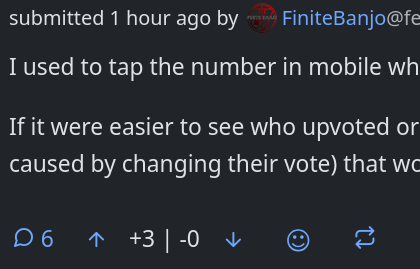
You can kind of hack this using custom css in your profile. I just tried this and confirmed that it worked, but I couldn't quite get the alignment just right. Basically, the info is there on the element, but it is in the title attribute. So, you have to make the existing content not visible (without hiding the entire element) by setting the font size to 0. Then, you pull out the title and stick it in there in its place.
.score {
  font-size: 0;
}

.score::after {
  content: attr(title);
  font-size: var(--font-size-16);
  line-height: 44px;
}
One note is that the --font-size-16 is the default. If you have changed your font preferences to be bigger or smaller, you can try changing the number on that css variable to be bigger or smaller. Here is a list of the possible values that are defined in the stylesheet:

all 11 comments