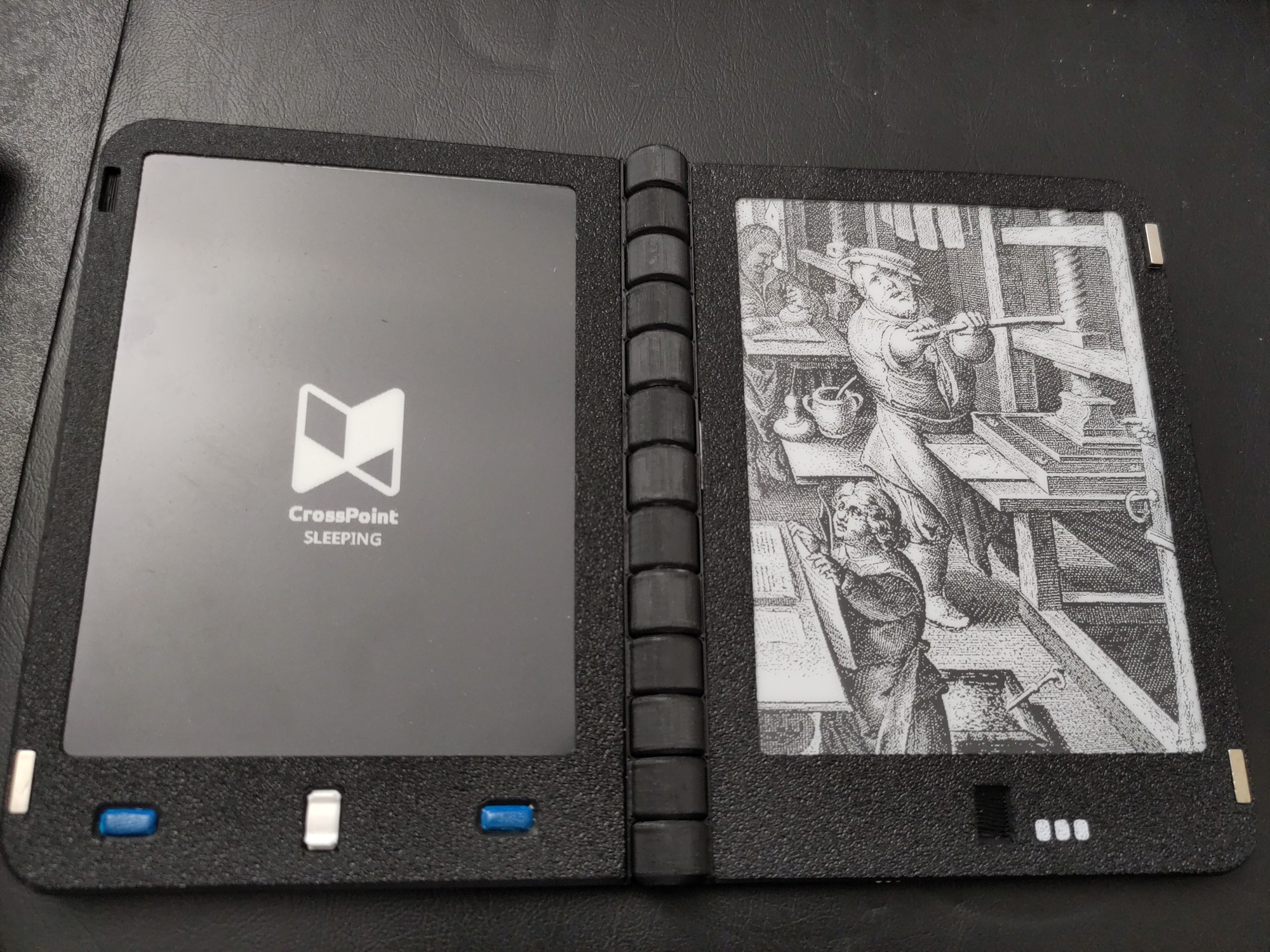
Some info prefacing all this:
-
Crosspoint: https://crosspointreader.com/ - Community open source ebook reader firmware that extends functionality.
-
Diptyx: https://diptyx.dev/ - open source and (mostly) open hardware 2 page ebook reader.
A person (casualducko) has been hard at work, making crosspoint working on the Dyptyx ebook reader: https://github.com/casualducko/crosspoint-diptyx
I was able to test it in its VERY experimental stages. After a week all I can say is that it works REALLY well! It looks like its mostly the X4 code with some custom code for Diptyx buttons and functionality. It helps that these ESP32 devices are all very similar under the hood.
Some highlights:
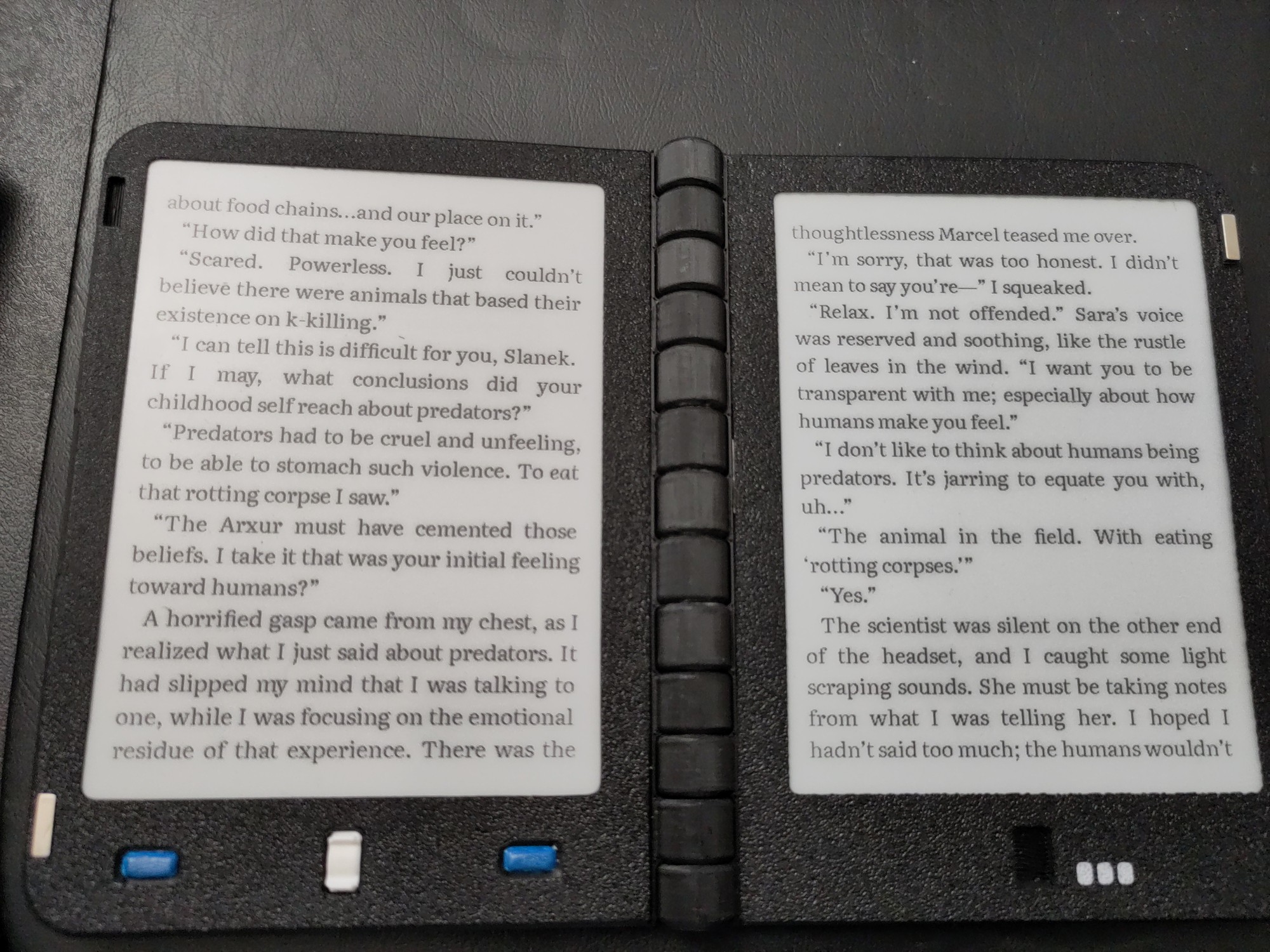
New fonts!
All of the fonts downloaded no issues. It was very easy.
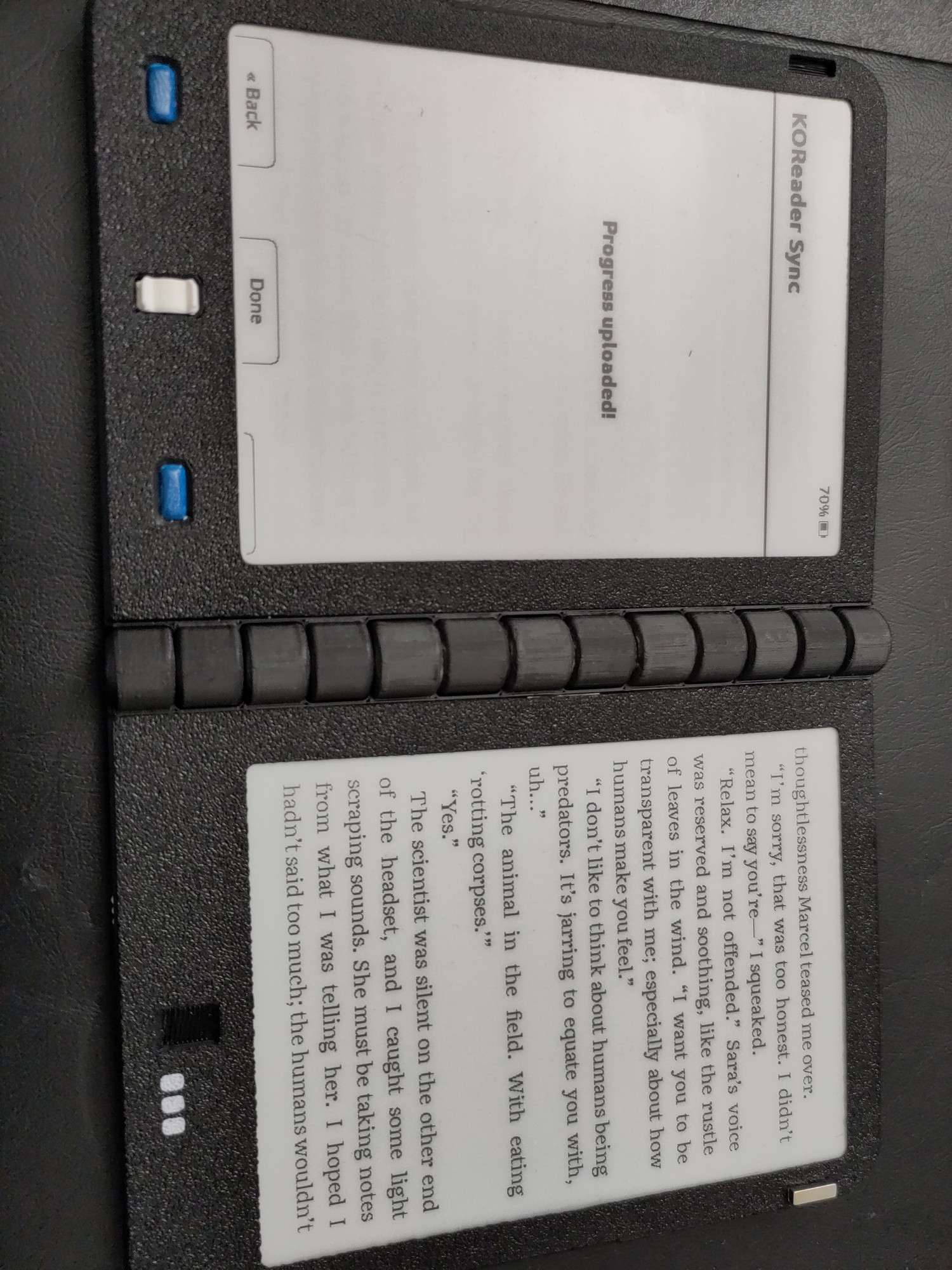
Wifi works now!
You can do all the things like managing your library, syncing with Koreader, OPDS, and other such functionality.
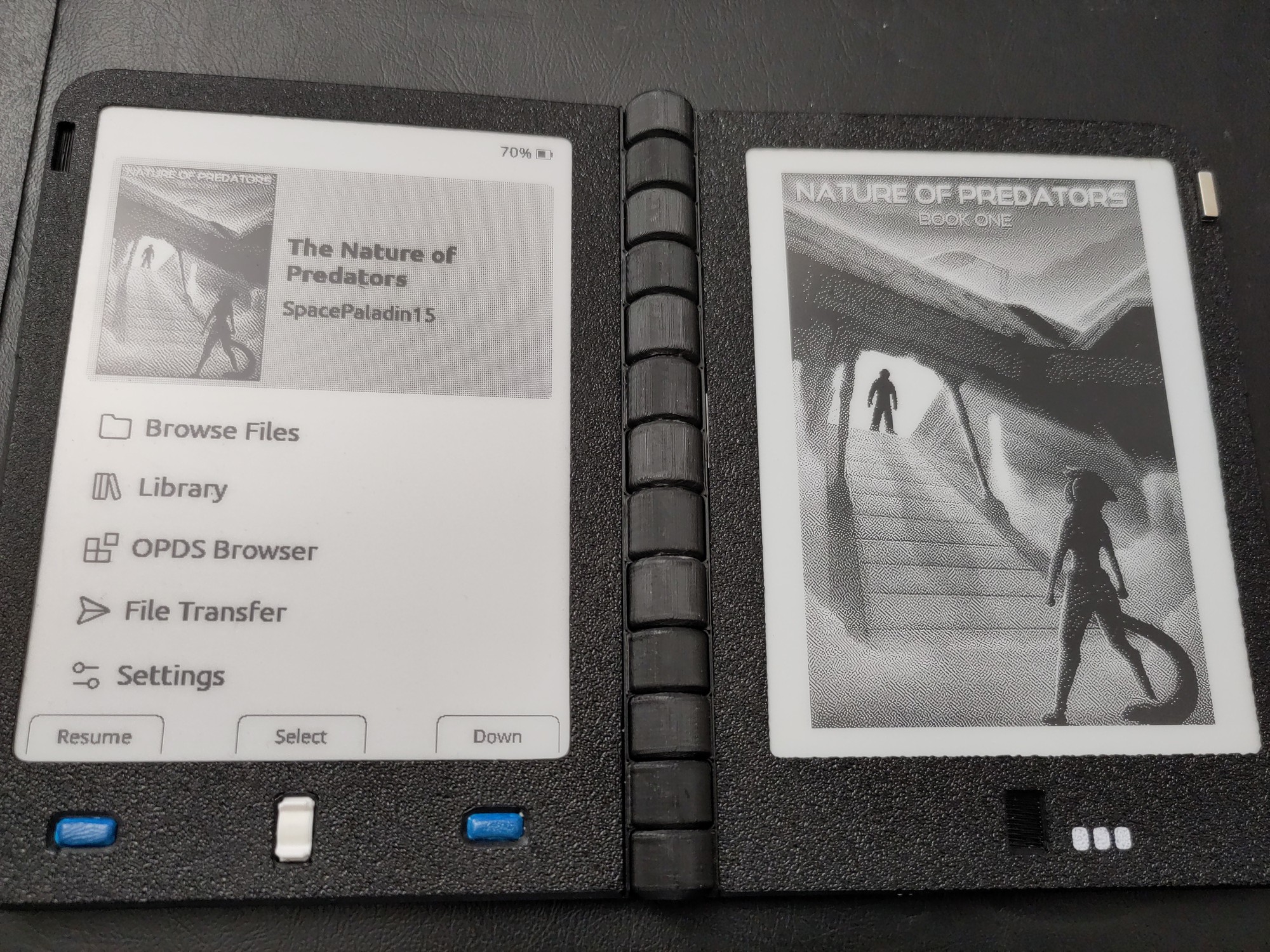
Main screen
The main screen looks good. Getting back into a book is easy to work with.
OPDS works for Gutenberg and my own library.
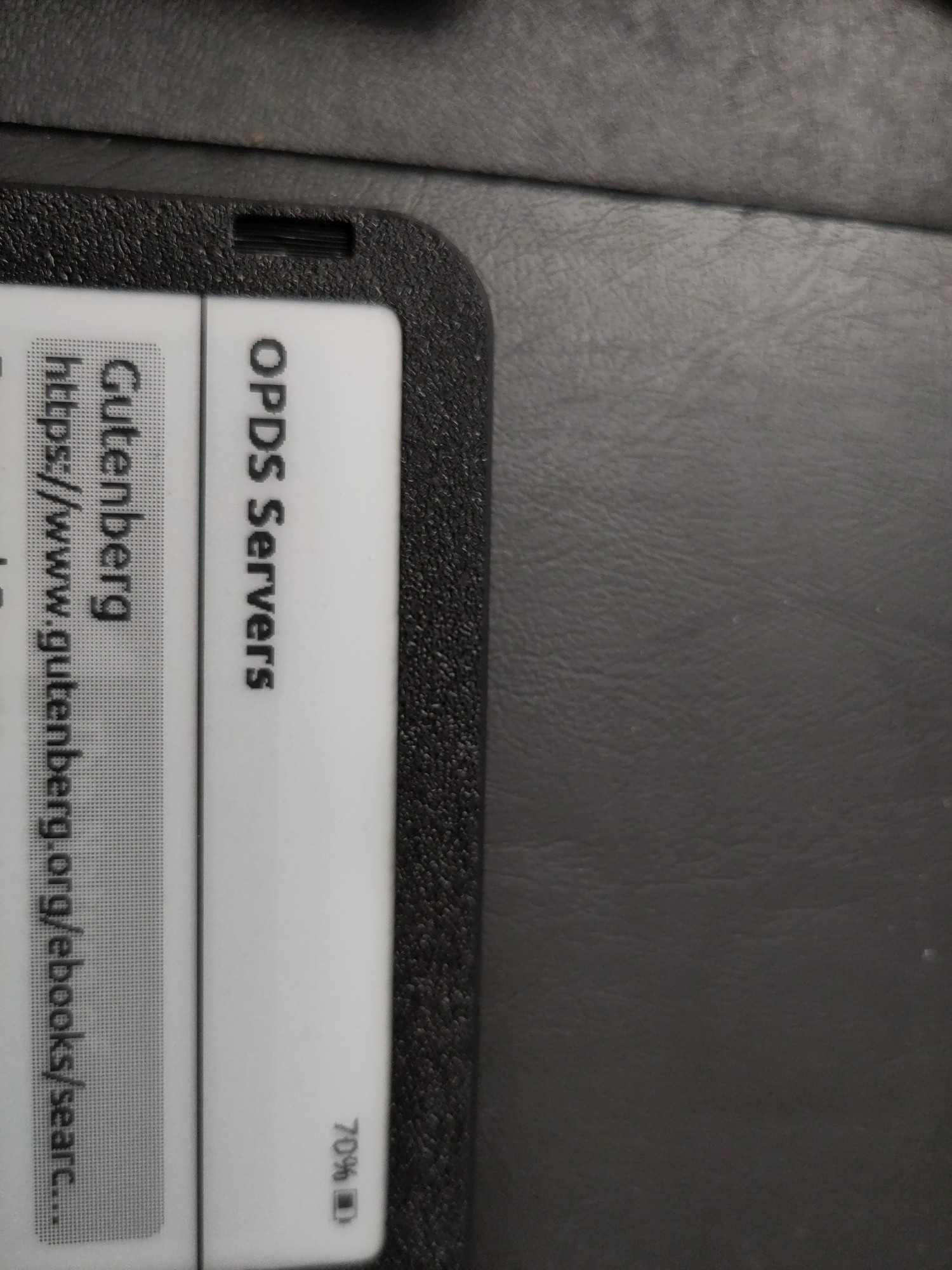
Crosspoint Sync also works on the setup. I was able to hobble together a script that auto-pulls down my book progress into BookWyrm once a day. (Are you on bookwyrm? Follow me on Bookwyrm! DM me for the deets!)
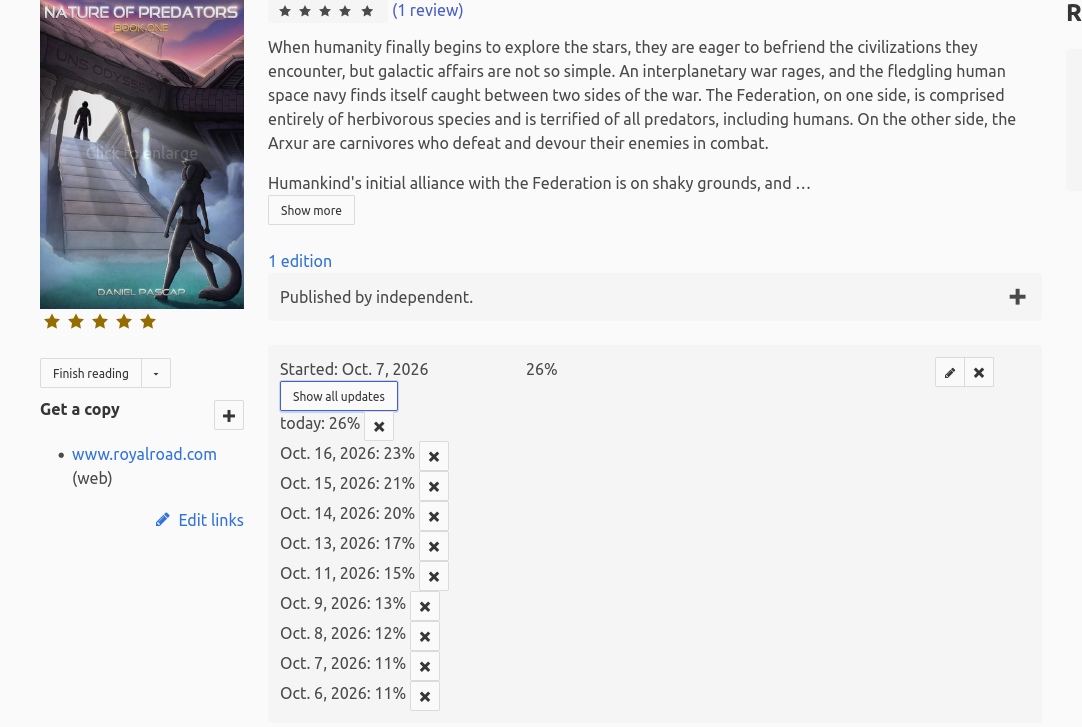
Anyway hope you all have a great weekend. Ill probably be fiddling with this new firmware for a while.