1


It's about the same size as an Xteink while being a more capable device that features a touch screen, a mic, and higher pixel density, only costs $50, and Crosspoint OS (eReader software made for the Xteink X4) supports it. So it can be turned into a great little e-reader.

E-paper has been having a bit of a moment recently. First, the Boox Palma shrank the form factor of eReaders down to something a bit more pocketable and less proprietary than the Kindle. Then, open source developers seized upon and installed custom firmware on the Xteink X4 and X3, cheap no-frills eReaders that snap to the back of your phone and are just enough for many people.

The X4 was clearly a huge success, as Xteink is following this up with the X3 Pro and X4 Pro and Boox has announced their micro ereader competitor the Boox Picco.

But bare bones e-paper is anyone’s game at this point, and so Seeed Studio has thrown their hat in the game with the reTerminal Sticky, an even cheaper and more capable small magnetic eInk display that leans in on the entire angle that made the X4 a viral sensation.

2


4jn6bFqzax7mGfd.jpg

lPahr9WoctCOoXY.jpg

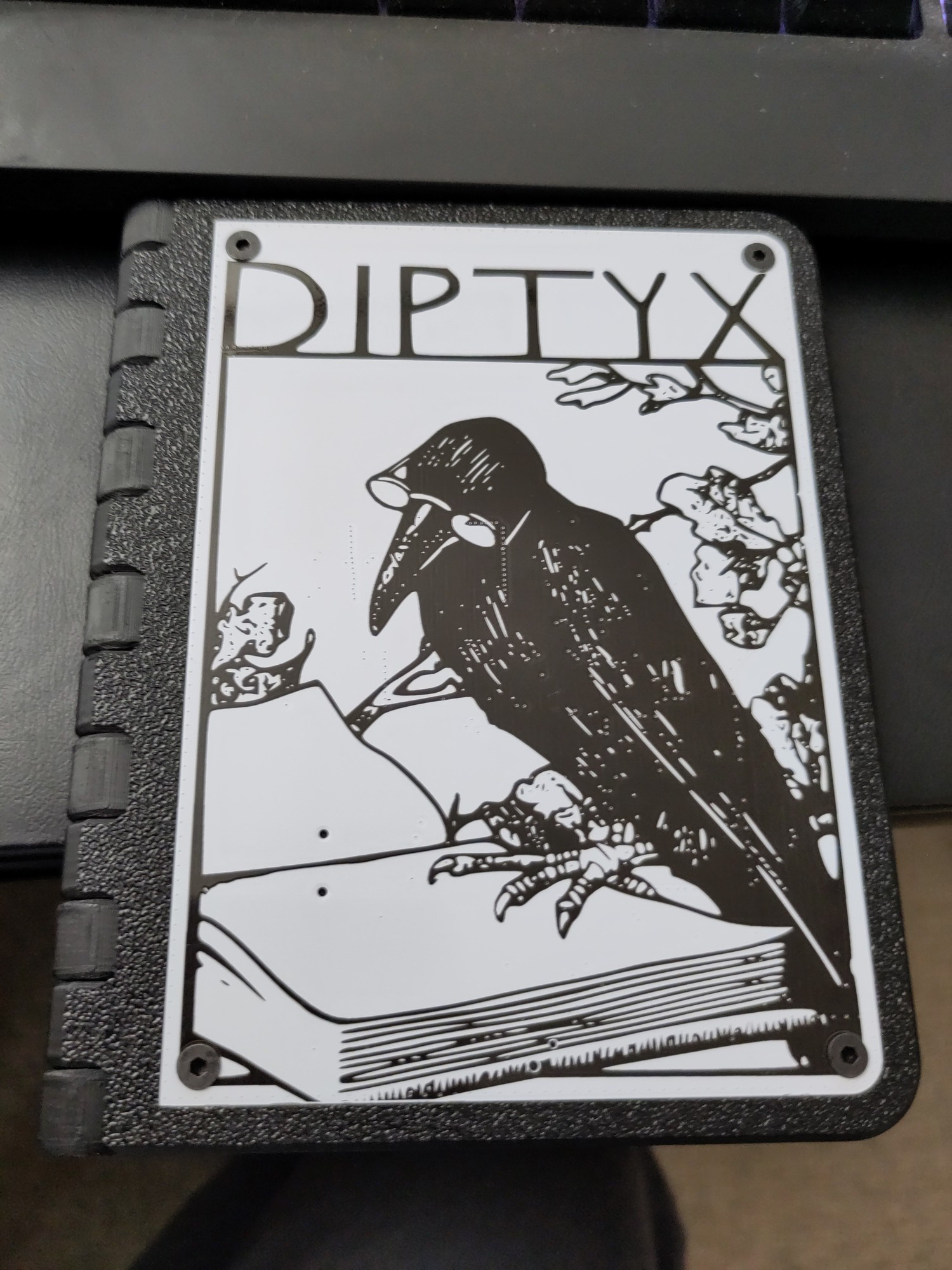
Playing around with it now. https://diptyx.dev/

3
4
5
6


Throught it was neat someone ported uxn OS to the XTE INK 4

Video here: https://www.youtube.com/watch?v=aERzNvtfeG8

7
8
9


Determine the appropriate jailbreak for your combination of circumstances.

10
11


From reddit:

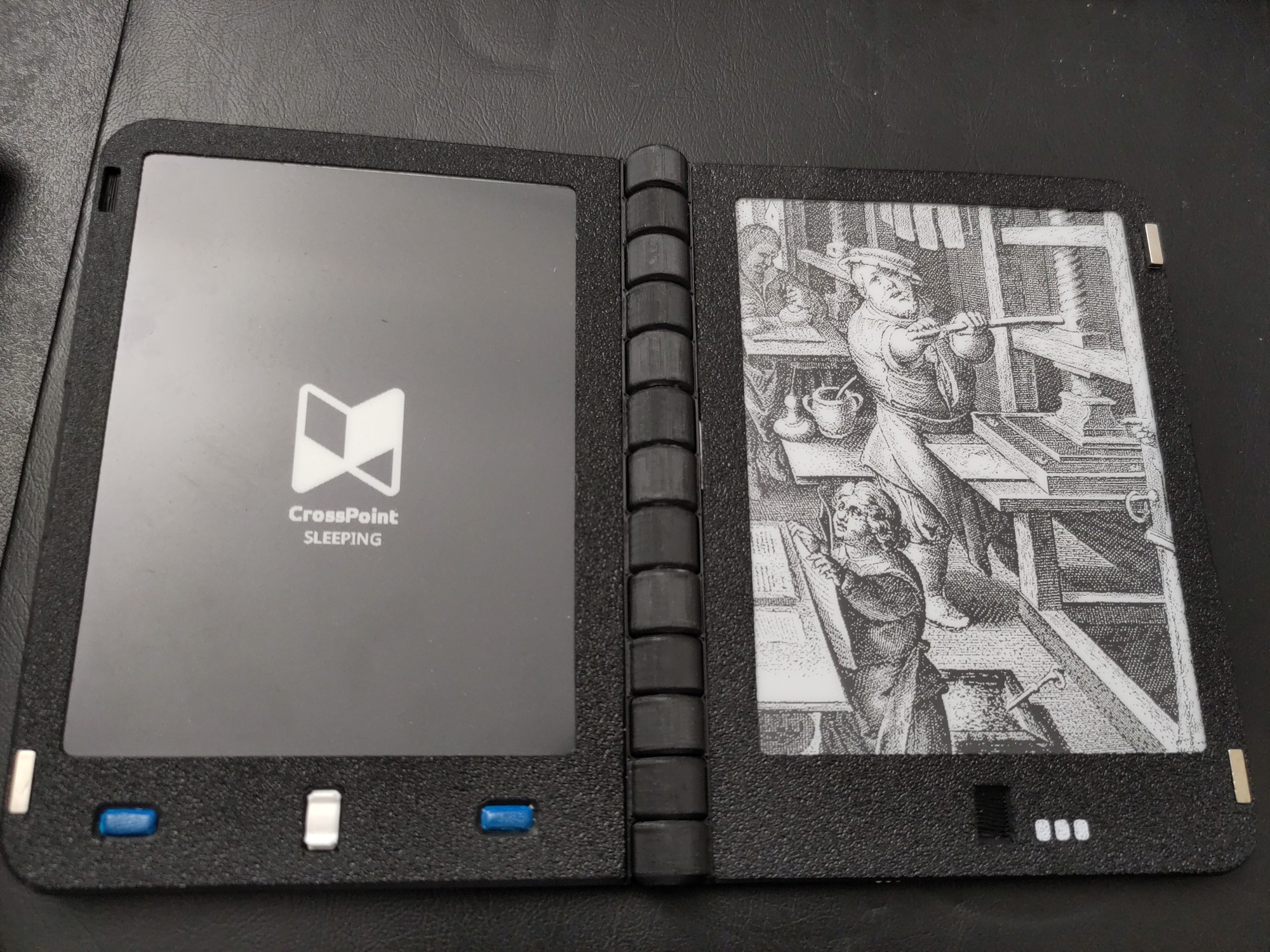
I love my Diptyx eReader dearly, but I wanted something with touchscreens and a frontlight. So I decided to make my own little compact dual-screen eReader, and here’s the result!

It’s basically two XTEINK X4 Pro readers held magnetically into a custom 3D-printed, book-like case. The case has eight small magnets that give it a satisfying snap when it closes. The two devices communicate wirelessly through a custom fork of CrossPoint. Turning a page on either reader updates both screens so they show consecutive pages - no cable connecting them!

The readers pop out for charging and microSD access.

If anyone wants to try it, you can flash the firmware here and find the case files and assembly instructions on MakerWorld.

You can see more pictures here.

It’s working really well so far and I really love it. If anyone else winds up trying this, please let me know!

https://casualducko.github.io/crosspoint-xteink/
https://makerworld.com/en/models/3503017-xteink-x4-pro-dual-screen-ereader-book-case#profileId-4001841

12
13
14
15
16
17
18
19
20


Some info prefacing all this:

A person (casualducko) has been hard at work, making crosspoint working on the Dyptyx ebook reader: https://github.com/casualducko/crosspoint-diptyx

I was able to test it in its VERY experimental stages. After a week all I can say is that it works REALLY well! It looks like its mostly the X4 code with some custom code for Diptyx buttons and functionality. It helps that these ESP32 devices are all very similar under the hood.

Some highlights:

New fonts!

All of the fonts downloaded no issues. It was very easy. rEAoCDhIWEZqvZb.jpg
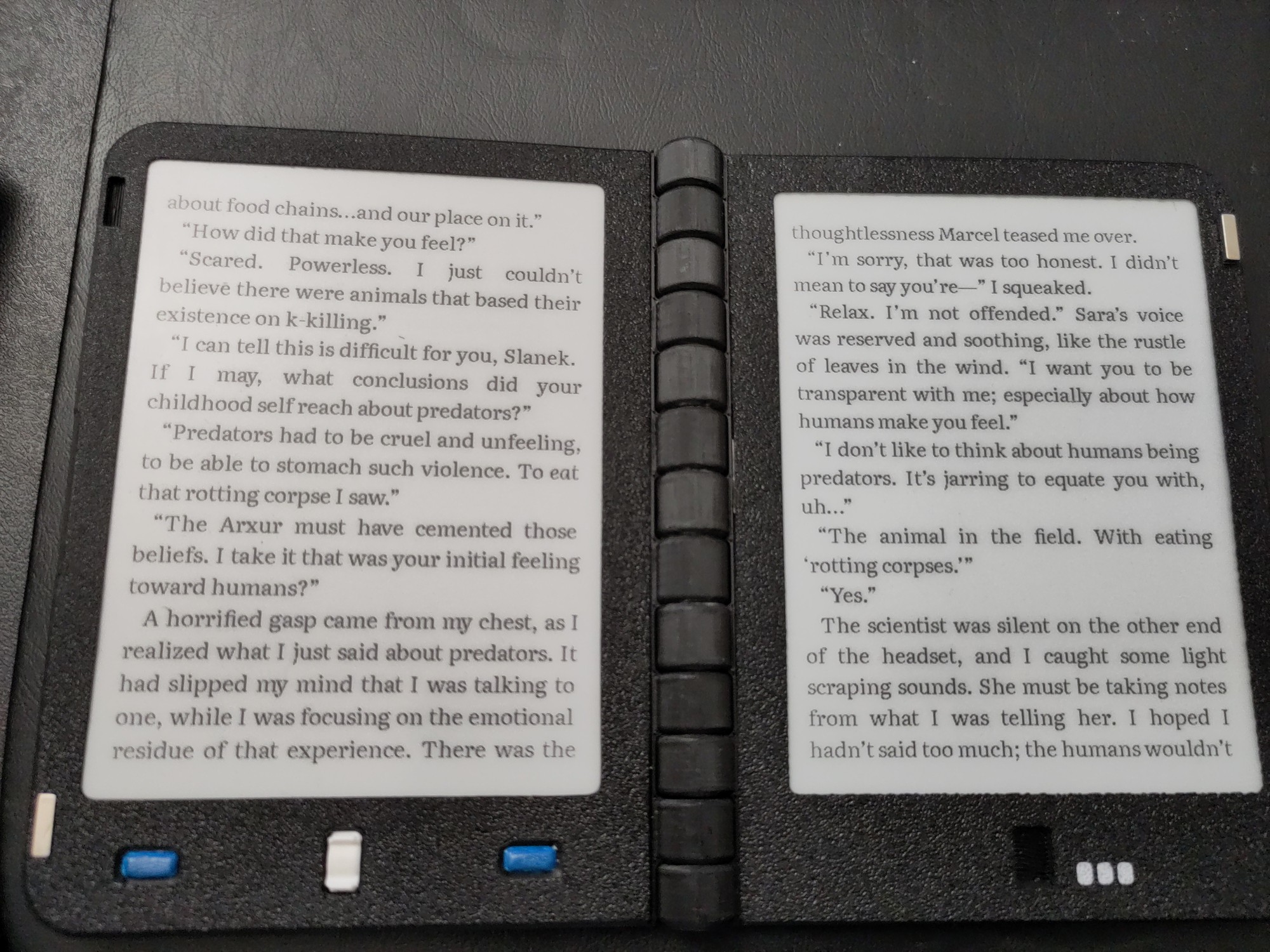
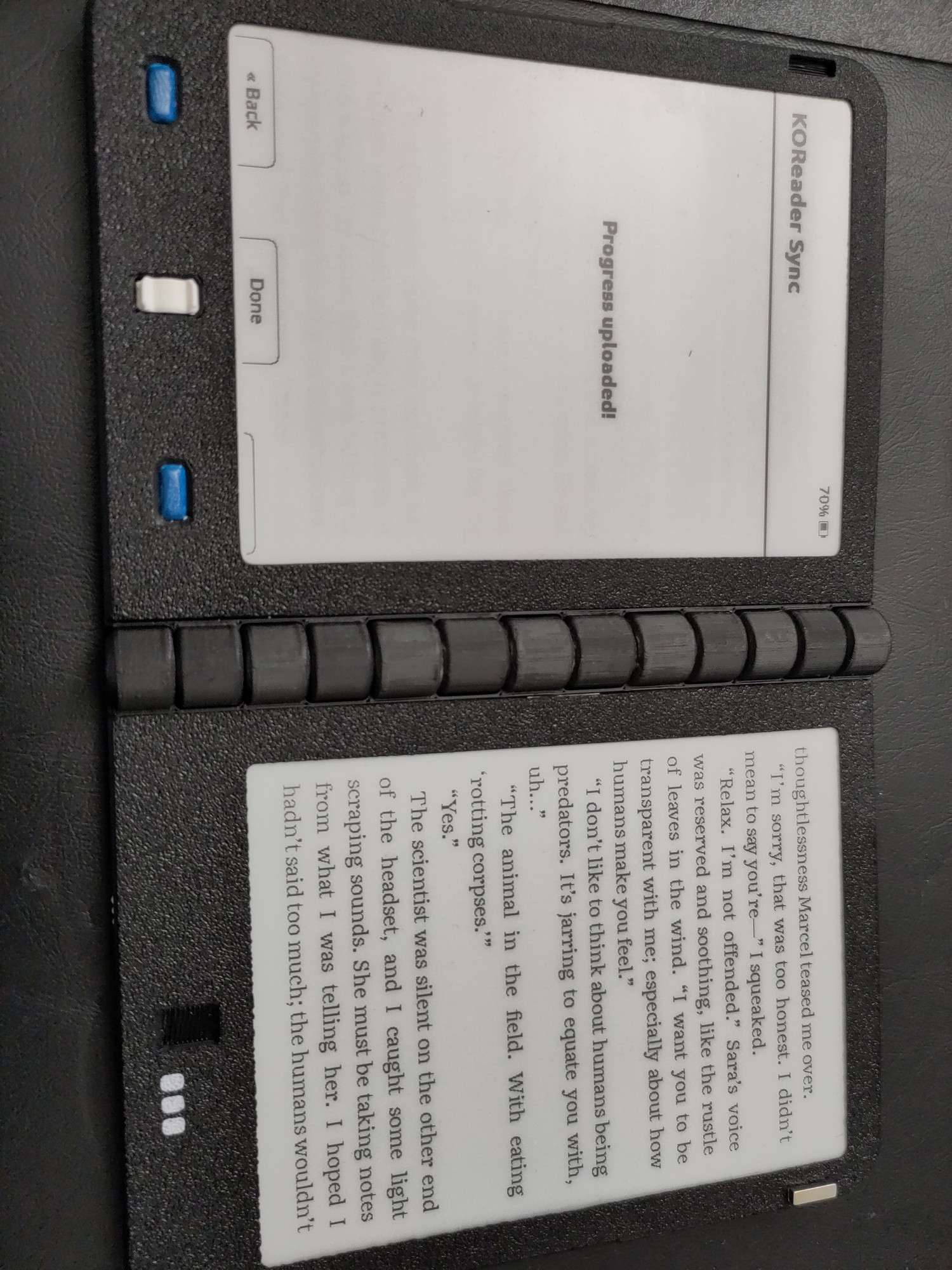
Wifi works now!
You can do all the things like managing your library, syncing with Koreader, OPDS, and other such functionality.
gfzZiK0tVb30ZuF.jpg

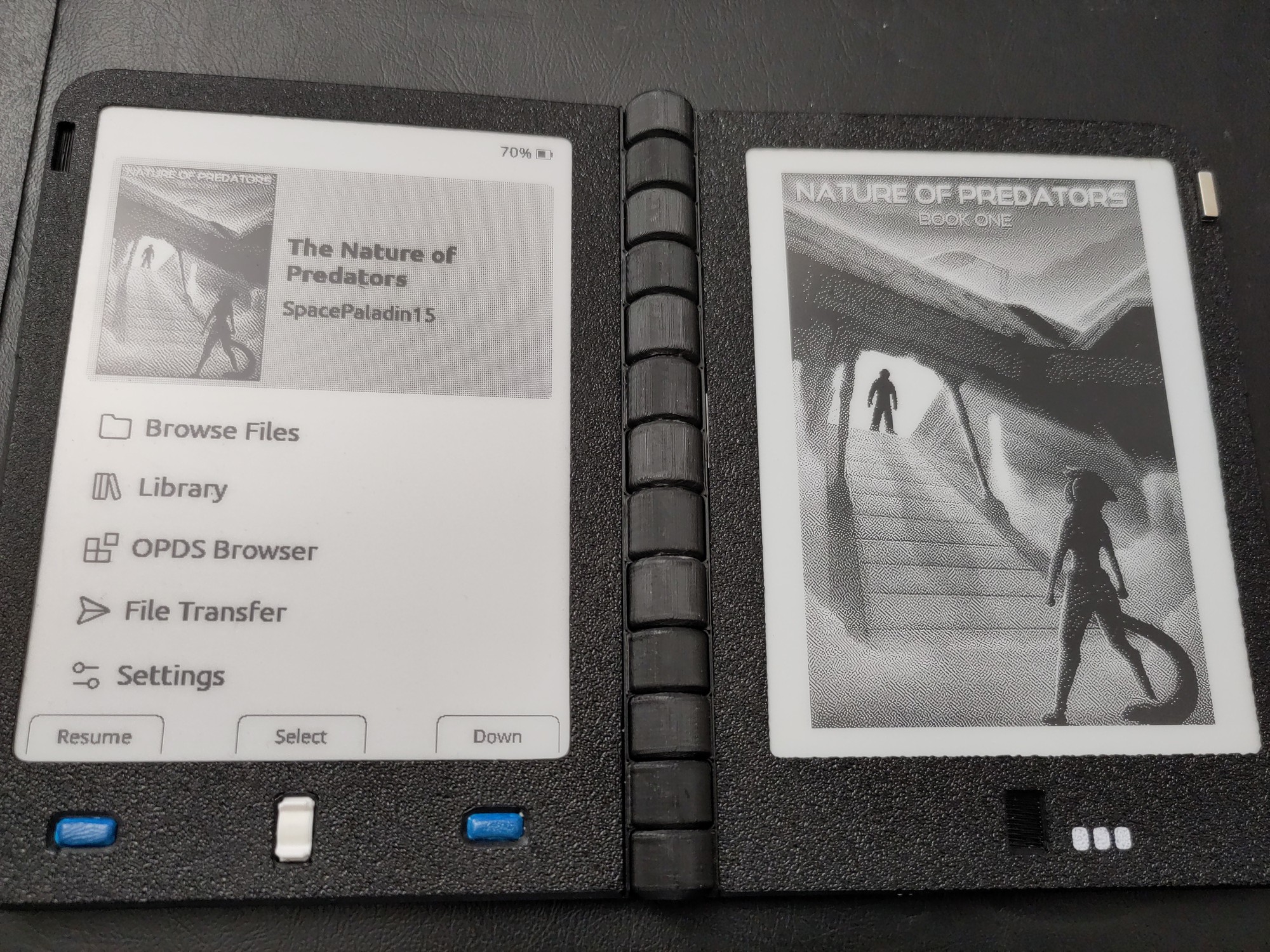
Main screen

The main screen looks good. Getting back into a book is easy to work with.
kFNEqS0jpErOjcX.jpg

OPDS works for Gutenberg and my own library.
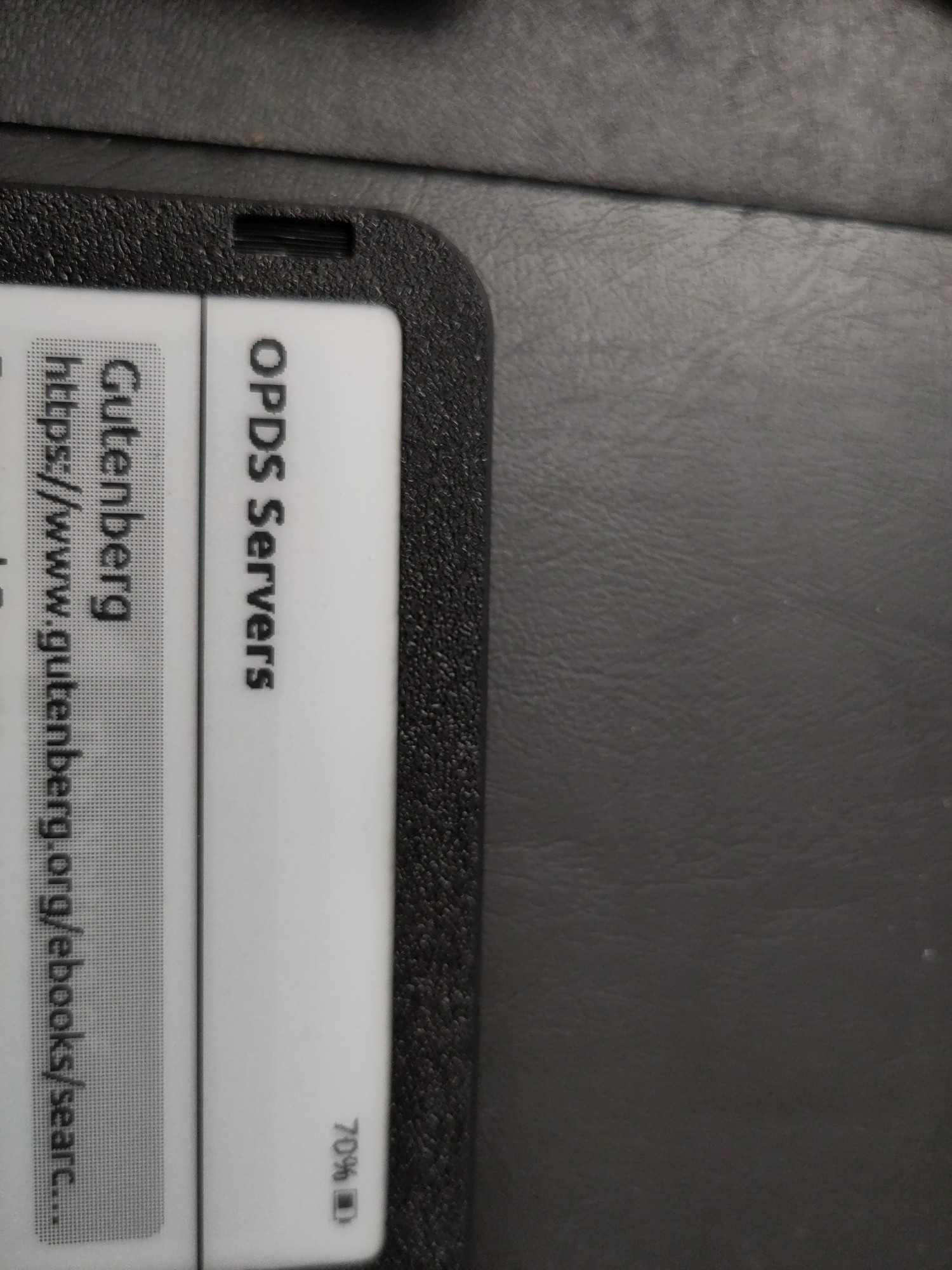
jKt89E8s7Q679Fc.jpg

Crosspoint Sync also works on the setup. I was able to hobble together a script that auto-pulls down my book progress into BookWyrm once a day. (Are you on bookwyrm? Follow me on Bookwyrm! DM me for the deets!)
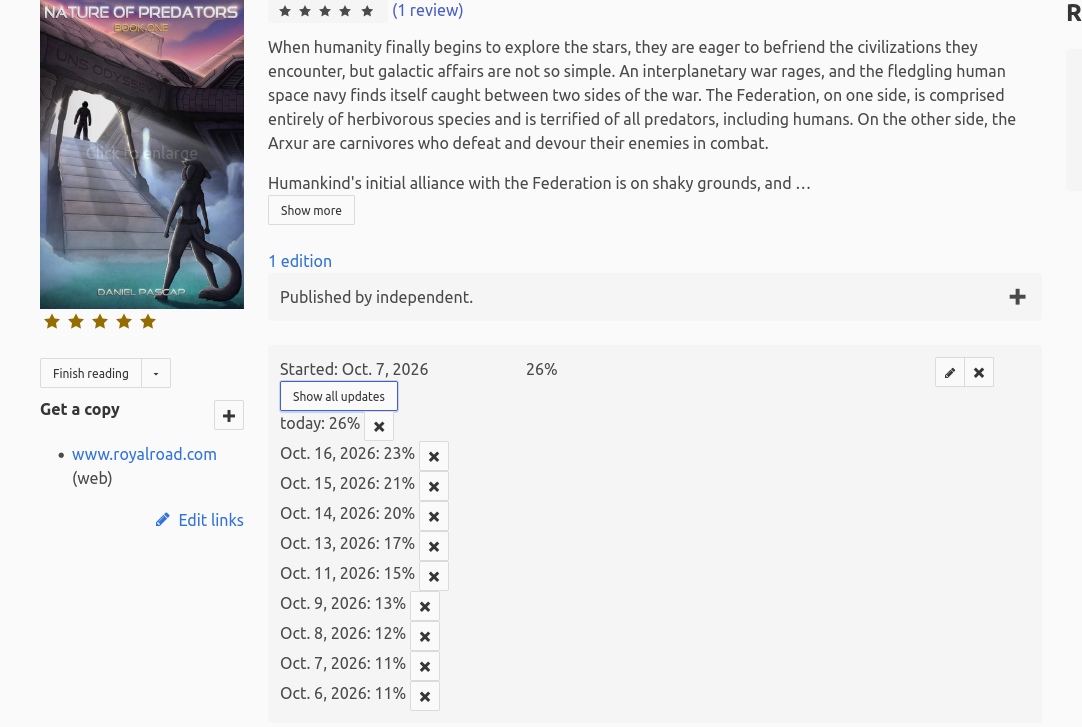
image

Anyway hope you all have a great weekend. Ill probably be fiddling with this new firmware for a while.
21
22


Article isn't about ebooks and ebook readers specifically, but it's an interesting look at reading habits and how they change and how publishers react.

23
24


One of the cool things about the new Kindles for 2026 is they were designed to have removable back panels so you can easily replace the internal battery when it wears out.

It’s weird because Amazon seems to be going out of their way to avoid advertising the fact that the new Kindles have user-replaceable batteries—you’d think that would be a positive marketing point to exploit—but so far they’re being coy about it.

There is this new Amazon Kindle Battery Guide page that was recently added to the help section of Amazon’s website. It lists all the new Kindles for 2026, and talks about the new Battery Status section that appears in the settings menu on the new Kindles.

To find the battery status entry on your 2026 Kindle, go to Settings > Device options > Battery > Battery information.

From there, it shows your Kindle’s battery status. There are three possible indicators: normal, battery capacity limited, and incompatible battery.

Amazon doesn’t specifically state the new Kindles have user-replaceable batteries on that page, but that’s the gist of it. And they do specifically state that on the Identify Your Kindle page, where it says “User-replaceable battery (EBR-compliant)” under the description for the new Kindles.

I was able to remove the back panel on the Kindle Ube with surprising ease. At first I was afraid I was going to break something, but then I committed to prying down on the corner with a fingernail and the back popped right off. I recorded the process to show how easy it is (video below).

The aluminum Kindles have two hex screws that have to be removed before you can take the back off of them. I’m not sure what size they are, but they’re tiny. The plastic Kindles (the purple and black colors) don’t have any screws holding the back on, but there are four Phillips head screws holding the battery in place.

I assume it’s the same story with the new Paperwhite and Colorsoft, but we’ll have to wait until they get released to know for sure.

25
view more: next ›