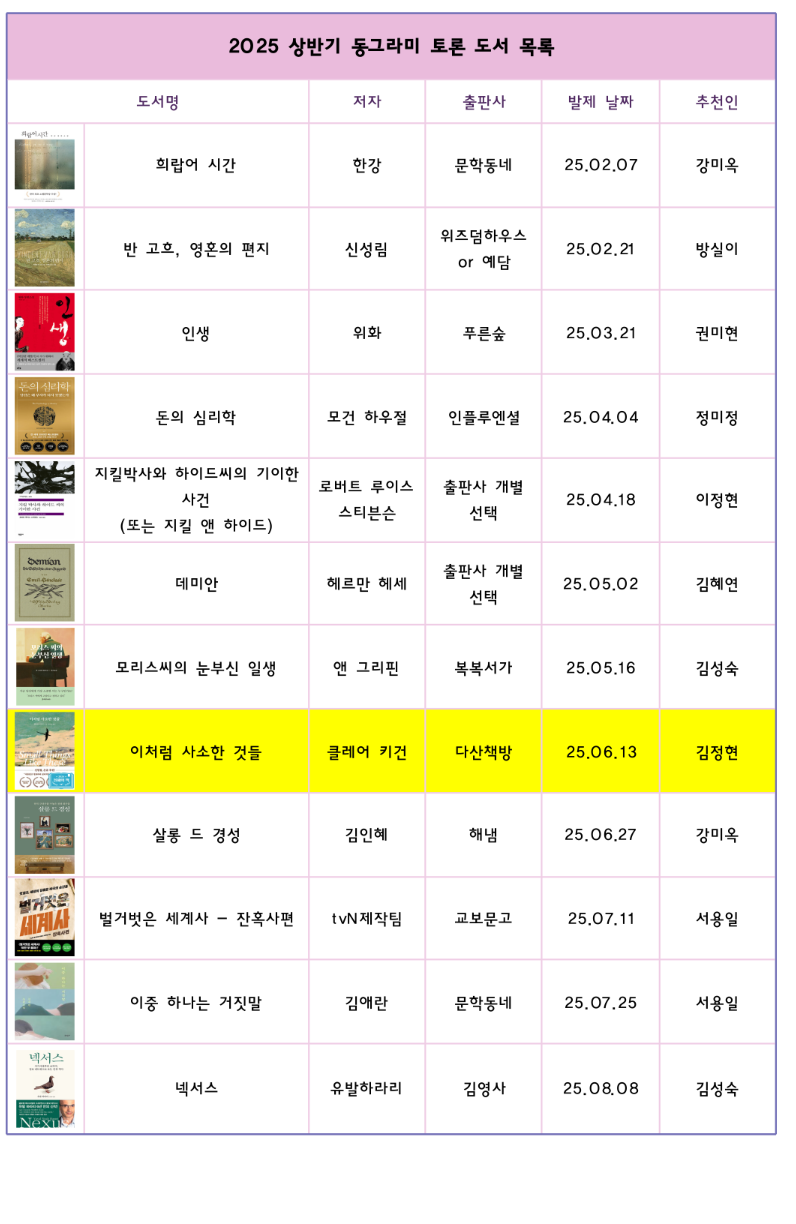
My mother wants to make something like the image.
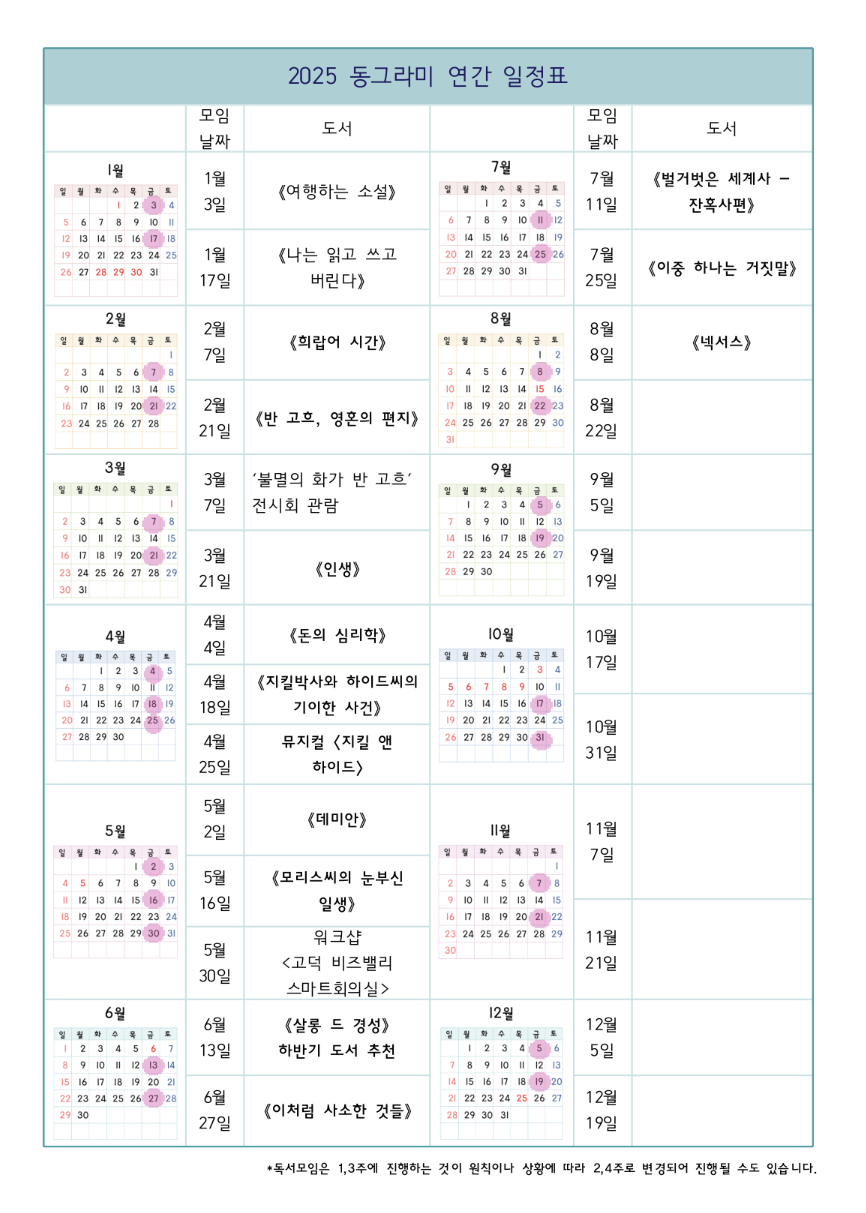
Currently, she has to use a proprietary word processor, with no good way to control the size and margins. Hopefully there is a better way to achieve the same with less ceremony.
The features we need:
- Create tables with images/texts on each cell (images should be embedded inside each cell)
- Merge some cells together to make a good-looking table
- Multi-line texts in some cells, with formattings like boldface
- CJK language support
Then, good flexibility to control size of cells would be nice - the more intuitive, the better. Both locally installed program or web-based app is fine.
Are there software for this purpose? Thanks a lot in advance!