I forgot to format the drive when I got it. Formatting from exfat to ext4 fixed it, thanks!
comments
It's slower then nvme, but for day to day laptop use, not really noticeable once booted
That's an interesting idea. I would not have though of doing it.
Do you notice any performance issues at all?
I run the entire os from the USB modules (no nvme) no issues with steam
I like the modules I can swap environments and operating systems when traveling, going to a client site, etc
Format the drive and try again maybe?
Weird, I always get an email about blog posts, but not for this post for some reason. From the 10th: https://frame.work/blog/one-key-module-developer-program-recap
Sucks, but if it can't reliably get deployed to customers, better to cancel it than to ship a product that will fail for most users.
The nice thing about an open product, is that if someone else can resolve the issues, they're free to sell it and fill the market.
Panic is doing tariff refunds. Both are great to see.
After Sony and others saying shit like ... we're not obligated to give you shit: https://finance.yahoo.com/economy/policy/articles/sony-microsoft-keeping-tariff-refunds-144527894.html?guccounter=1
Imagine any other company saying "we actually overestimated costs, and even though you agreed to a higher price, we're going to lower it for you accordingly".
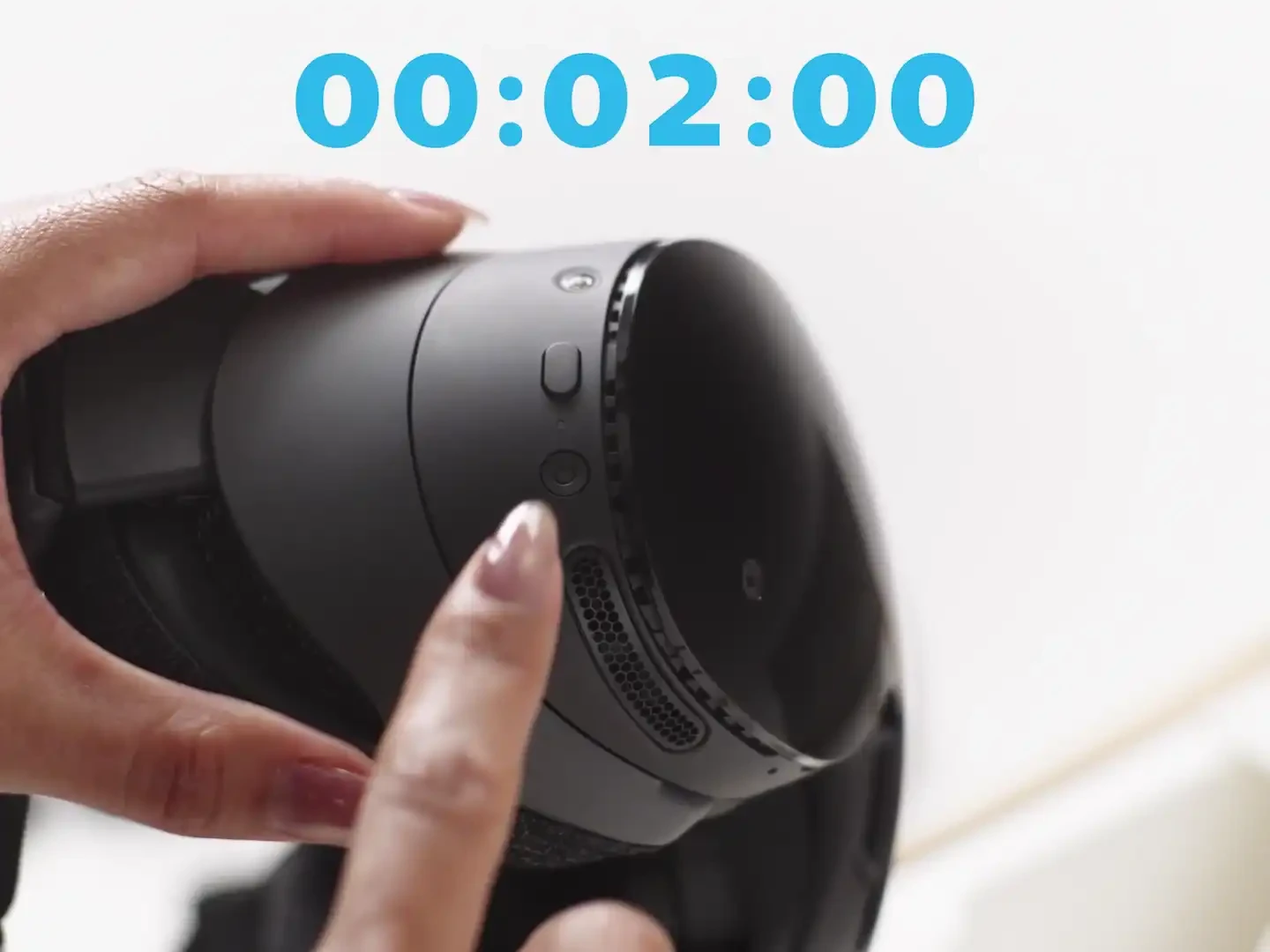
Whew, I thought that video was about to tell me that I have to hold down that button for a full two minutes. Who uses a colon to separate nanoseconds? Usually, I would expect to see 00:02.000 or 00:02,000 to indicate "two seconds", not 00:02:00.
comment on
Framework Laptop 12, now with Core Series 3
Honestly it looks awesome, especially if you have an old FW12 or existing RAM + storage (since that can double the price of the FW, yikes I hope the bubble pops soon!)
It's not just a chip bump it looks like, there's also the backlit keyboard (+ ZMK!), fingerprint reader (huge!), a preinstalled Fedora option, and two TB4 ports! Battery life has also improved a lot with Wildcat Lake, which is always nice
Definitely considering the FW12 as my new laptop, since I love that fun colours. The display is still the same though, it's the only thing keeping me to my old Asus laptop (which has a fantastic OLED, but a now very degraded battery and aging performance, not to mention how it's a nightmare to try and open up. Supports Linux super well though which is nice!)
comment on
Framework Laptop 12, now with Core Series 3
Love to see the 12 get support! Hopefully once the bubble pops, the price can come down a bit
comment on
Framework Laptop 12, now with Core Series 3
The new US English backlit keyboard comes standard on Fedora pre-built Core 5 and Core 7 systems, and is an option on any DIY Edition. On the backlit keyboard, we’ve also switched to a reprogrammable keyboard controller using open source ZMK firmware. We’ll be moving to that controller and firmware on each language of non-backlit keyboard over time.
One of my biggest complaints about the Framework 12 was the non-backlit keyboard (which was not that big of a complaint, really), so it is nice to see them address that. It is neat that they made it ZMK, as well.
EDIT: I am not seeing the new keyboard on their marketplace. I assumed there would be a "preorder" available like they usually do, but they only have the 1st generation versions of the keyboard on the marketplace.
EDIT: Preorders are live now. Same price as generation 1. Interestingly, while the listing does mention a backlight in multiple places, it does have this paragraph:
Made of 30% post-consumer recycled plastic resin, the Input Cover Kit comes in a variety of layouts and languages. This kit includes a pre-assembled Keyboard and Touchpad. It features full-size keyboard with 19mm key spacing, 1.5mm key travel, and a non-backlit layout.
Note the "non-backlit layout" part at the end. I assume that paragraph is just a mistaken holdover from the 1st generation listing.
I like to keep Red Hat as clients only. All my company and personal machines, with the exception of the Proxmox cluster (and my Steam Deck) are Debian based.
Most of my company systems are Debian, Mint or LMDE, but I like the Pop!_OS look and workflow out of the box. I am sure I could customize anything to get me most of the way there, but I don't have the cycles to do so.
I've heard good things about ZorinOS
Mint is too Windows like
https://www.howtogeek.com/i-made-linux-mint-look-like-macos-with-these-tweaks/
Fedora is not Debian based.
Do you require something Debian based for any particular reason?
Is there a way to de-Snap Ubuntu. I'm still running Pop!_OS 22.04 because I don't think Cosmic is ready for primetime yet, but my laptop is getting pretty old and this Framework seems nice. I just always avoid Ubuntu because I dislike their Snap push amongst other things. Mint is too Windows like, and Fedora is not Debian based.
If there is no way to de-Snap Ubuntu, what other Debian based distro should I look at for the Framework?
TLDR in terms of repairability (where left to right means more repairable):
Macbook Air (soldered...everything)
... -> System76 (soldered RAM) -> Framework
Build quality:
FW13 (base) -> System76 Lemur Pro -> Macbook Air / FW13 Pro
Performance:
FW13 (base) -> System76 Lemur Pro / FW 13 Pro / Macbook Air
note: M silicon has higher single core, Intel chips have equiv GPU performance, but Macbook Air thermally throttles so it evens out I guess?
Fun factor:
Macbook Air -> System76 Lemur Pro (COSMIC is pretty fun, but otherwise unremarkable) -> Framework (super customisable!)
OS:
Macbook Air ships with MacOS, can run Asahi Linux for M1/M2
System76 Lemur Pro ships with Pop! OS or Ubuntu, and you will directly support Linux development
Framework can ship with no OS (only for DIY), Ubuntu (only for prebuilt), or Windows (ew)
So in my opinion, Macbook Air -> Framework -> System76 for OS
Battery life:
FW13 (base)
... -> System76 Lemur Pro -> FW13 Pro / Macbook Air
Other differentiating factors:
- upgradeable parts + interchangeable ports (Framework)
- you can even go from base 13 to the 13 Pro!
- supporting Linux development (System76)
- half eaten Apple picture on your laptop lid that, for many people, will get covered up with stickers anyways (Macbook Air)
- no fan, very hot (Macbook Air)
- colour options:
- FW 13 (base): silver, customisable bezel colour
- FW13 Pro: silver/black, customisable bezel colour
- System76 Lemur Pro: black
- Macbook Air: silver, yellowy silver, blueish black (barely blue silver was introduced with newest chips)
Funny enough - I'm already rocking Asahi. Love it! The hardware shortcomings don't really affect me, thankfully. It's much better than macOS as a whole, but still has enough bugs to be a headache, unfortunately.
Despite the bugs, though - I would still highly recommend Asahi if one must buy an Apple laptop (and has a bit of Linux know-how).
Just of note, Asahi Linux could be an option in the future! Currently, the main limitation is no DP alt mode through the TB4 ports, lack of TouchID, and no VRR or HDR. The devs are working very hard and it's quite impressive what they have achieved already! Asahi is a great option right now if you have an Air though, as long as you don't need USB-C displays or USB4 connectivity.
I regret my Apple. MBP M1 Pro. It's got plenty of power, but macOS gets worse and worse.
I'm assuming that you are looking at the smaller size options (13"), particularly since you are prioritising portability (why else would you have gotten a tablet computer?)
Your main options will be the FW 13 / 13 Pro, the System76 Lemur Pro 2026, and one of the Macbooks (ideally an M1 or M2, since those will be cheaper and are still really good chips, plus compatible with Asahi Linux if you want to try that out)
The Macbook Airs do not have a fan (so they will run quite hot, a friend of mine regularly complains about this whenever they try to run anything intensive) and have a limited selection of ports, and you will have soldered RAM and storage. However, particularly for the M1 and M2 series, you can get them for a very good price compared to the smaller brands. Even the M3 is going down in price!
For System76, they are unique as they are also developing their own Linux distros, Pop! OS, so by purchasing their hardware you are also supporting Linux development. Their recent Lemur Pro has the Panther Lake CPU (so you will get efficiency and graphics performance competitive with the base M chips), and reportedly has very good battery life too. The one point is that the Lemur Pro w/ Panther Lake has soldered memory, just like the Macbook. The storage appears to be replaceable though. Port selection is a lot better than the Macbook Air as well
Finally, you have the Framework devices. The base 13 has some build quality issues with flexing and such, but nothing that makes it a less functional computer. The Kraken Point CPUs will not be as performant or efficient as the M series or Panther Lake silicon, but it is probably enough for most tasks. It just won't last as long as the Apple Silicon or the Panther Lake laptops. The highlight of the FW is its modularity, you can replace all the parts easily and even upgrade the mainboard, speakers, display, etc.! You can also add colourful accents if you want a more fun machine. I also like that FW has modular ports, incl. a UHS-II SD card slot!
The FW 13 Pro is likely out of your price range, it's more expensive than the base 13, but has a number of benefits, like the Panther Lake CPU, LPCAMM memory (not soldered!!), a (matte) touchscreen, a fully CNC machined chassis (like the Macbooks!), much better battery life (competitive with the Macbooks!), better speakers that are side-firing rather than bottom firing, haptic touchpad, etc. But I think the highlight is that one can upgrade a base 13 into the "Pro" by swapping out the chassis, main board, display, input cover, etc.! So if you can't get a Pro now, you can later on upgrade only the features you want (maybe you want better battery life but don't need the new touchscreen)
If you want Linux, get a framework.
If you want macos, get a Mac.
There's really nothing else to think about.
Would love to see Coreboot support for Framework Desktop
view more:
next ›