[–] 9 points 6 months ago* (last edited 6 months ago)

4 posts were still left up from your batch after I cleaned up some to clean the home instance feeds and them the mods trimmed it down more (from 19 within the same small window of time). Just make sure to spread posts out so theyre not all posted in a chunk (and dont use camelcase for titles or have connections to reddit). This post is more than a day after the other ones so would be fine

  • source
  • parent
  • context
  • [–] 5 points 6 months ago*

    Yeah any playlists on platforms are unfortunately going to be missing the p.d entry since it was made for a game jam and doesn't exist outside of it atm due to the composer not being well known

    Youtube I think is the only thing that has 12/13 of the entries (apart from the "playlist" just being links to things like mine is in the post)

  • source
  • parent
  • context
  • [–] 2 points 6 months ago

    The playlist is just links to the videos atm (apart from metadata but to listen to the actual song people have to go to the video)

    I've got it in another post in the community. It's mostly just links to youtube apart from ours which isn't on there

  • source
  • parent
  • context
  •  

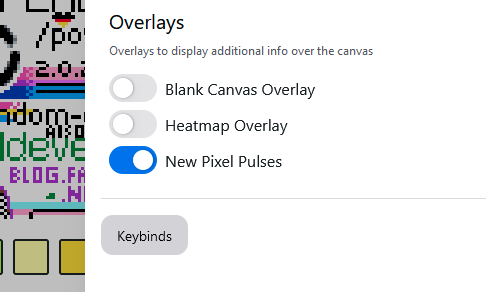
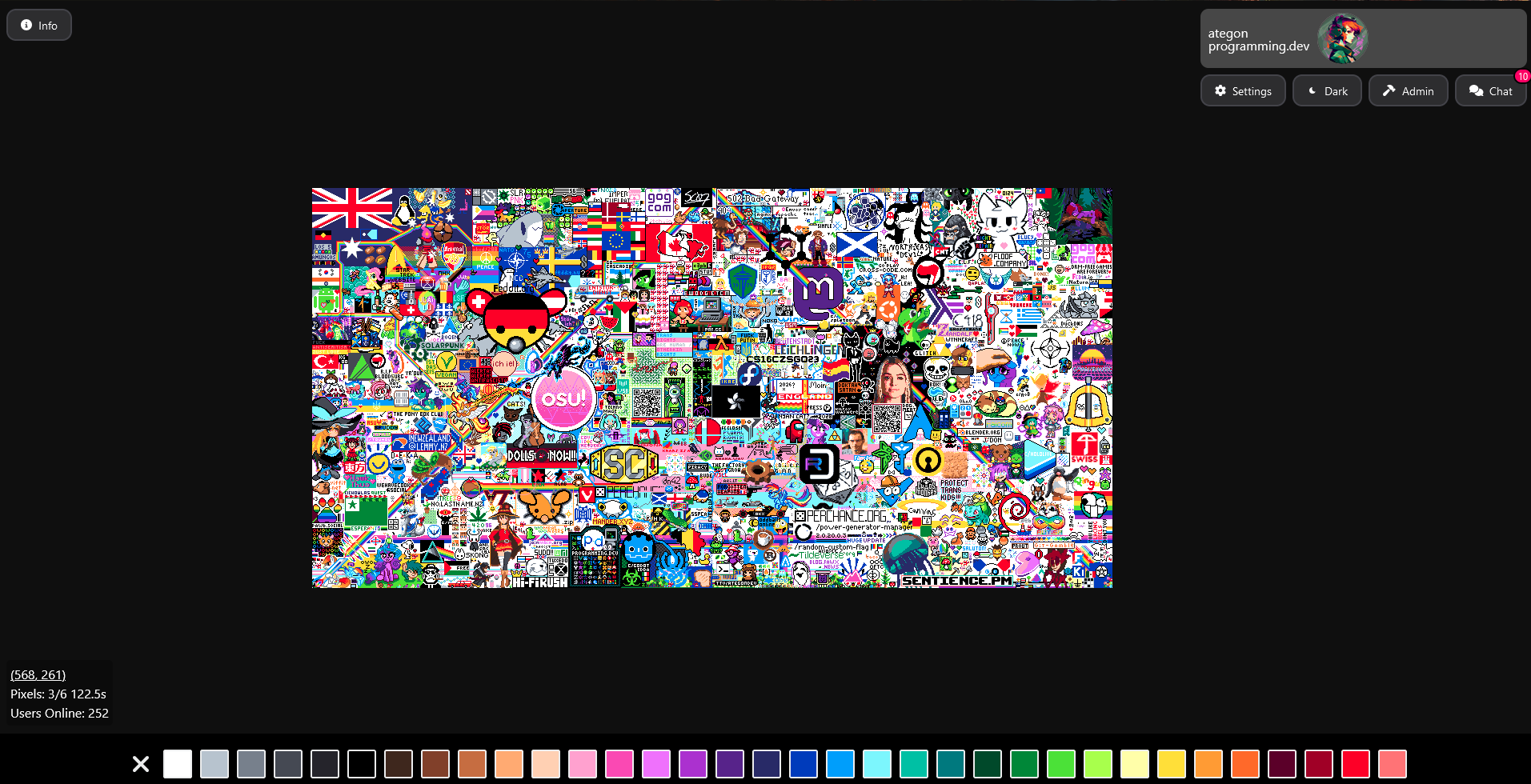
    As part of an update that was just pushed you can now enable "New Pixel Pulses" which will make a little circle for a bit surrounding any new pixels that get placed onto the canvas

    You can use this to see where activity is happening on the canvas

    This was originally made as a userscript by soda_cans and was adapted by me into the actual codebase


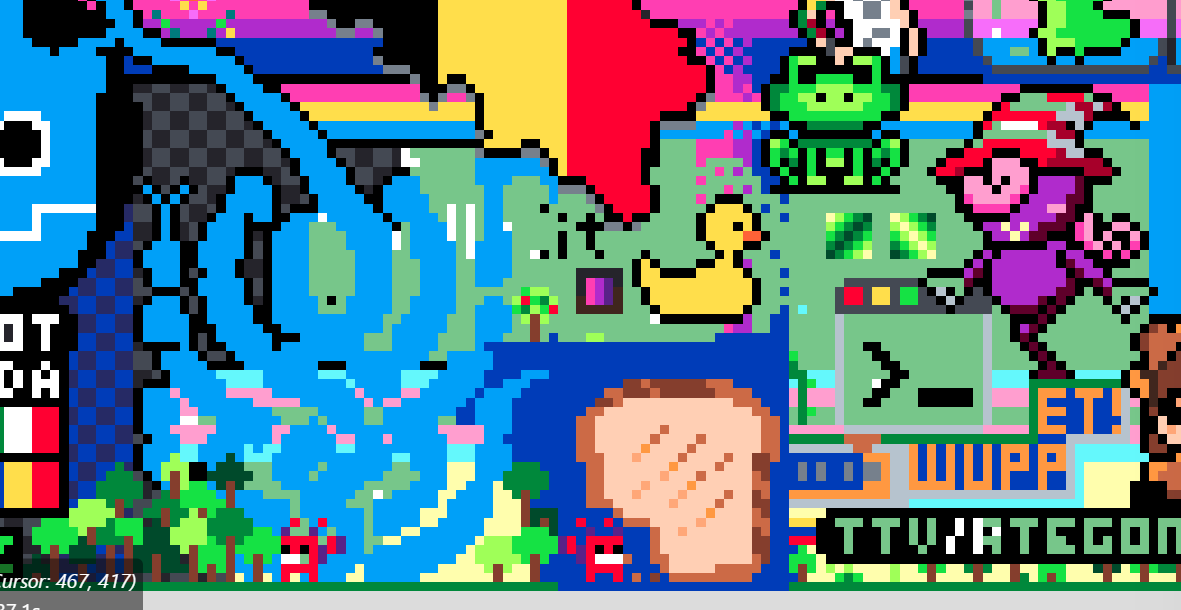
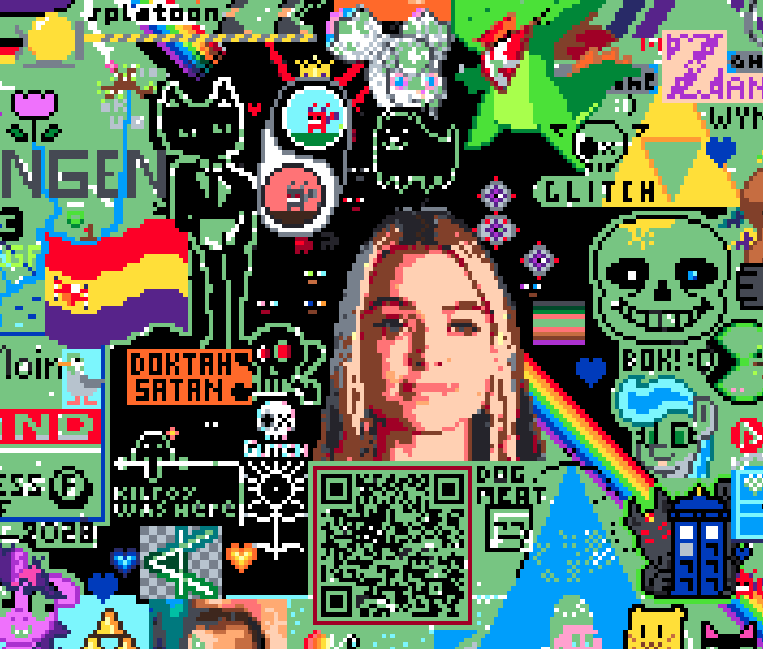
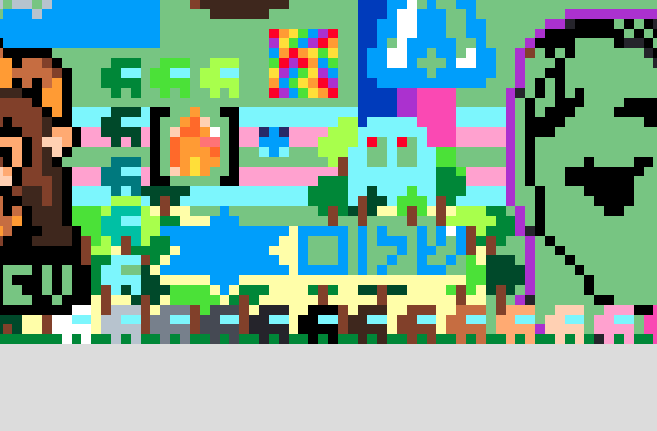
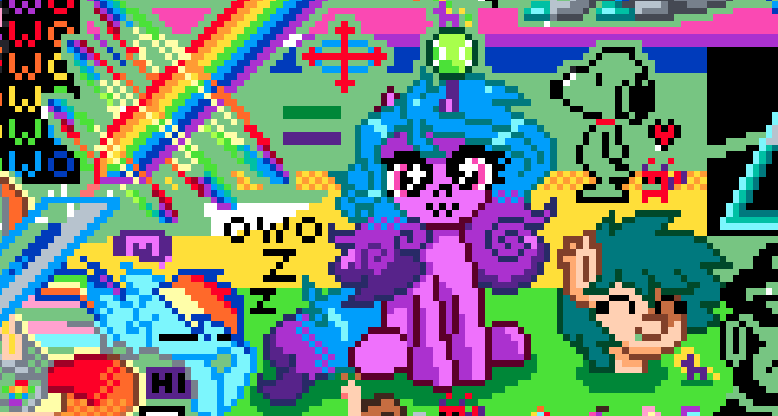
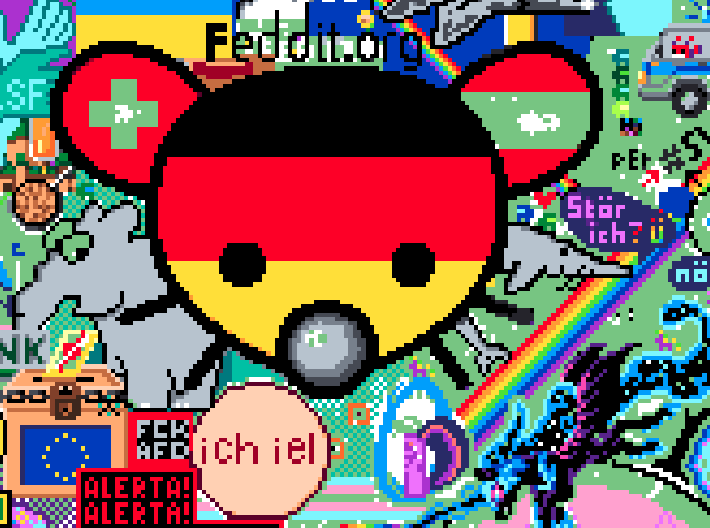
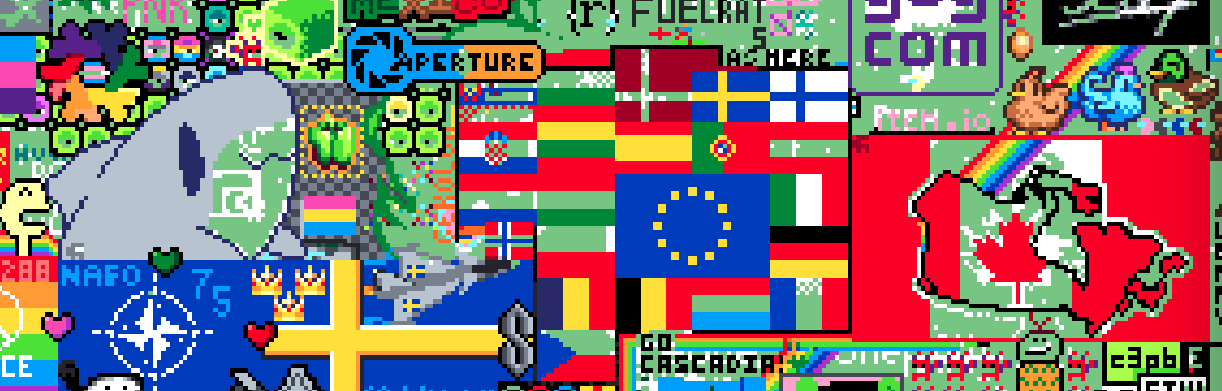
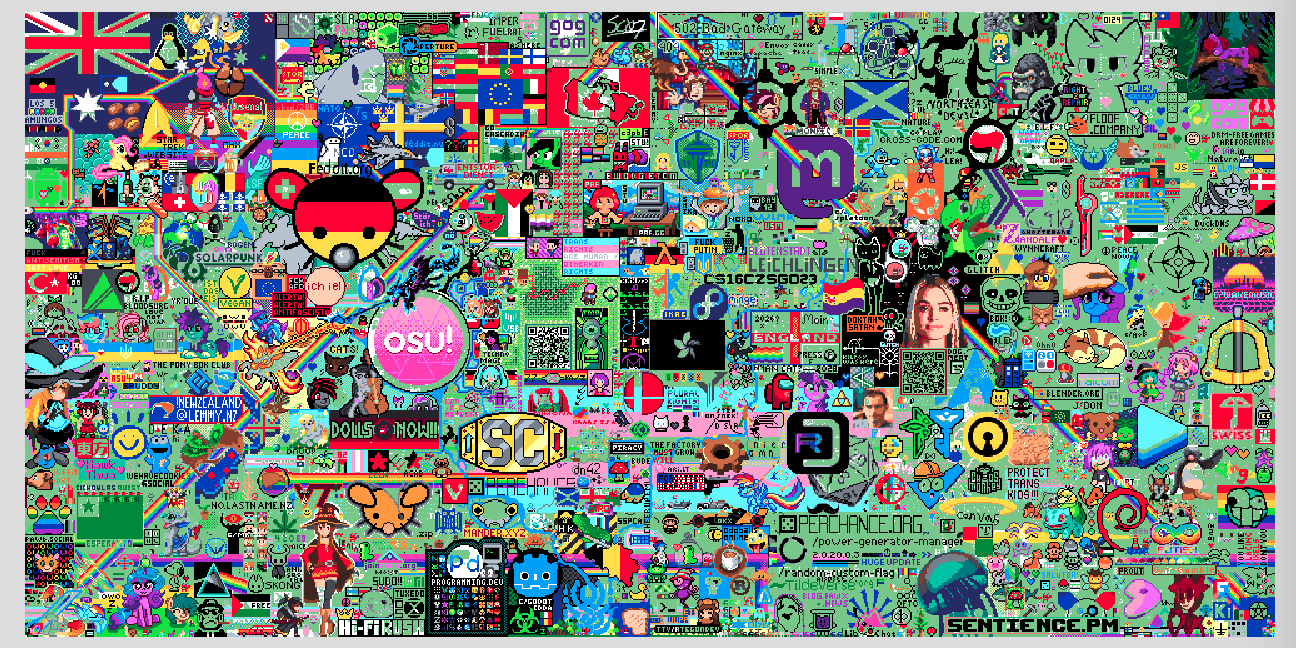
    Currently on the canvas theres a bunch of blank space remaining. This is both due to people using the blank space as part of their design and due to some areas not having backgrounds yet!

    (The green shade in the attached image is the blank canvas filter, you can find it in settings to see whats blank space and whats white)

    As we head into the last part of canvas if you have any spare pixels you dont know what to do with you can drop some to help out some of the backgrounds

    Some example locations:

    Bi flag (around y=437)

    Gray lattice (around 472, 461)

    Whitespace in OSU (around 313, 265)

    Void (around 709, 218)

    Foliage (around 581, 493)

    Yellow (around 74, 469)

    Blue and Teal (around 271, 201)

    White stripes in the upper flags (around 350, 46)

    If you have any others post them in a comment


    We now have a new alternate frontend for our instance, Tesseract!

    Tesseract is a fork of Photon with some differences displayed on the project's GitHub page.

    The overall main features being:

    • Full Media Support in Feed and Posts
    • Community Browser / Enhanced Discovery
    • Media Bias Fact Check (MBFC) Integration
    • Fediseer Integration
    • Distinguished and Sticky Comments
    • Keyword Filtering
    • Multiple Account Support
    • Improved Moderation Tools

    You can find the Tesseract frontend at https://t.programming.dev

    Along with this, Photon is currently only semi-supported as opposed to being one of our main Alternate Frontends. Due to a recent swap in Photon's tooling we are unable to update to later versions of Photon. As such, for now the alternate frontend will exist frozen and will continue to exist in the future until either: a new lemmy version breaks that version of the frontend or the issues are fixed and upgrading becomes possible again.

    Theme Library Planning (programming.dev)
     

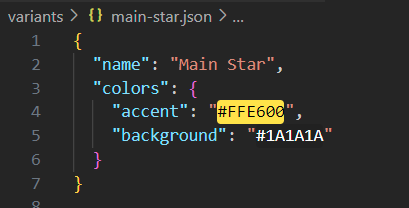
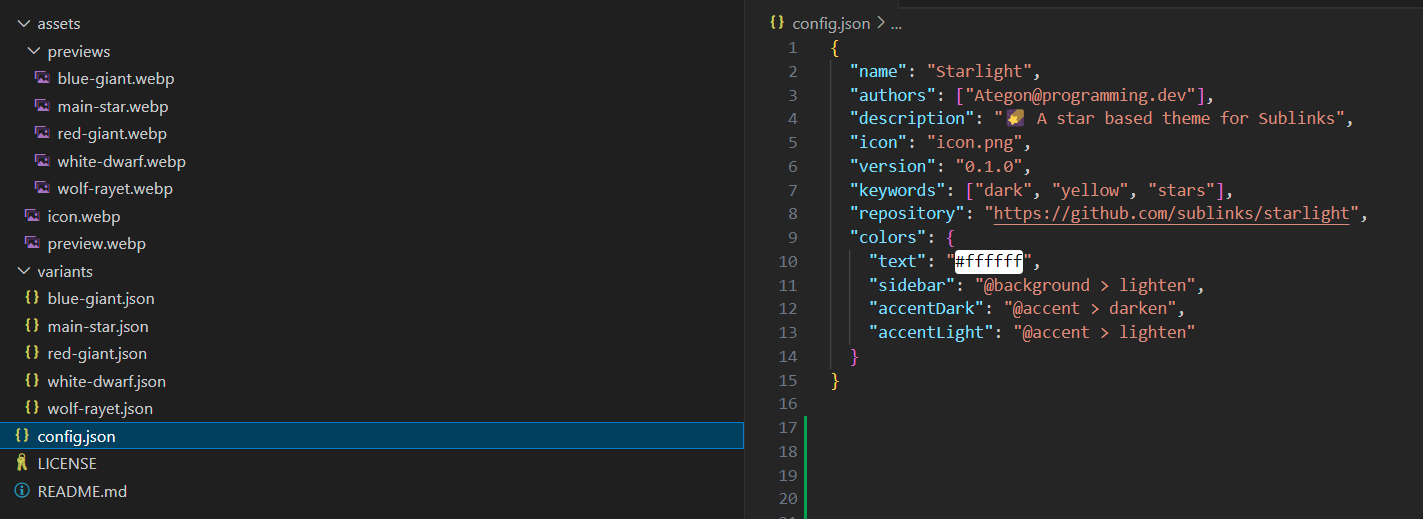
    Been working recently on a theme library for sublinks that will let themes be written in json files and then be read in and swapped between easily. (Ideally would allow people to make a theme at runtime using UI on instances that then generates a json file or zip file)

    Attached is an example theme with some basic colors added in. The assets would be taken to populate theme lists when looking at your themes and variants are variations of a theme (that share everything defined in config but also have their own versions of certain aspects)

    Below is some of the variants of the theme (accent color is different between the variants)
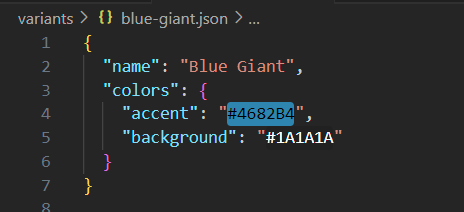
    This theme is currently on a repo https://github.com/sublinks/starlight but note images will not work yet as previews arent set up

    How color parsing works

    If just a color is entered for a variable (e.g. #1f1f1f) then the variable is set to that color

    Mentions can be entered to do the same color as another variable. (e.g. @accent gets the accent color.

    Operations can be entered to an operation on the previous value. Putting values fter the operation is like passing arguments to it (not all operations need arguments, some are optional and some have multiple arguments). (e.g. @accent > darken > 2 darkens accent by two steps).

    > is used to separate parts of a string that the parser needs to identify

    To handle operations, first the string has all of the infix operators replaced with postfix operators. So @accent > darken > 2 becomes @accent > 2 > darken. Then things in the chain between > are interacted with one at a time. If its a color or value it gets popped onto a stack. If its an operation it pulls things from the stack, does the operation, and then pushes the result onto the stack
    More home page progress (programming.dev)
     

    Back with another update on the home page. Ive added a new communities section on the right, made the right sidebar be able to be hidden, and added in the post sort and scope options above the post feed (as well as fixed some misc bugs)

    Will be spending future days now cleaning everything up, adding in behaviours for choosing post scopes and sorts and having that reflected in the feed, and fixing bugs that popped up

    Auth has also now been merged in so ill be integrating that into the home feed for things like the subscribed post feed

    This update came a little later than I wanted to since ive had some other things I had to finish up but ill be having another update posted tomorrow edit: doing some auth shenanigans which is breaking the build. Logging in is now implemented and added to the home page though :) update soon once some things get merged in


    Another update on some progress. Been working on implementing popovers that will show information when you hover over things for long enough. This gives an easy way to get certain information without needing to leave the post feed

    Moving your mouse off of the chip or popover closes it so you can keep browsing

    Community chips (with the icon and gradient) replace links to communities in markdown. It makes sure that everything is a link relative to your instance and that it can trigger a popover for the community

    This is shown in the video below with nested community chips (the description of these communities in lemmy currently link to other communities and those have all been replaced with chips)

    More sidebar progress coming tomorrow

    edit: if anyones over on the microblog side feel free to follow me there for some more frequent updates as im working on things. Usually will do progress reports there and then larger updates here. @Ategon@bytes.programming.dev


    Hey everyone! Ill be starting to share updates on the frontend visuals here like I was doing with Pangora before it got merged into Sublinks

    • Edit: note for people who are wandering in here not knowing what Sublinks is. Sublinks is an upcoming fediverse link aggregator separate from lemmy. It will have api compatibility on release so frontends and apps should still work but the project will be focusing a lot on mod tools and federation updates once it reaches parity. This UI is the default frontend I'm designing for it

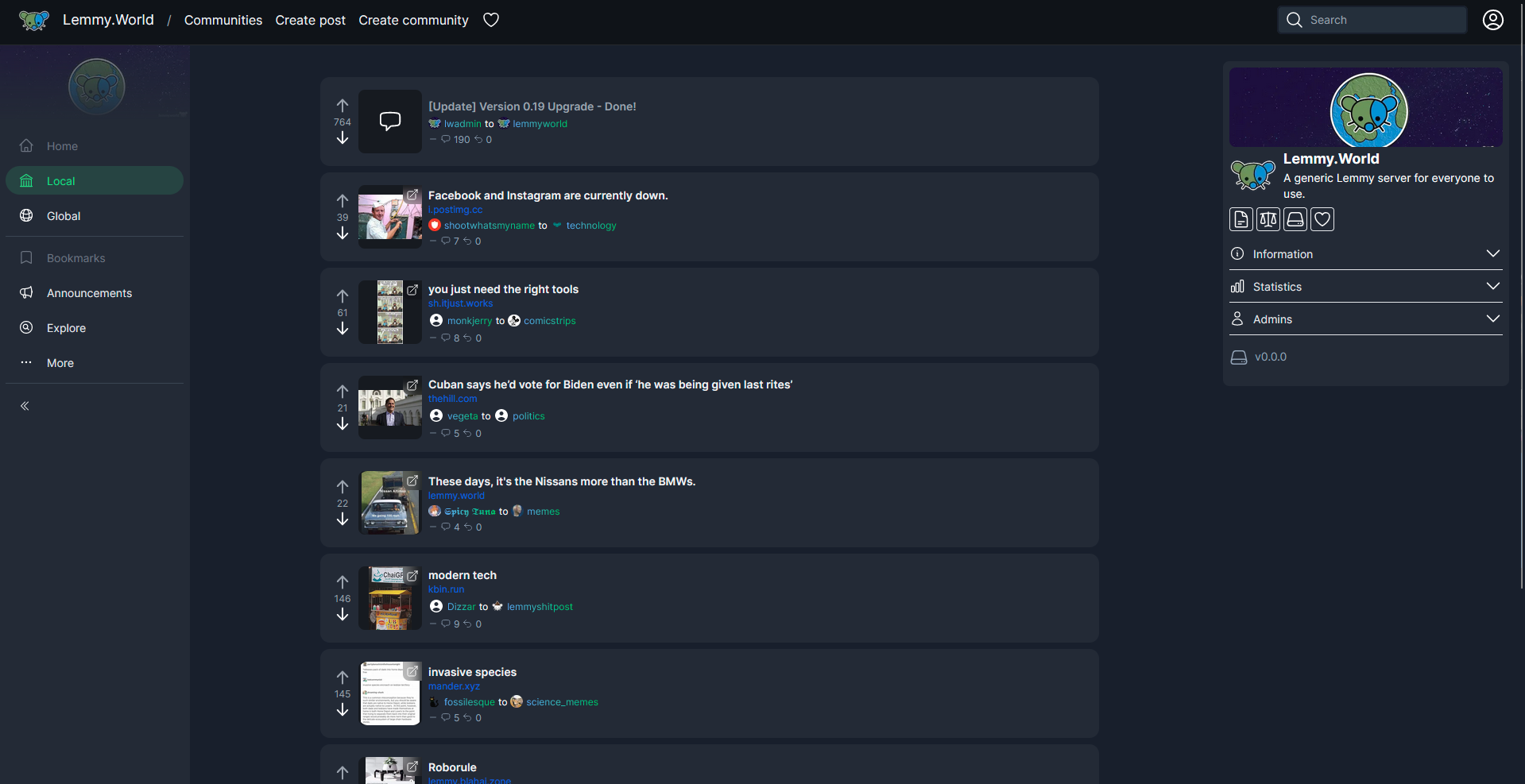
    Starting off with some progress I've been making on the Home Page. Been taking things I enjoy from both alternate frontends such as Photon and Tesseract, as well as Misskey forks like Iceshrimp and Sharkey.

    People who followed me as I was developing Pangora might recognize a lot of similar design decisions

    Still in progress but ill try to share new progress at least every couple of days when I work on it with new additions

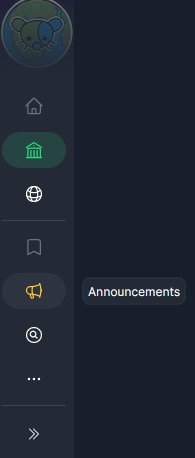
    The left sidebar can be collapsed to show only icons for people who want a bit more space for post cards

    Hovering over an option adds a popover saying what it is

    In addition when you scroll down the navbar shrinks a bit to give you more space for post cards. On mobile the navbar hides completely when you scroll down and then shows again when you scroll up


    The frontend is still heavily in progress so things may change a lot still before release as I refine it. If you've got suggestions feel free to give me them


    Hey everyone! I set up a private leaderboard for the programming.dev community so we can have one for the community in addition to the global one

    The leaderboard code is 3316962-6587d422

    Looking forward to seeing you guys there! Ill make a post at the end with the top people on the leaderboard and the version on the site will auto update as people complete challenges


    Full instructions on Joining the Leaderboard

    • Log in on https://adventofcode.com/ using one of the methods such as through GitHub
    • Go to the leaderboard section in the navbar
    • Click the private leaderboard button on the page
    • Enter 3316962-6587d422 into the text box for entering a leaderboard join code
    • Click join

    Update: Ive made a new leaderboard so that I could rename it to something that isnt just my username, the code there is updated to the new one that should be joined


    This week we have advent of code as our community of the week! Advent of code is an annual event that happens every december with a programming challenge released every day. The website where its run is https://adventofcode.com/ . Feel free to discuss things about the event, ask questions about it, post your solutions, post memes relating to it, etc. in the community

    Top Posts

    !advent_of_code@programming.dev

    view more: ‹ prev next ›