Too vague; didn't click:
Copy and paste locked brand fonts into Google Docs, sans permission.
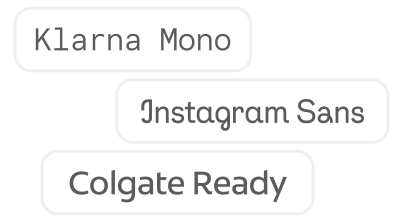
Google Workspace lets brands who pay enough embed custom corporate fonts into their docs and slides. Normally, these are locked to just those brands shelling out for custom typefaces, but there's one loophole: the ol' copy/paste. Below are a selection of brand fonts with which you can do exactly that. Enjoy. (but it doesn't work on Google mobile apps)
Step 1
Find a font you want to smuggle into a Google Doc
Step 2
Click the font to copy it to your clipboard
Step 3
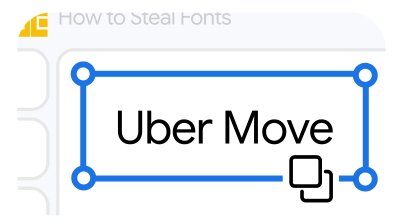
Open a Google Docs or Slides document and paste within

no comments (yet)