It only appears occasionally. I have no alarms set, no timers, stopwatch etc. running.

Android phone. Searching got no joy.

Update: it was a scheduled message in signal. Didn't want to send my bestie memes too late at night. It does use the actual alarm icon though, weirdly.

Thanks everyone for your help!

all 39 comments

sorted by: hot top controversial new old
[–] 72 points 1 year ago (2 children)
  • [–] 17 points 1 year ago

    Just wanted to say scheduled signal message. Had this some weeks ago and it drove me crazy. Glad you found out by yourself!

  • source
  • [–] 9 points 1 year ago

    i noticed i get this with scheduled jobs in tasker too. seems like they all use android's alarm system for these sorta things

  • source
  • [–] 15 points 1 year ago* (9 children)

    Alarm is set

    I know you say you don't but you must have for the icon to appear

    Check your alarms and the days of the week they are set to

  • source
  • hideshow 9 child comments
  • [–] [S] 7 points 1 year ago (8 children)

    Thanks, but no. I double checked.

  • source
  • parent
  • hideshow 8 child comments
  • [–] 7 points 1 year ago (5 children)
  • [–] [S] 5 points 1 year ago* (last edited 1 year ago) (4 children)

    Nice idea. I checked and (unusually) I've nothing in calendar for today. Everything coming up after that is normal looking but the nearest thing is tomorrow afternoon.

    Edit: I'm gonna reboot and see if it's still there. Maybe it's a bug in the alarm app. Brb.

    Edit 2: stupid thing is back again. :/ I rechecked alarms after the reboot in case there was some weird bug where one wasn't showing and there are still none set.

  • source
  • parent
  • hideshow 4 child comments
  • [–] 3 points 1 year ago* (2 children)

    You could maybe try clearing the cache of the clock app? Long shot, but you never know.

    Or start the phone in safe mode, and see if it's there. If not, then try opening one app at a time to see if it appears.

  • source
  • parent
  • hideshow 2 child comments
  • [–] 5 points 1 year ago

    Ah you figured it out,

    Was going to say if you've not got any alarms set, an application will be (ab)using the system alarm functionality to do something at a scheduled time

    Seems a little odd for signal to use it for scheduled messages, but that's what's going on regardless

  • source
  • [–] 4 points 1 year ago (1 child)

    If you run a tidy ship, you could go through the apps you might suspect, there is a "set an alarm" permission under settings -> apps -> app -> permissions -> three dots -> all permissions.

    I don't think stopping / clearing app data makes it go away if it's do persistent, so you might have to resort uninstalling the apps that have this permission until it goes away.

  • source
  • hideshow 1 child comment
  • [–] [S] 5 points 1 year ago* (last edited 1 year ago)

    Thanks. I was about to do this but another comment caused me to check scheduled messages. It was signal.

    Edit: I went in here to look anyway and this would have definitely caught it. Thanks for the suggestion.

  • source
  • parent
  • [–] 3 points 1 year ago (2 children)

    Is your stopwatch running?

  • source
  • hideshow 2 child comments
  • [–] 4 points 1 year ago (1 child)

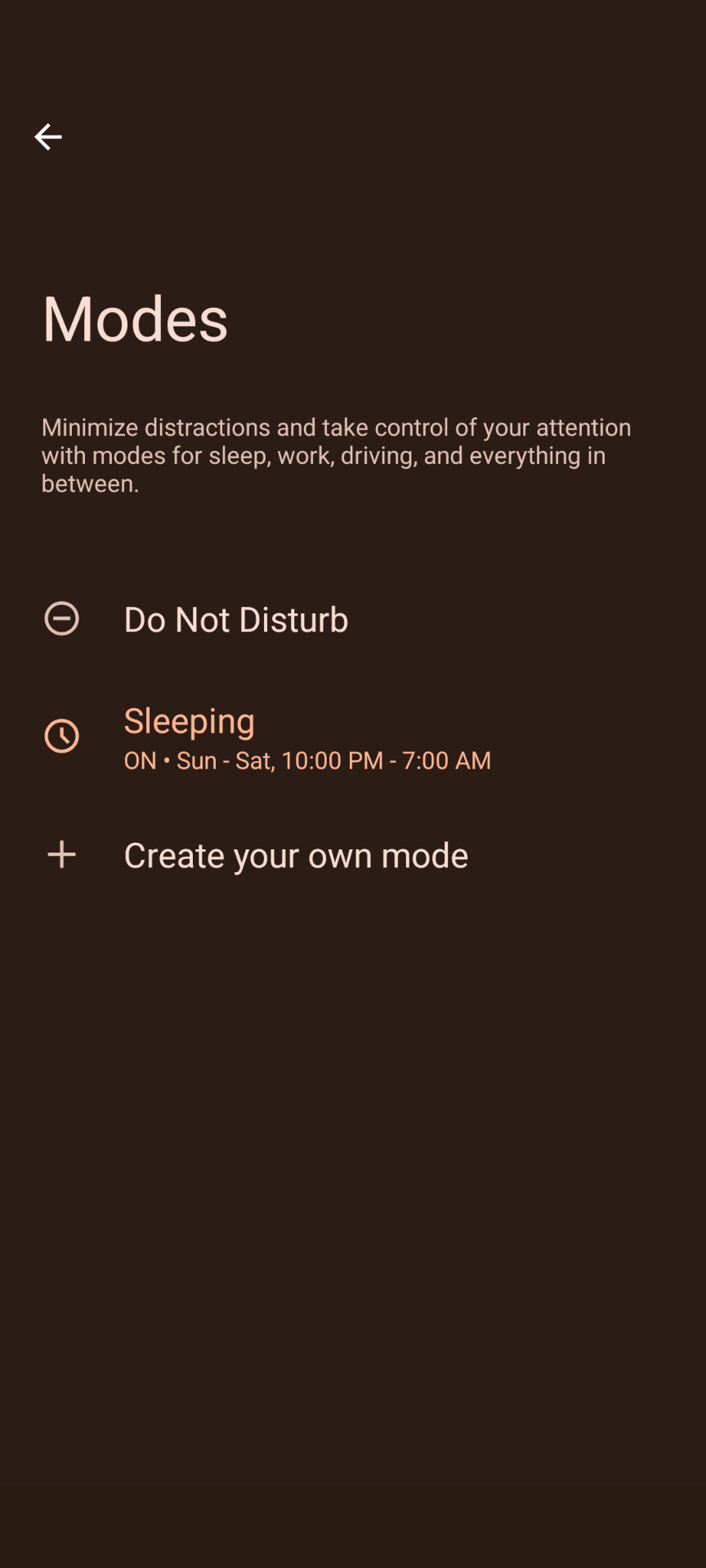
    Do you have a scheduled do not disturb mode set?

  • source
  • hideshow 1 child comment
  • [–] [S] 1 point 1 year ago

    Oh great idea. I had high hopes for this one! Went through all occurrences of "mode" and "scheduled" in settings.

    The only one I have scheduled is "eye comfort". It doesn't turn on for another 11.5 hours so I think it's unlikely.

  • source
  • parent
  • [–] 3 points 1 year ago (3 children)

    In the notification section of my settings i can see whitch apps sent me notification in chronological order, can you do that?

  • source
  • hideshow 3 child comments
  • [–] [S] 5 points 1 year ago* (last edited 1 year ago) (2 children)

    OK now we're getting somewhere. I don't have that chronological order thing but I do have an icons section and in there is alarm. When I disable that it disappears. It must be an alarm of some sort that's not in the clock app.

    There is no upcoming alarm in my drop down either.

    I'll dig further.

    Edit: Found that history. I went back 5 days and nothing that is alarm related. I did eventually check if I had any scheduled messages and I had one in signal. Sent it and the icon disappeared so thanks very much!

    Weird thing for signal to do IMO but at least it's solved.

  • source
  • parent
  • hideshow 2 child comments
  • [–] 3 points 1 year ago

    I noticed this too on my Pixel but only when I open the "drag-down" menu. When I close it the clock's gone..

  • source
  • [–] 3 points 1 year ago (1 child)

    Do you have an app that does anything at a specific time or a fixed interval eg weekly? Eg. Remind you to go for a run, or prompts you to log an activity like timesheets?

    Particularly any new apps or ones that need to access system time and/or date?

  • source
  • hideshow 1 child comment
  • [–] [S] 1 point 1 year ago

    No, nothing like that. I don't generally use my phone in complex ways. Like I'm a geek but the phone is mostly texting, calls, movies and Lemmy.

    I'll update the thread if some reminder does come up later but I've had this icon before and no "oh that's what it is" moment after I notice it's gone.

  • source
  • parent
  • [–] 3 points 1 year ago (2 children)

    Some apps that do some kind of scheduling display the alarm clock icon.

    Do you have any app set to do something at a given time? Maybe an automated backup or some kind of automation?

  • source
  • hideshow 2 child comments
  • [–] [S] 1 point 1 year ago (1 child)

    Hmmm. I don't have any automation apps installed. Can't think of anything else I might have scheduled. No backups or anything like that. I thought maybe WhatsApp scheduled backup because I know that's a thing but it's off.

  • source
  • parent
  • hideshow 1 child comment
  • [–] 2 points 1 year ago (1 child)

    You probably checked, but the stopper or the countdown timer could be running?
    Or maybe it's another app that has alarms set with a similar icon. You can check the running apps in settings -> developer settings -> running services

  • source
  • hideshow 1 child comment
  • [–] 2 points 1 year ago (1 child)

    Had the same thing yesterday afternoon. At some point is was gone and it's not back today.

  • source
  • hideshow 1 child comment
  • [–] 2 points 1 year ago (1 child)

    Do you let your network set the time or did you do it manually? Could be a hint that you're off by a minute or so (considering you've checked all the other reasonable things already).

    Any other apps installed that may want to set alarms? Maybe a sideload? Calendar app you've tried and not uninstalled?

  • source
  • hideshow 1 child comment
  • [–] [S] 2 points 1 year ago

    Network time all the way. Good idea though.

    I used to have a clock app from f-droid installed but got rid of it ages ago as it wasn't working properly for alarms. Double checked and I did uninstall it back then.

    Scrolled through all my other apps (I run a relatively tidy ship so it didn't take too long) and I can't see anything that I think would be setting an alarm.

  • source
  • parent