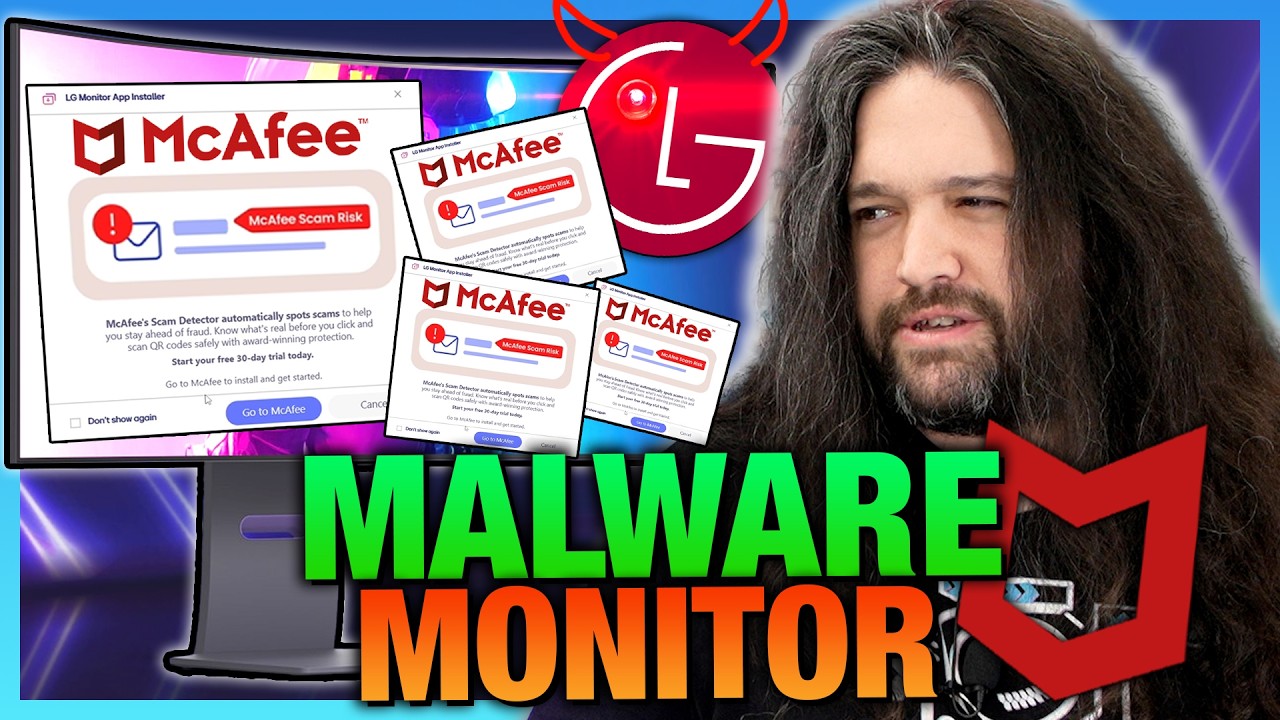
▲ 304 ▼ [Gamers Nexus] DO NOT BUY: LG’s Spyware TVs, Monitors, and Wiretapping Concerns (i.ytimg.com) submitted 3 months ago by recursive_recursion@piefed.ca to c/privacy@lemmy.ca 71 comments fedilink hide all child comments Invidious Youtube
[–] Rooster326@programming.dev 5 points 3 months ago (3 children) But how does my "dumb TV" have windows update? permalink fedilink source parent hideshow 3 child comments replies: [–] Washedupcynic@lemmy.ca 4 points 3 months ago (2 children) When plugged in, maybe windows recognizes the monitor is LG and it's an auto download? That was how it seemed outlined in the video. permalink fedilink source parent hideshow 2 child comments replies: [–] brucethemoose@lemmy.world 6 points 3 months ago* That’s precisely what it does. Monitors can transmit their IDs over HDMI/DP, so then Windows update checks against its database and sees there’s a driver for this device. To reiterate, it doesn’t actually do anything to the monitor though. Just your Windows install. I think the driver is ostensibly there to install a generic color calibration profile, but as you can see that’s just a pretense. permalink fedilink source parent [–] andygis@mastodon.social 3 points 3 months ago @Washedupcynic Pretty much, yeah — Windows fingerprints the connected display (via theEDID it sends over HDMI/DP) and pulls a matching driver from WindowsUpdate automatically. The catch is that same recognition step is how adevice ID gets logged on your side. That's the exact thing I got obsessedwith and ended up building Blacklight for — it's open-source and local,and it shows you these hidden IDs (masked by default) so you can actuallysee what got recorded. blacklight.tools permalink fedilink source parent
[–] Washedupcynic@lemmy.ca 4 points 3 months ago (2 children) When plugged in, maybe windows recognizes the monitor is LG and it's an auto download? That was how it seemed outlined in the video. permalink fedilink source parent hideshow 2 child comments replies: [–] brucethemoose@lemmy.world 6 points 3 months ago* That’s precisely what it does. Monitors can transmit their IDs over HDMI/DP, so then Windows update checks against its database and sees there’s a driver for this device. To reiterate, it doesn’t actually do anything to the monitor though. Just your Windows install. I think the driver is ostensibly there to install a generic color calibration profile, but as you can see that’s just a pretense. permalink fedilink source parent [–] andygis@mastodon.social 3 points 3 months ago @Washedupcynic Pretty much, yeah — Windows fingerprints the connected display (via theEDID it sends over HDMI/DP) and pulls a matching driver from WindowsUpdate automatically. The catch is that same recognition step is how adevice ID gets logged on your side. That's the exact thing I got obsessedwith and ended up building Blacklight for — it's open-source and local,and it shows you these hidden IDs (masked by default) so you can actuallysee what got recorded. blacklight.tools permalink fedilink source parent
[–] brucethemoose@lemmy.world 6 points 3 months ago* That’s precisely what it does. Monitors can transmit their IDs over HDMI/DP, so then Windows update checks against its database and sees there’s a driver for this device. To reiterate, it doesn’t actually do anything to the monitor though. Just your Windows install. I think the driver is ostensibly there to install a generic color calibration profile, but as you can see that’s just a pretense. permalink fedilink source parent
[–] andygis@mastodon.social 3 points 3 months ago @Washedupcynic Pretty much, yeah — Windows fingerprints the connected display (via theEDID it sends over HDMI/DP) and pulls a matching driver from WindowsUpdate automatically. The catch is that same recognition step is how adevice ID gets logged on your side. That's the exact thing I got obsessedwith and ended up building Blacklight for — it's open-source and local,and it shows you these hidden IDs (masked by default) so you can actuallysee what got recorded. blacklight.tools permalink fedilink source parent