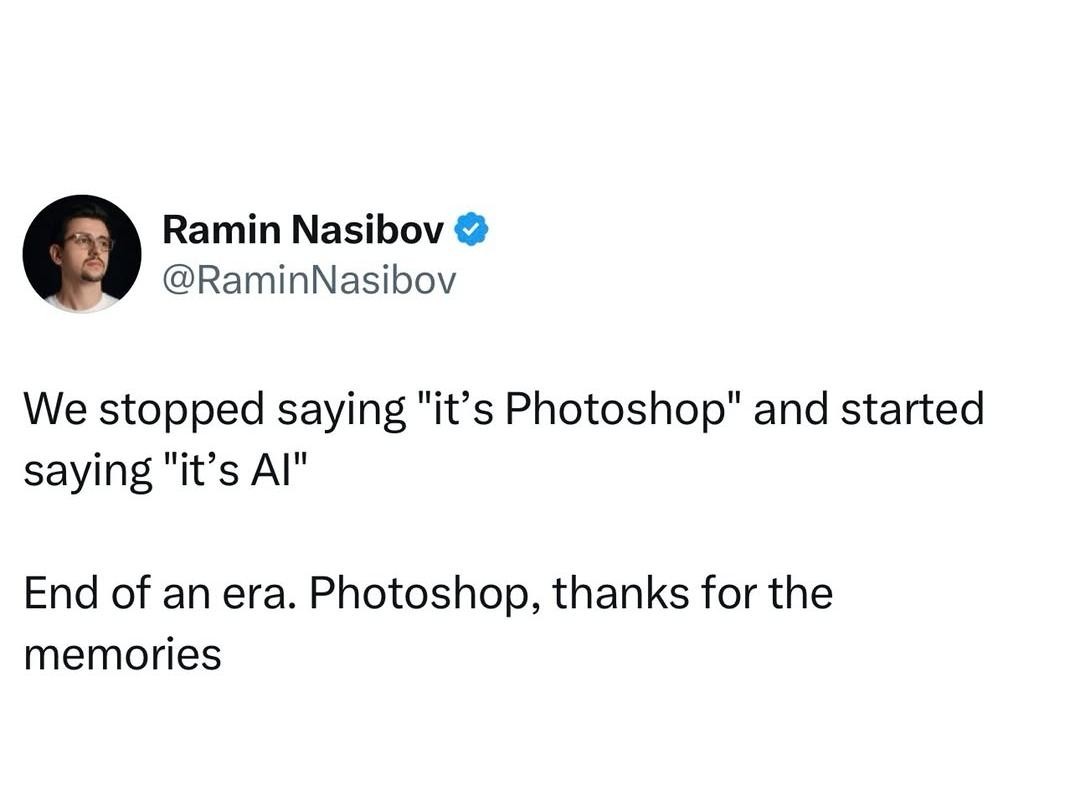
▲ 706 ▼ Photoshop (quokk.au) submitted 6 months ago by FoxtrotDeltaTango@sh.itjust.works to c/programmer_humor@programming.dev 51 comments fedilink hide all child comments cross-posted from: https://quokk.au/c/lemmyshitpost/p/887837/photoshop
[–] supersquirrel@sopuli.xyz 10 points 6 months ago* (last edited 6 months ago) (6 children) For Android I highly recommend Pocket Paint from FDroid. https://f-droid.org/packages/org.catrobat.paintroid/ https://github.com/Catrobat/Paintroid permalink fedilink source parent hideshow 6 child comments replies: [–] restingOface 4 points 6 months ago* (2 children) That looks real useful. One major thing I cannot figure out is how to add an outline to text. I can add text onto an image and change the color/font/size of that text, but I cannot find a way to outline that text. Which is pretty important most of the time I want to add text on an image. permalink fedilink source parent hideshow 2 child comments replies: [–] Cracks_InTheWalls@sh.itjust.works 3 points 6 months ago* (last edited 6 months ago) How I do it: Make text, create a new background layer, make the same text but slightly bigger in the colour you want your outline to be, align background text as needed. Save as .png and import into new image if you're looking to add the outlined text to somewhere else (though I suppose you can just merge layers, I do my crap in fits and spurts so I often prefer having the little pieces as discrete files so it's easier to come back to it. Also I've fucked up and merged when I probably shouldn't have a LOT). Takes some futzing about for sure but that's part of the fun for me. Edit: Super shitty outline done just by doing the same font size bolded in black. Can obviously be done much better but you'll get the idea. permalink fedilink source parent [–] supersquirrel@sopuli.xyz 2 points 6 months ago* I haven't found a way to directly add an outline frame to the text but you can go to tools->shapes and set it to outline no fill and manually do frame the text permalink fedilink source parent [–] troglodytis@lemmy.world 4 points 6 months ago (1 child) Thanks, installed permalink fedilink source parent hideshow 1 child comment replies: [–] supersquirrel@sopuli.xyz 3 points 6 months ago The interface is a bit strange at first but it is a genuine multiple layer image editor it is great. A tip, make sure to confirm/complete a tool's action before you switch to a different one, it is easy to switch off a tool while it is still "previewing" something. permalink fedilink source parent [–] general_kitten@sopuli.xyz 3 points 6 months ago thanks for the recommendation, i have been looking for something just like that permalink fedilink source parent
[–] restingOface 4 points 6 months ago* (2 children) That looks real useful. One major thing I cannot figure out is how to add an outline to text. I can add text onto an image and change the color/font/size of that text, but I cannot find a way to outline that text. Which is pretty important most of the time I want to add text on an image. permalink fedilink source parent hideshow 2 child comments replies: [–] Cracks_InTheWalls@sh.itjust.works 3 points 6 months ago* (last edited 6 months ago) How I do it: Make text, create a new background layer, make the same text but slightly bigger in the colour you want your outline to be, align background text as needed. Save as .png and import into new image if you're looking to add the outlined text to somewhere else (though I suppose you can just merge layers, I do my crap in fits and spurts so I often prefer having the little pieces as discrete files so it's easier to come back to it. Also I've fucked up and merged when I probably shouldn't have a LOT). Takes some futzing about for sure but that's part of the fun for me. Edit: Super shitty outline done just by doing the same font size bolded in black. Can obviously be done much better but you'll get the idea. permalink fedilink source parent [–] supersquirrel@sopuli.xyz 2 points 6 months ago* I haven't found a way to directly add an outline frame to the text but you can go to tools->shapes and set it to outline no fill and manually do frame the text permalink fedilink source parent
[–] Cracks_InTheWalls@sh.itjust.works 3 points 6 months ago* (last edited 6 months ago) How I do it: Make text, create a new background layer, make the same text but slightly bigger in the colour you want your outline to be, align background text as needed. Save as .png and import into new image if you're looking to add the outlined text to somewhere else (though I suppose you can just merge layers, I do my crap in fits and spurts so I often prefer having the little pieces as discrete files so it's easier to come back to it. Also I've fucked up and merged when I probably shouldn't have a LOT). Takes some futzing about for sure but that's part of the fun for me. Edit: Super shitty outline done just by doing the same font size bolded in black. Can obviously be done much better but you'll get the idea. permalink fedilink source parent
[–] supersquirrel@sopuli.xyz 2 points 6 months ago* I haven't found a way to directly add an outline frame to the text but you can go to tools->shapes and set it to outline no fill and manually do frame the text permalink fedilink source parent
[–] troglodytis@lemmy.world 4 points 6 months ago (1 child) Thanks, installed permalink fedilink source parent hideshow 1 child comment replies: [–] supersquirrel@sopuli.xyz 3 points 6 months ago The interface is a bit strange at first but it is a genuine multiple layer image editor it is great. A tip, make sure to confirm/complete a tool's action before you switch to a different one, it is easy to switch off a tool while it is still "previewing" something. permalink fedilink source parent
[–] supersquirrel@sopuli.xyz 3 points 6 months ago The interface is a bit strange at first but it is a genuine multiple layer image editor it is great. A tip, make sure to confirm/complete a tool's action before you switch to a different one, it is easy to switch off a tool while it is still "previewing" something. permalink fedilink source parent
[–] general_kitten@sopuli.xyz 3 points 6 months ago thanks for the recommendation, i have been looking for something just like that permalink fedilink source parent