1
Just released K-Plex 0 (cdn.hosted.spacebear.ee)
submitted 1 week ago by to c/obsidianmd@lemmy.world


Just released K-Plex 0.3.1 for @obsidianmd - mindmap-, facets-, compas-views- drag & drop support- Obsidian theme support- better indexing- breadcrumbs+ more, more, more👉👉 youtu.be/oRUXDwe-x3Q

KPlex 0.3.0
2


How to build your Map of Content with K-Plex for @obsidianmd Video: youtu.be/ii15UwpsvtU0.1.3 release notes: community.sketch-your-mind.com

Thumbnail - Map of Content with K-Plex
3


Just released @obsidianmd - @excalidraw 2.29.0 including CLI support via Obsidian CLI. Check out my demo, and a race between GPT 6 Luna and 6.1 Sol.👉👉 youtu.be/H64AW1l-ae4
Excalidraw CLI Thumbnail
4


Andy Rammer joined me for a discussion about K-Plex. Enjoy this deep dive into a new way of experiencing @obsidianmd youtu.be/XIq8uf8OaNI

K-Plex Thumbnail
5


Obsidian is one of the most powerful apps out there, but it’s more of a DIY project than a ready-made solution.

6


You've probably run into some Obsidian evangelist espousing some convoluted system of organizing all their notes, and building some knowledge base.[...] This isn't that article.

7
submitted 4 months ago by to c/obsidianmd@lemmy.world
8
submitted 4 months ago by to c/obsidianmd@lemmy.world
9
10
submitted 4 months ago by to c/obsidianmd@lemmy.world


important: i think must be disabled to un-install plugins

11
12
13


I'm sure that many who use obsidian already knew of this plugin. But if you just need a quick and free way to sync your notes between devices this plugin is quite handy.

⚠️ This is a community plugin - Not been maintained for 2 years ⚠️

Remotely Save - https://community.obsidian.md/plugins/remotely-save

Sync notes between local and cloud with smart conflict: S3, Dropbox, webdav, OneDrive, Google Drive, Box, pCloud, Yandex Disk, Koofr, Azure Blob Storage.

Basically the only thing you have to do (after installing obsidian) is to create a New Vault with the same name (exp. "FkyGoogle123") in all your devices.

Then go in the vault setting

Community plugins> and search "Remotely Save"

Once installed click "option" and select "chose a remote service". After that, authenticate with the Auth of your service and it's done.

A new Sync option will now appear in the vault setting menu on the left. Click it to sync your file.

14
submitted 4 months ago by to c/obsidianmd@lemmy.world


Just released @obsidianmd @excalidraw 2.25.0 🚀A big update with a smoother freedraw experience (🙏Excalidraw), improved Markdown embeds, Comic Book Callout Editor, MindMap Builder improvements, and more.Watch the full walkthrough 👇 youtu.be/aqt5NJE2sJ8
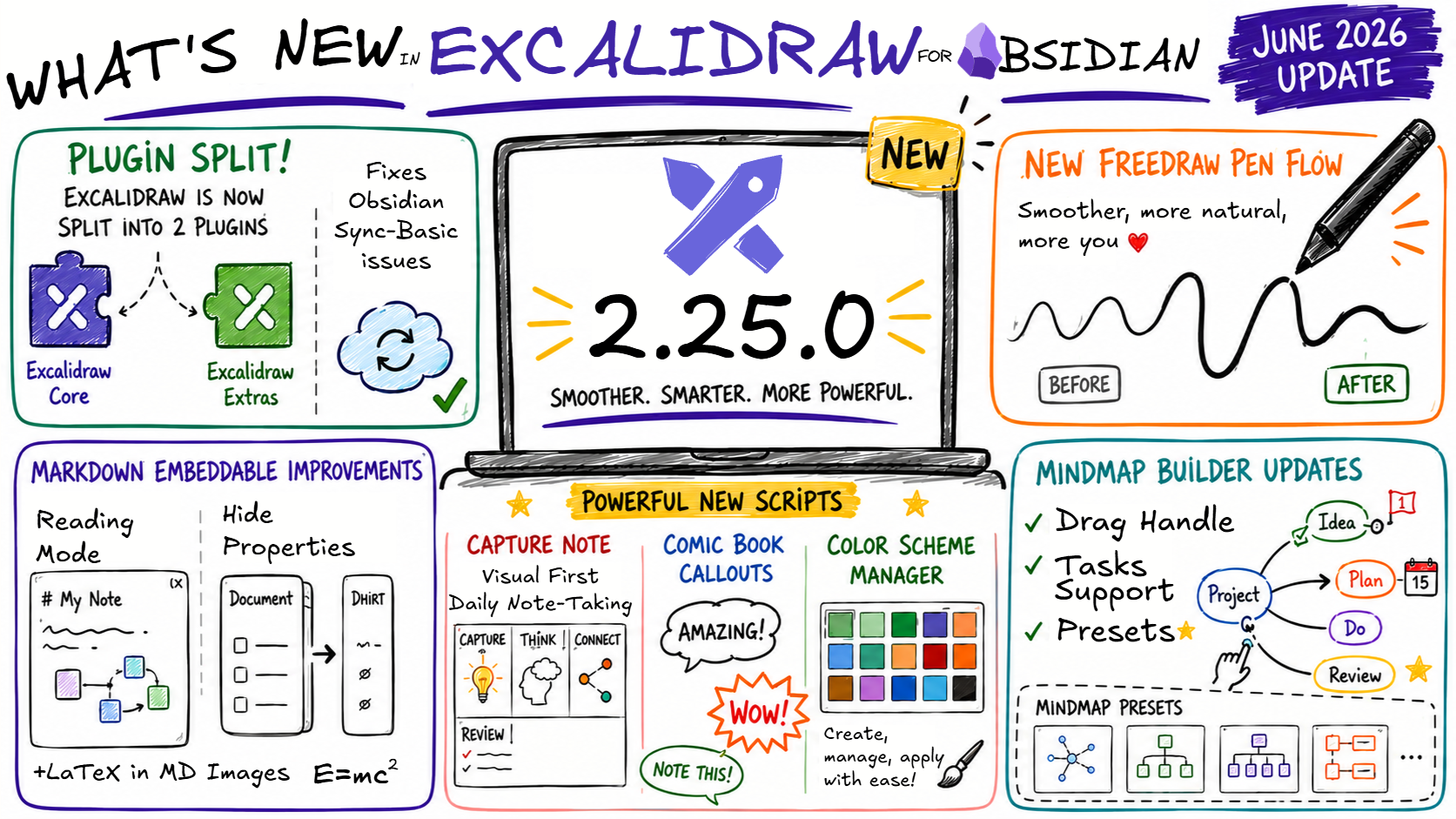
Excalidraw Obsidian 2.25.0
15
16


I'm currently building a small website as my online portfolio and blog, with some fun stuff like making it explorable as a side-scroller "game" (I gaven't enabled that functionality yet), and as part of documenting the process, I'm trying to write short blog posts that cover some of the tools and decisions I'm making along the way.

This post is about how I decided to write the site's content using Markdown in order to write using Obsidian, and how I then turn that Markdown code into clean, modern HTML "on the fly".

Please note that the site itself is still very much a work in progress.

17


Interesting tool based on blocks to tag any document for photos you own. With app to allow access from any device. Blocks contains tags and links between them to organize all like a heap. I haven't installed the self-hosted version yet to see how it can interact with an existing Obsidian vault. Next step. Site: https://heaper.de/

18


TODOseq ("to-do-seek") is a lightweight, keyword-based task tracker that uses an Org Mode / Logseq style of task capture. https://obsidian.md/plugins?id=todoseq

This update adds a couple of user requested features and some quality of life improvements:

The new keyword sort option organizes the task list by the state keywords which prioritizes active tasks first, then inactive, custom, waiting, and then completed. This provides a more rigid and predictable sort than the dynamic urgency sort added in 0.9.0.

A new search by page properties option enables a powerful way to filter tasks across your vault based on the tags and properties of the page the task is defined on, and the new History list in the search options provides quick access to you last 10 search queries.

The embedded task lists get some visual updates, with a new collapse option to expand and collapse the list, and a wrap-content option to control whether to wrap or truncate task details.

Finally some cleanup to editor views better aligns the visuals to the Live Preview, Reader and Source View modes.

Github | Issues

19


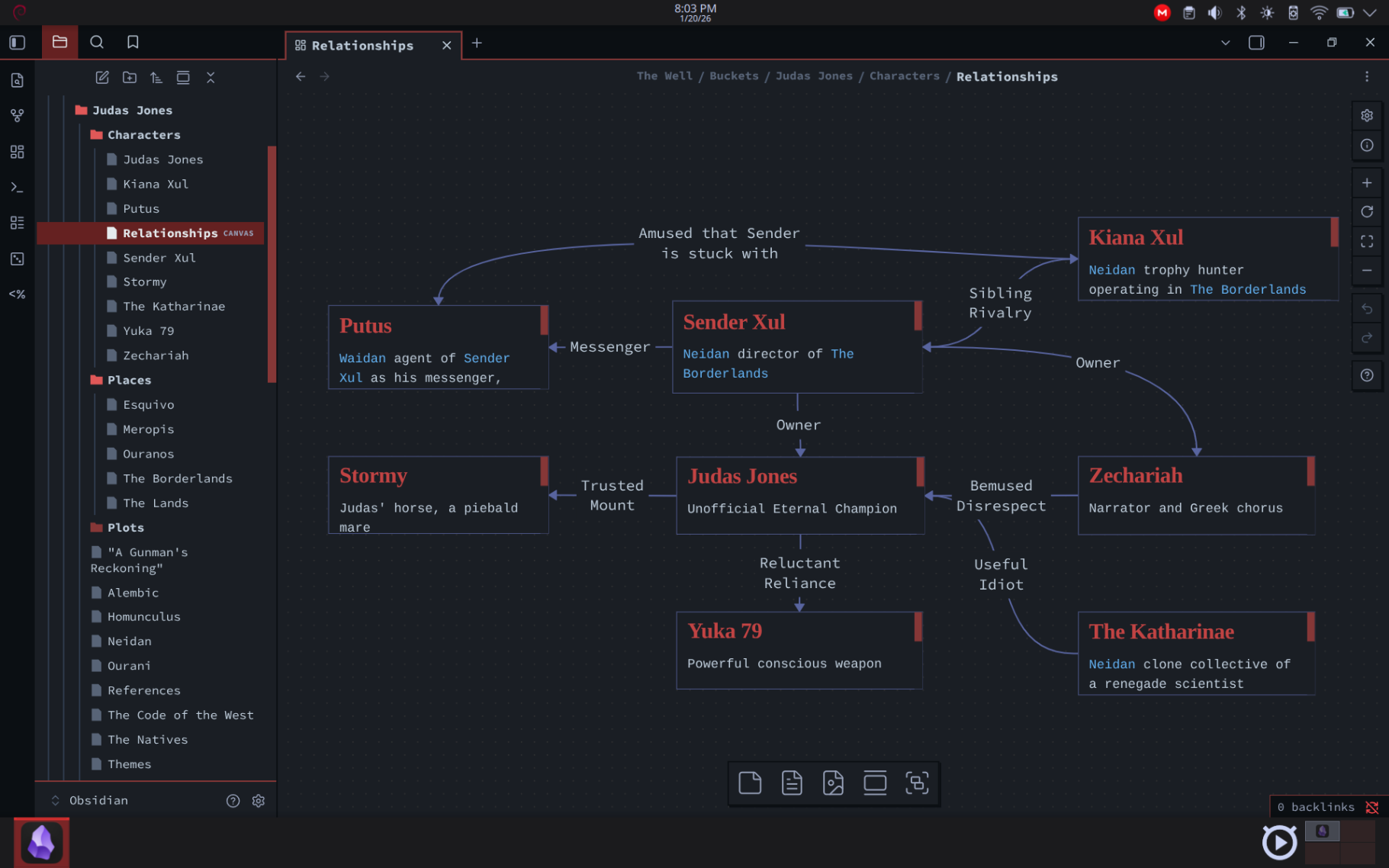
I've been brainstorming a weird west series; Judas Jones. The pitch is "Michael Moorcock's Gunsmoke."Using @obsidianmd allows me to organize my ideas and fiddle with technology, my two favorite things. Like using a canvas to create this relationship chart.I'm not sure if it's going to be a comic or a series of short stories.I've two published novels and the ESPionage RPG coming out this year. I'd like to add a comic to the portfolio.#WritingCommunity
20


MindMap Builder has officially graduated! 🎓It's now a fully functional mind-mapping tool in @excalidraw 100% integrated with @obsidianmd Huge new features- PDF++ Integration (Highlight → Node)- Folding & Unfolding Branches- Import Markdown as Mind Maps👉👉👉 youtu.be/5G9QF-u9w0Q
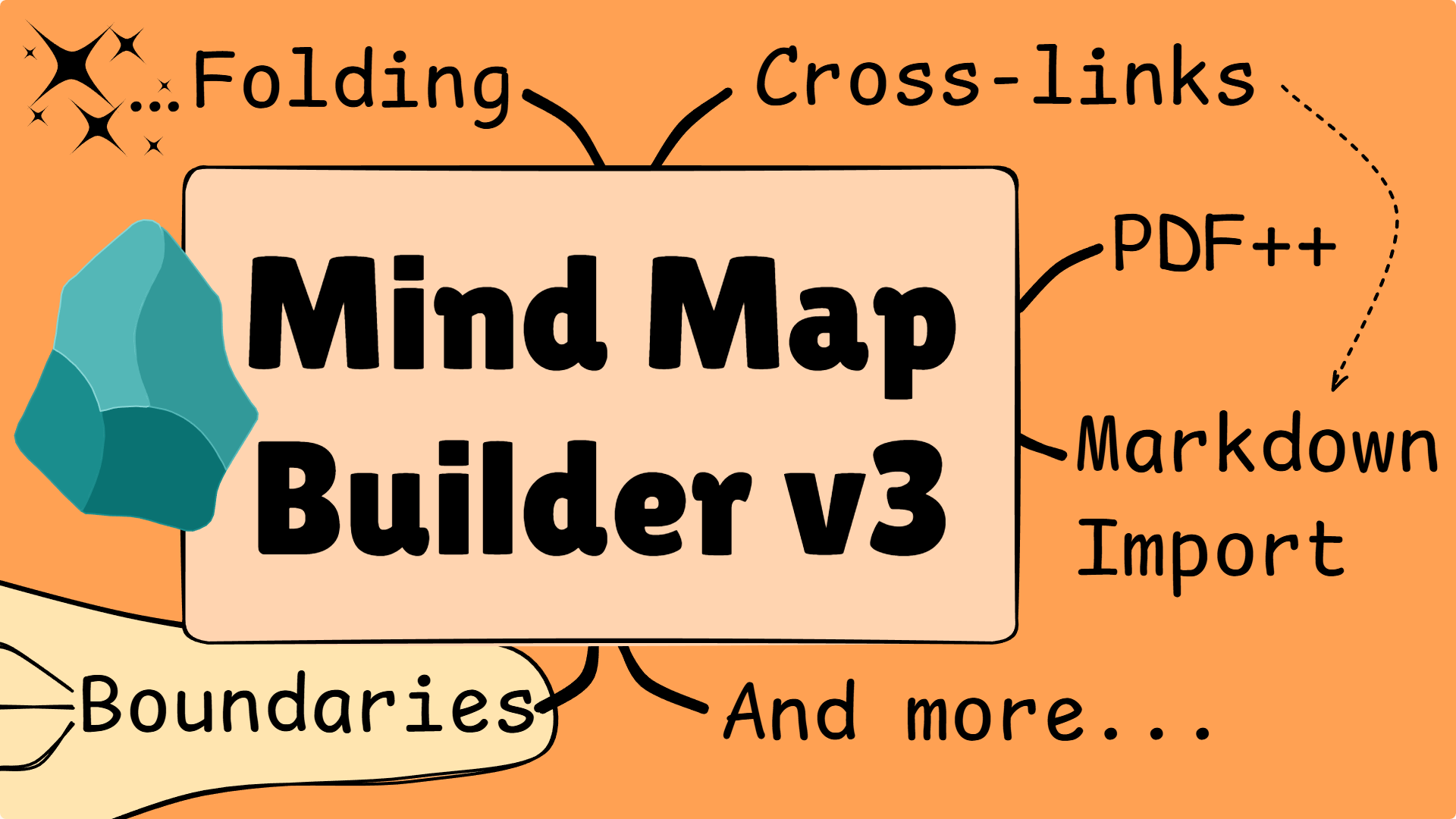
MindMap Builder v3 Thumbnail
21
Merry Christmas, @ obsidianmd fans! (cdn.hosted.spacebear.ee)
submitted 10 months ago by to c/obsidianmd@lemmy.world


Merry Christmas, @obsidianmd fans! 🎄🎁I’ve just released The Ultimate Mindmap Builder script for @excalidraw 2.18.3.Build complex, beautiful maps using only your keyboard—zero friction, pure flow. 🧠✨👉 youtu.be/dZguonMP2KU
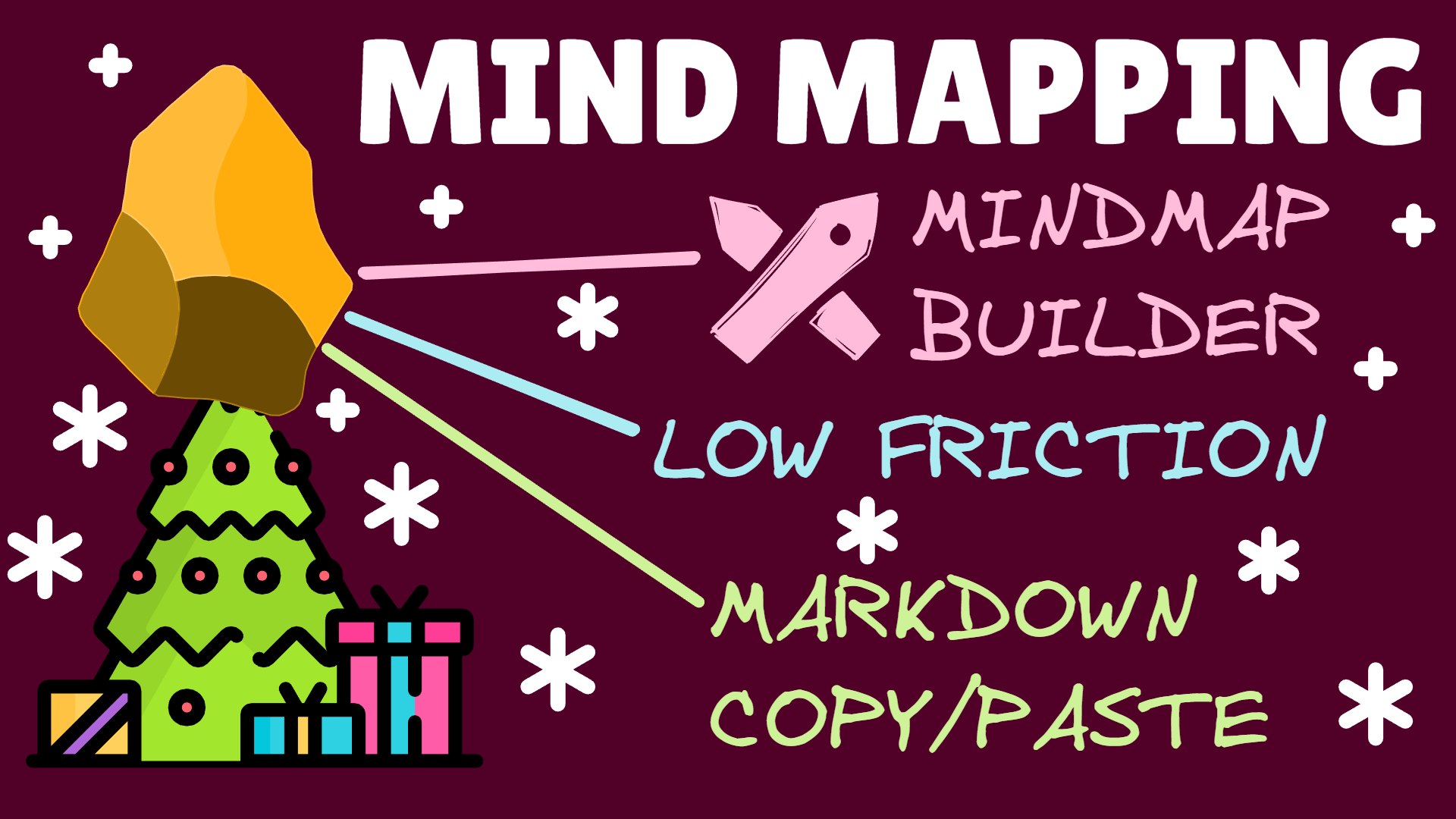
The Ultimate Mind Map Builder for Obsidian.md
22


Anyone keep diaries in Obsidian? How do you format the filenames/directories and the notes themselves? My current formatting for the filenames is "/Daily Notes/DD-MMMM-YYYY". Don't have many plugins right now, but I'm open to suggestions. It's kind of frustrating that the notes in the diary are not ordered in a good way, but what can you do, it's not too much of an issue. I also tag all my notes. If anyone has any experiences with journaling in Obsidian then let me know what you've learned in that process.

A list of useful plugins would be much appreciated!

23


I am trying to put together a D&D character sheet in obsidian using the dataview plugin. It is going well but I have run into the fact some stats which I want to display (e.g. AC) are a function of Ability Modifiers (e.g. Con of +3) which themselves are a function of the character's Ability Scores (e.g. Con of 16).

As far as I can see, dataview lets you define variables (properties) in the front matter of a page and then reference them on different pages, but I cant seem to find a way to define one of these variable as a function of other variables.

I have tried this kind of thing with no success:

---

con: 16

conmod: floor((number(this.con) - 10)/2)

ac: 10 + this.conmod

---

`=ac`

This video was super helpful but only got me so far... Any advice? Maybe this is just a limitation of dataview.

24


cross-posted from: https://programming.dev/post/37783624

Comments

25


I understand that technically any widget that can manipulate .md files works and I have found some that do exactly that.
My problem is that as I use the official Obsidian Sync, I can't find my vault folder on Android and thus those tools don't work.

Does anyone know of a widget tool that works with Sync or how to point an existing tool to the Sync folder?

view more: next ›