Affirmations to Computer@onehundredninetysix
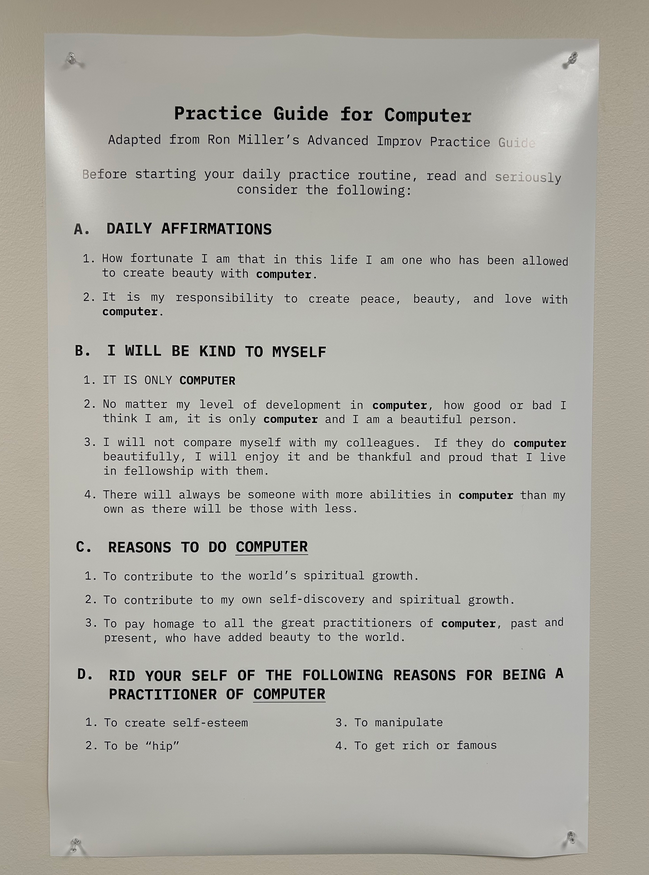
Affirmations to Computer@onehundredninetysix
I don't understand like half of what's written here, but I'd be happy to drop how I confronted such problems.
(On Window Manager) I use dwm ( doom :{ ), I like dwm, dwm has a lot of quirks. But it's so extensible by your own shell scripts, to the point where you'd have something radically different than what you started with. Your own window manager tailored for your very own specific needs. You know that meme of that one person that has way too many keybindings so they'd have to place a peddle under their feet to shuffle through key bindings? I want that, where do I get one, and how do I set it up?
(Better Markup) Yeah I've been having issues with this lately. This will tie in with another point you made about a series of linked wiki articles. I have been using hugo, and there is this little neat feature called "shortcodes" that lets you make say a shortcode for a an image that rotates, then you go to the Markdown file and just type "{{ < shortcode_name >}} providing the necessary arguments. And hugo will compile for you an image that you rotate along side the Markdown content. Yes you need to know HTML and CSS for it, but I think it gives you quite the augmented Markup
(Responsive Terminal UI?). Hmm. Hmmmm. I would say sixel, but since you want collapsible sections. May I suggest building your own local wiki again? Maybe embedding a web browser inside of the terminal to get intractability.
Unifed UI. To be honest when you first mentioned this, my brain jumped to lf file manager. Inside it, it opens programs based on the type of the files and the programs that I specified:
neovim to view/edit text files.zathrua for documents.nsxiv for images. Especially with key-hander and you become a god. Here are some of my shortcuts for nsxiv:
nvim also as document editor since most of what I write is just Markdown converted to PDFs.st
There is this neat patch for dwm (Patch meaning you'd have to download this feature and patch it into vanilla dwm) that is called "swallow". In which a terminal would swallow graphical programs ran from inside it. In the previous list, zathura and nsxiv are graphical programs, but they'd get swallowed, giving the illusion of a unified UI system.(Auto Complete With Descriptions) I don't understand the first half. But for completion: In zsh usually detailed auto complete is handled by the program you installed. My script called sc meaning "stupid commands" has options with descriptions. Searching this with a hotkey can be easily done with zsh plus some kinda of A W K black magic. Or your favorite text stream manipulator.


(Better Bash) I haven't done any form of pure bash scripting, so I have much to learn.
(The Ultimate Manual) Yes. Yes. Yes. The closest thing I have to that is a downloaded version of the Arch Wiki that I can use in my browser offline. Although I'd love to see a dynamically generated system manual, that would get you what you want immediately instead of having to read the full arch wiki article. I would love to think about how such a thing could be developed. For now Man pages and the Arch wiki are enough for me. But yes, a dynamic manual, absolutely!
(Configs Linking To Manual) Have you heard of explainshell.com? Yes it's for commands, and it tells you what the arguments do. I wonder if a similar thing could be developed for config files. It would gather all of your config options, and then using black magic it would predict how the program is gonna behave based on the given config options. I might have used the word "black magic" instead of an LLM. I don't know if I can trust those things...
(Indexed Full Text Search) ... Like I said, my documents are Markdown so it can be easily searched with grep. Although I wonder if a database of text generated by an OCR could give such a functionality. For now I open my document, and search it using zathura.
(Tags) Tags. MMMM. I don't know what a BeOs is but I know that I use hydrus to manage any kind of files using tags. I can find any meme I have saved, because I tag them with multiple tags. Some people have used hydrus to manage audio, text files, and all other shenanigans. But to be honest, hydrus seems very hacky to me, it is not extensible, after all it's like a personal booru. I'm waiting for a command line client that accesses the hydrus database (kinda like how you can control MPD using mpc. MPD being the Music Playing Daemon, and mpc its client.)
(File System Snapshots With Version Control) Yeah. This is pretty nice. Wait, is git not able to handle the whole system so we need a specific file system made for that purpose? Holy shit. Now that I think about it, you will be able to see everything that ever happened on Computer. Would take a shit fuck ton of space though. But I hear that storage is cheap, so go nuts.
(Plan 9) I always wanted to get into what the whole Plan 9 is about. Sadly I don't know anything about this.
Please don't laugh. I don't know what a "namespace" is.
In the end, it appears that most of these are hacky ways of getting what you want. You said it yourself, the perfect/ideal system. But that's what it is, perfect. In my view, you can get very close to perfect but never fully realizing it. But that's the beauty of it, how many nights did I spend trying to make all kinds of wacky shell scripts. Just take a look at what my scripts are named: animateRotate avgstudytime Emojis.sh genart gendunstrc Genre popup-dict RemoveNumbas shoot and my personal favorite sort_by_how_many_files_were_created_on_a_date a script that I took 2 or 3 hours to write, then used only once. Ahhh, Computer.
This was written using nvim with VimWiki as a Markdown file using Markdown syntax highlighting, that I forgot how I set up.
PS: I feel bad for not providing git repos because of my own laziness and incompetence.