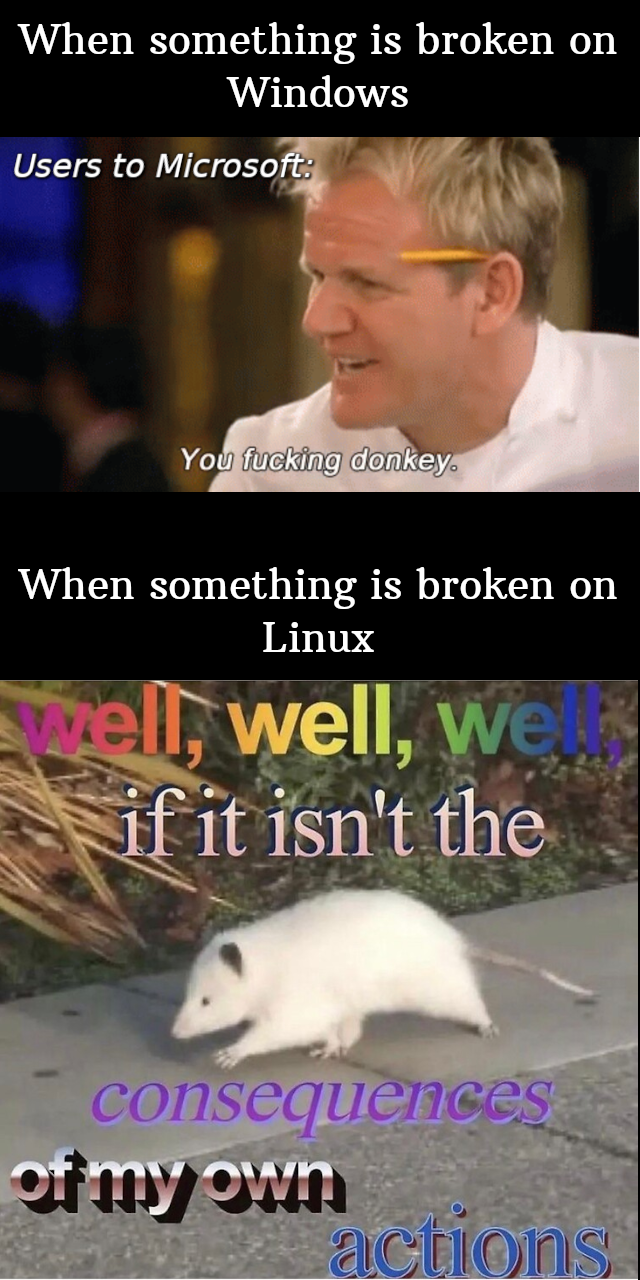
Hint: :q!
Sister communities:
Community rules (click to expand)
1. Follow the site-wide rules
- Instance-wide TOS: https://legal.lemmy.world/tos/
- Lemmy code of conduct: https://join-lemmy.org/docs/code_of_conduct.html
2. Be civil
- Understand the difference between a joke and an insult.
- Do not harrass or attack users for any reason. This includes using blanket terms, like "every user of thing".
- Don't get baited into back-and-forth insults. We are not animals.
- Leave remarks of "peasantry" to the PCMR community. If you dislike an OS/service/application, attack the thing you dislike, not the individuals who use it. Some people may not have a choice.
- Bigotry of any kind will not be tolerated. This is an LGBTQ+-friendly community -- if that is a problem for you, you should leave.
3. Post Linux-related content
- Including Unix and BSD.
- Non-Linux content is acceptable as long as it makes a reference to Linux. For example, the poorly made mockery of
sudo in Windows.
- No porn, no politics, no trolling or ragebaiting.
- Don't come looking for advice, this is not the right community.
4. No recent reposts
- Everybody uses Arch btw, can't quit Vim, <loves / tolerates / hates> systemd, and wants to interject for a moment. You can stop now.
5. 🇬🇧 Language/язык/Sprache
- This is primarily an English-speaking community. 🇬🇧🇦🇺🇺🇸
- Comments written in other languages are allowed.
- The substance of a post should be comprehensible for people who only speak English.
- Titles and post bodies written in other languages will be allowed, but only as long as the above rule is observed.
6. (NEW!) Regarding public figures
We all have our opinions, and certain public figures can be divisive. Keep in mind that this is a community for memes and light-hearted fun, not for airing grievances or leveling accusations.
- Keep discussions polite and free of disparagement.
- We are never in possession of all of the facts. Defamatory comments will not be tolerated.
- Discussions that get too heated will be locked and offending comments removed.
Please report posts and comments that break these rules!
Important: never execute code or follow advice that you don't understand or can't verify, especially here. The word of the day is credibility. This is a meme community -- even the most helpful comments might just be shitposts that can damage your system. Be aware, be smart, don't remove France.