[–] [S] 2 points 1 year ago (3 children)

Do you mean yoga 7i or yoga slim 7i? Slim is the one that doesn't fold all the way back (maximum angle is 180 degrees) and still has a touchscreen but no stylus. Also how safe is it to sandwich the device between 2 soft-cover books?

  • source
  • parent
  • context
  • [–] [S] 2 points 1 year ago* (5 children)

    Got a similar comment on reddit too, someone said it can break after one drop. I did some more research and it seems like all new 2-in-1's are OLED now, so I might just look for laptops with a touchscreen. Do you happen to know a bit about the quality of lenovo yoga slim series? The one I'm thinking about buying is yoga slim 7i 15-inch aura edition.

  • source
  • parent
  • context
  •  

    I'm looking for such a device:

    • 2-in-1 laptop, or at least a laptop with a touchscreen (optimally also with a stylus)
    • 14 or 15 inch screen
    • Good battery life (thus probably intel CPU/GPU) and lightweight
    • Optimally not a thinkpad because I don't use the trackpoint and I prefer to tap the touchpad instead of clicking physical keys.

    The candidates I'm currently interested in are lenovo yoga 7i 14/15 and asus zenbook 2-in-1s, but they all use OLED displays. For these devices is OLED a problem with linux? Mostly, does linux's software-only dimming make battery life worse? And are there ways to avoid burn-in risks? (I'm using wayland compositor niri). I heard that yoga 7i has IPS versions but they are not available in my region, and I'd like to avoid international shipping. And for this reason I would prefer to stick to mainstream brands like lenovo, dell, and asus.

    On this laptop I'll mainly do note taking and coding with neovim (which is dark theme and shouldn't have much problem), video playing, video editing, running small LLM and image generation models (better have good GPU multithread performance), and writing latex documents (which has light backgrounds and is my main concern with OLED). Would OLED on linux be a viable option for daily driving for my case?

    If OLED is a true concern, are there relatively new LCD 2-in-1 models with good linux support and battery life?


    The internal microphone doesn't work on my Dell Inspiron 14 7440 running ubuntu, though it is recognized on windows and I remember it working before I reinstalled the ubuntu system. When I open sound settings, the app doesn't recognize the internal microphone:

    I ran alsamixer (newest version) in the terminal and didn't see the internal microphone, this is what it looked like (this screenshot shows all devices listed in alsamixer):

    I also looked at pavucontrol and the app shows the internal microphone as "unplugged":

    How can I get the microphone working?

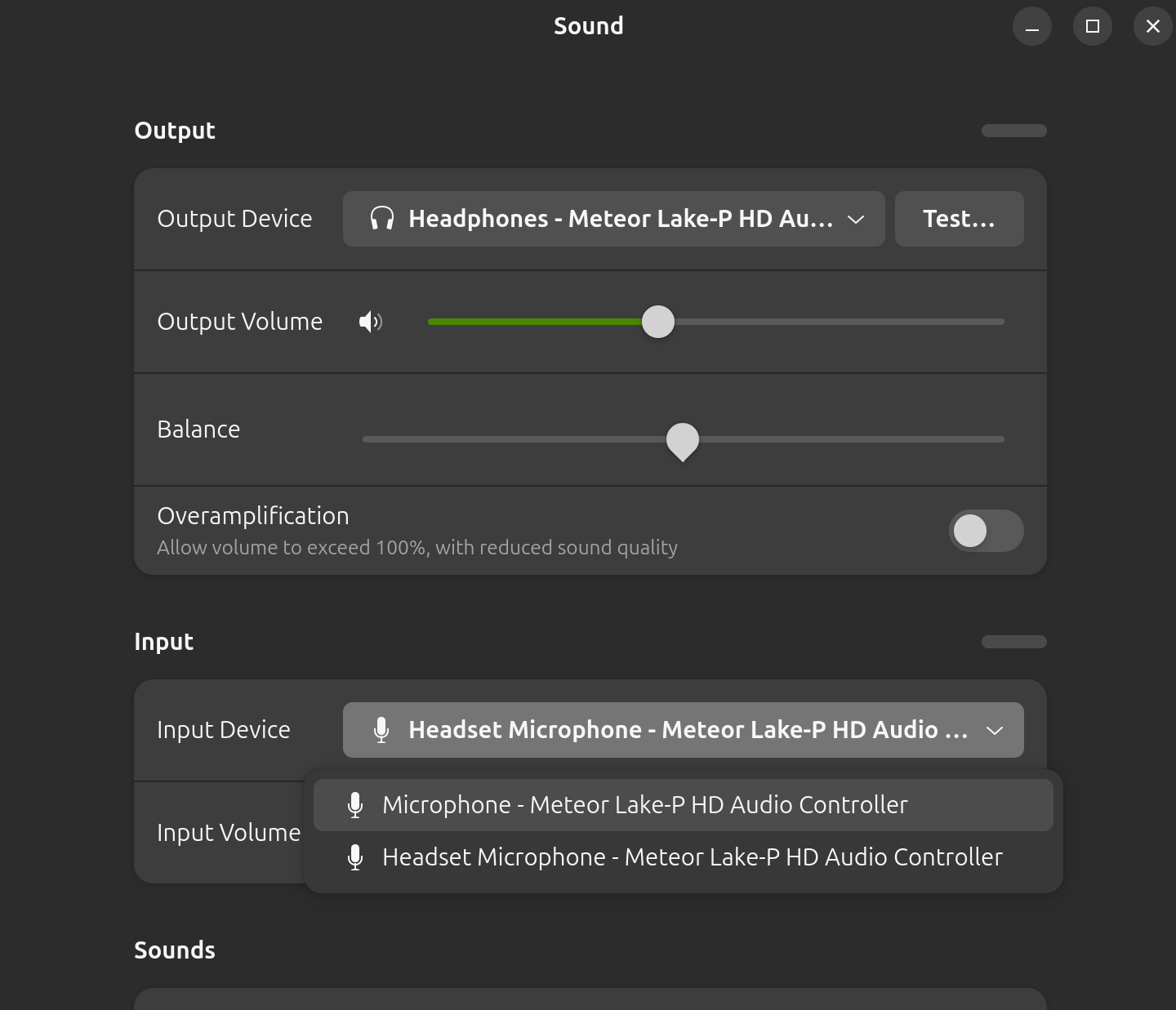
    Update: I tried plugging in a headset and plugging it out. When I plugged it in 2 microphones showed up, one called "headset microphone" and the other just called "microphone", screenshot:

    But when I unplugged the headset both microphones are gone, does it mean that my laptop recognizes its internal microphone when a headset is plugged in? Also when I switch to the one just called "microphone", speaking to the headset microphone doesn't make the bar move as much as patting the laptop, so the "microphone" should be the internal microphone.


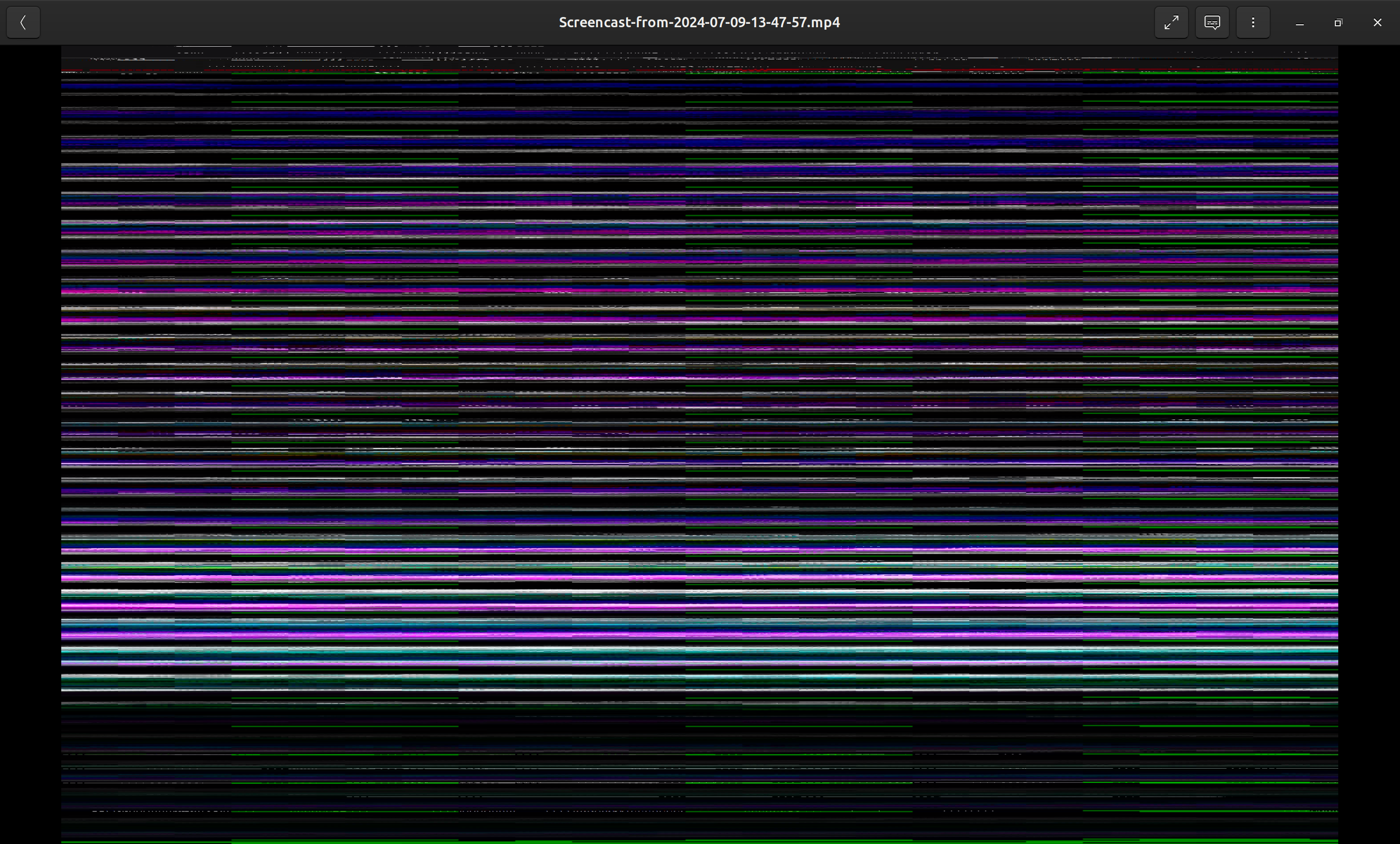
    I installed the newest ubuntu desktop on dell Inspiron 14 7440, and when I open a video (either mp4 or webm) with GNOME videos it looks like this in the image, showing horizontal bars.

    Is this a graphics driver problem? I haven't installed any kind of driver after the ubuntu installation, and if it is a driver problem from where should I install the driver?