Inside Kagi Mail, you won’t just see the number of unread emails, but get the real workload at a glance. Highlights feature will point you to the emails that call for your action, response, or acknowledgment, and, over time, learn from what you dismiss. It’s backed by privacy-respecting AI, and it’s optional – use it if/when you need it, or turn it off if you don’t.
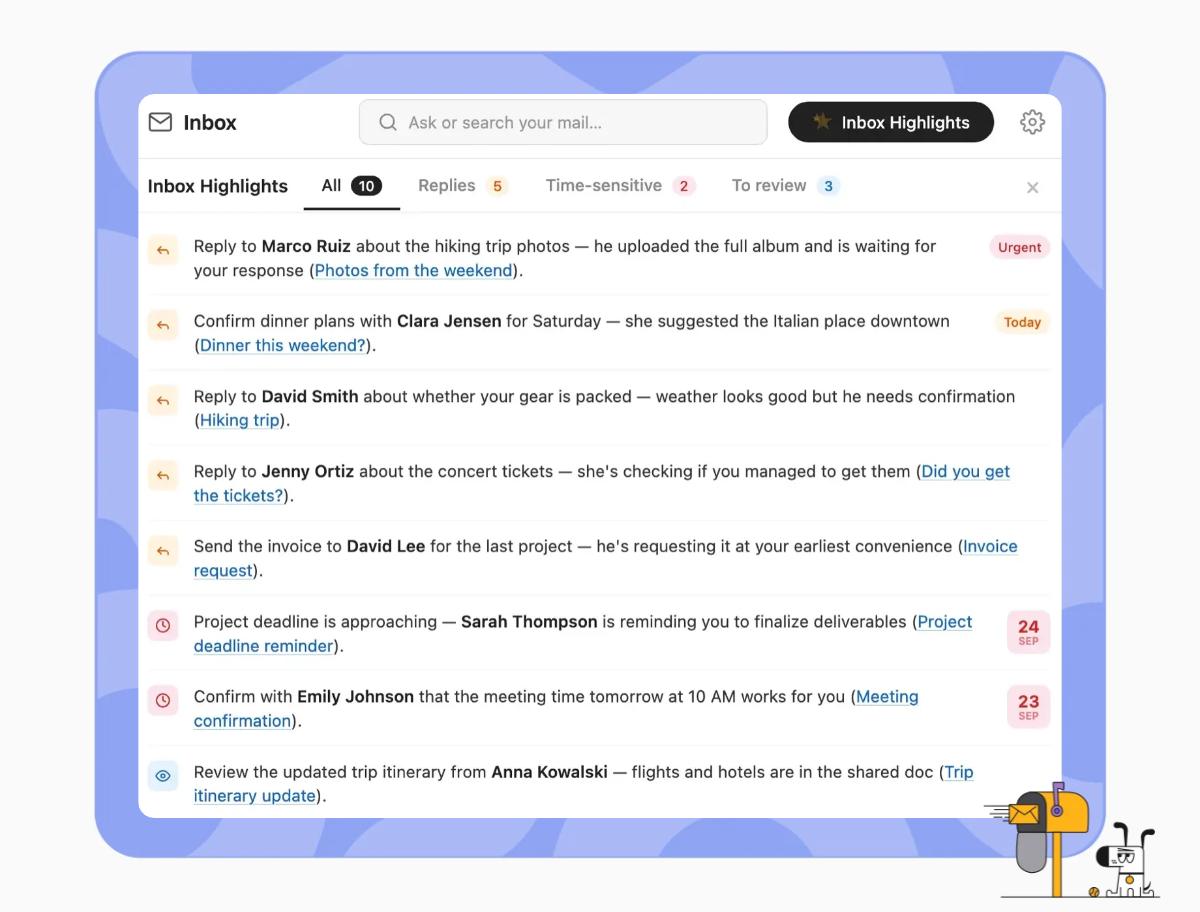
an insight into a Kagi Mail inbox as an example of Highlights
you are viewing a single comment's thread
view the rest of the comments
[–] 1 point 6 days ago

@kagihq It really bums me out that my subscription is (presumably) helping to pay for this development.Yes, sure, I can turn it off. But what if I don’t want it there to begin with? Maybe this dev effort could have gone towards a robust plugin system that could enable this functionality as a separate piece of software just for those who want it?I recognize it’s easy for me to sit back here and say that, but I also think it’s important that you are hearing from those who don’t want this.

  • source