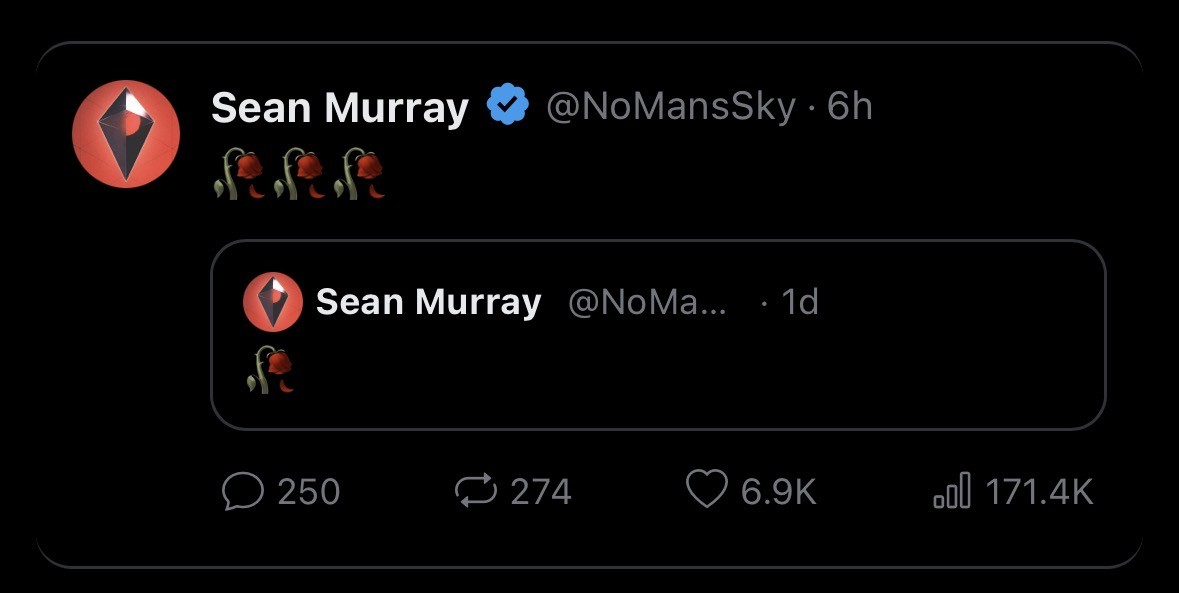
Update incoming
you are viewing a single comment's thread
view the rest of the comments
[–] 2 points 1 week ago (2 children)

You should be able to go to properties>versions and just select the previous version. I believe you can also find the steamDB manifest for the previous version and use the steam console to download it with commands, then it allows you to disable updates? It's super early rn for me so I'm kind of fuzzy but most steam games can be downgraded and if you have the proper game files already it should be simple enough to trick it into letting you. There are most likely guides for downgrading game version available

  • source
  • parent
  • hideshow 2 child comments
  • [–] 1 point 1 week ago (1 child)

    If you downgrade does it need to install that version? Or does it just say "ok it's already on here let's launch"?

  • source
  • parent
  • hideshow 1 child comment
  • [–] 1 point 1 week ago* (last edited 1 week ago)

    AFAIK, it may need to verify game files, maybe download one or two additional small files (which I thinks is the specific manifest) and be good to go. Another thing I'm reading just on a brief search is you can find the games steam id and then modify the appmanifest_####.acf file to read-only to prevent any further updates if the option does not appear in properties. Good luck, and don't give up hope!

    Edit to add: the commenter who gave this bit of info also rightly noted you should back up your game files if you have the disk space to do so

  • source
  • parent