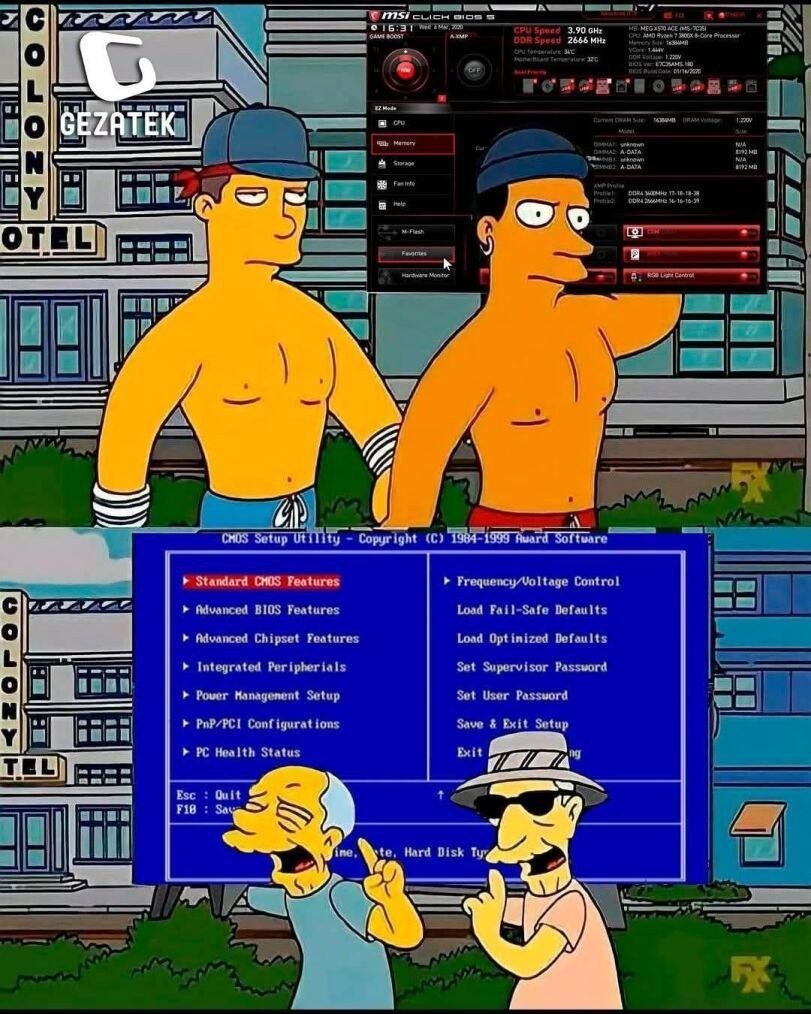
Everything I described relates mostly to motherboards for custom builds (ASUS, MSI, Gigabyte, etc)
Dell doesn’t have an “Advanced Mode” and profiles are limited to one “save as custom user settings” option.
Unless something has changed with their absolute latest models, their UEFI usually follows a “tree” layout that is super navigable with a keyboard. Arrow keys, spacebar, and the TAB key ought to get you everywhere you need to go - the latter being necessary to jump from the tree on the left over to managing the different settings on the right.