This happened when I had undone the flipped interface. Fixes when forced closing.
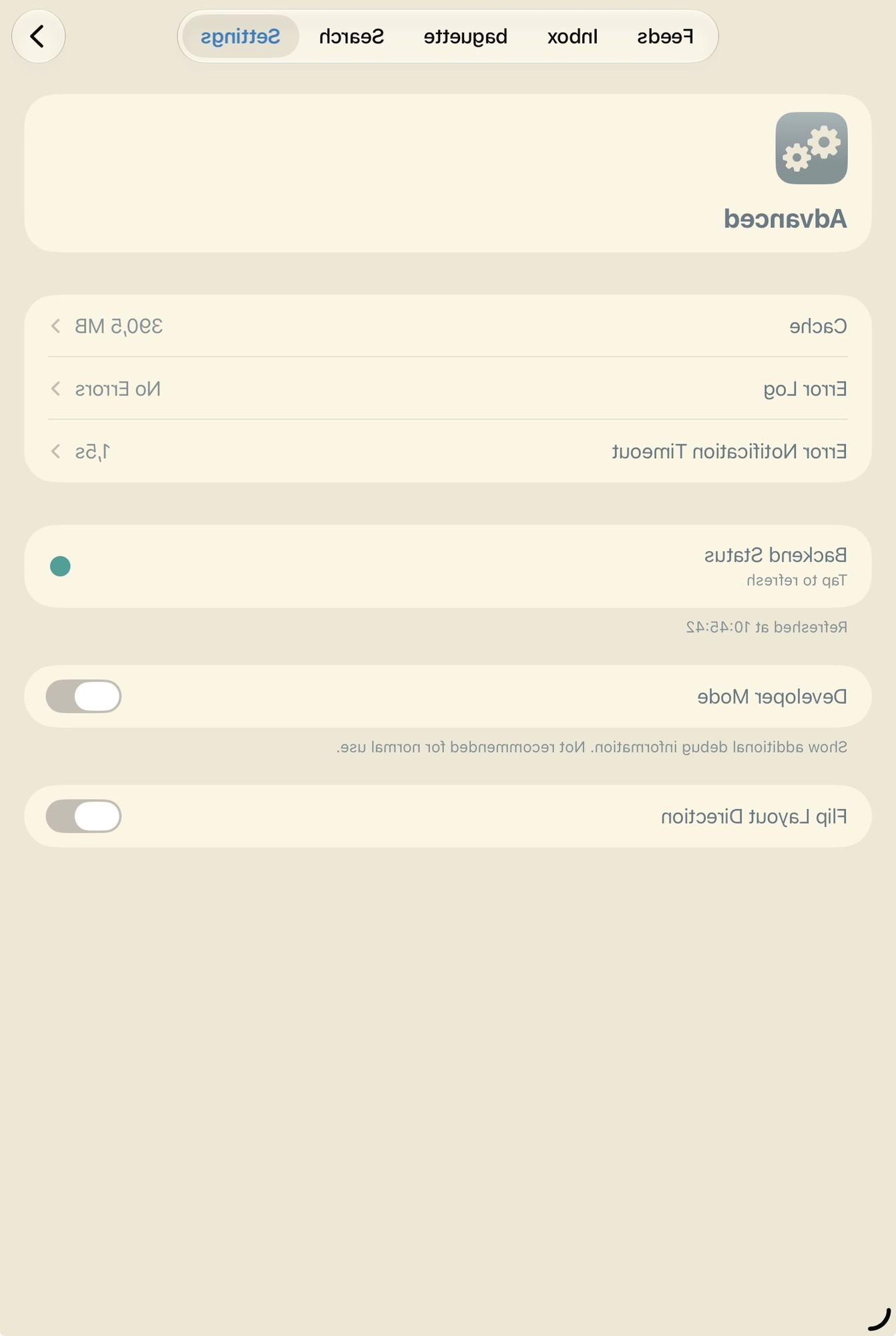
Also, where can I find the option that turns off hiding read posts?
This happened when I had undone the flipped interface. Fixes when forced closing.
Also, where can I find the option that turns off hiding read posts?
If you put the Home Screen in jiggle mode, then tap the button in the top-left and press “customize”, you can switch the icons to Glass.

We can’t use the glass material outside of this mode, unfortunately.
Can we have this glass looking app icon?
Oh okay cool! Thank you :)
This isn't possible at the moment. This has been on the list forever but I've never got around to it - I'll add it in the next update :)
Appreciate the lesson on SDK 27 vs 27.1. I thought it all duo support required 27.1.
I thought you might have been on 27.1 because the inner screen filled so nicely
This depends on which SDK it’s built against:


The wide layout means we’re currently using Xcode 27 for the builds (I thought we were still on 26, but it seems not).
I mainly thought that the labels thing was causing it because I have seen apps come to the App Store with duo support and their tab bar was still on the bottom. So I started digging in.
I’ve seen this with toolbar items; we had this issue with the “top” sort label for example (https://github.com/mlemgroup/mlem/issues/3080). If you’re using the system tab bar it’s smart enough to adapt automatically, and hide the labels. I think if you tap and hold on a vertical tab bar it shows the labels
I am working with another developer already building on Xcode 27.1 and as I was writing this out they just told me it’s about using system bar and not a custom one. Hopefully that’s helpful for you
Thankfully we’re using the system bar, and it adapts nicely. Apple has a Duo simulator we’re testing it on :)
I’ll keep an eye out later in the week for the TestFlight and let you know how it goes. Great app btw.
Thanks! We have a Matrix room and GitHub repo, in case you prefer either of those
I thought you might have been on 27.1 because the inner screen filled so nicely. I’ll be happy to send in any issues I see.
I mainly thought that the labels thing was causing it because I have seen apps come to the App Store with duo support and their tab bar was still on the bottom. So I started digging in.
I am working with another developer already building on Xcode 27.1 and as I was writing this out they just told me it’s about using system bar and not a custom one. Hopefully that’s helpful for you.
I’ll keep an eye out later in the week for the TestFlight and let you know how it goes.
Great app btw.
Thanks for posting! We’re actively working on iPhone Duo support, and this should be fixed in the next version of Mlem. If you join the TestFlight, you’ll get the changes sooner, possibly later this week: https://testflight.apple.com/join/W6ajfKQt
Apple’s frameworks do a lot of the layout adaptation automatically, including the tab bar orientation. It’s laid out wrong because we’re still building on Xcode 26, and Duo support is part of Xcode 27.1. There are a handful of things we need to fix manually, though, which are tracked on GitHub here: https://github.com/mlemgroup/mlem/issues/2976
If you encounter any further bugs, please let us know! You’re the first Mlem Duo user I’ve seen thus far :)
It is the gallery fix. The same is waiting in beta app review for the TestFlight, it should be out soonish.
- Fixed the feed sometimes failing to load on PieFed
Is this related to the new PieFed galleries? Or something different. I am guessing it is something different as we have not seen a fix for the galleries in TestFlight yet.
Just for those following along. I was sent an image I could see in Mlem, Blorp, and voyager. I am thinking it is an Android user unable to see an Apple image, but normally Mlem will give an error if you try and upload an image while trying to keep it as an HEIF.
Try sending a picture to me. I keep a number of apps installed to test if it is Mlem or Lemmy/piefed having the issue. Preferably the same picture you sent then that is having an issue.
Ah I’m not on 2.6, but I am pretty sure I’m on the test flight. Checking my about shows this though. Mlem 2.5.1 (872)
I’ll try updating.
Thanks for the report, sorry you're experiencing this.
Could you check which version you're on? In Mlem 2.6 (released October 1st) we fixed an issue with cache pruning going off too frequently, which could have caused battery drain (PR). If you're not already on 2.6, updating could help. If you're on 2.6 and still seeing this, let me know your device/iOS version and I'll keep digging. If you were doing anything particular (scrolling images/videos? super long posts?), that would help too :)
Probably mining coins.
Thanks for the update fellas always enjoy reading these change, logs and testing out the latest fixes. Please keep up the great work and do be careful of developer burnout.
We don't currently support community creation, but it's possible to add it. We tend to prioritise changes that many people will benefit from, and we just haven't got around to it.
Raccoon does it.
Great app! Thanks for your work.
I’ve noticed that creating communities is limited to web. I use Mlem now and Jerboa a while back, but neither had ability to create a community. Is that something not possible in an app or is it just not something users want?
Appreciate all your work on this app!
- Fixed editing posts on PieFed not working if alt text is present
I love seeing bugs I discovered being fixed.
Thanks for all the fixes!
- When I add the Guest account (it is on Feddit.nl), it loads instantly. However, when going back to my main account (this one on DB0 instance). It takes long to load again.
My main instance, slrpnk can be very slow at times. Mlem appears to try and contact the instance and load info from it before mlem fully loads. While it is loading slowly, i usually swap to my backup account on piefed, which is almost always fast. Mlem fully loads then.
Thanks. I'll see if I can figure it out. If it's bothering you, you could try rolling back to an earlier version of the app through TestFlight.
Hey! No worries and thanks for responding;