1


Tested in the lab: CVE-2026-67277: Memory disclosure in the btest service of RouterOSWe have verified that an unauthenticated client can exploit the btest service to extract uninitialized data from kernel memory. The issue is resolved by updating RouterOS to versions 6.49.21, 7.23.4, or 7.24.2.The full report is reserved for dojo members for 30 days. Joining is free.https://mikrotikdojo.com/en/lab/cve-2026-67277-memory-disclosure-btest-routeros/?utm_source=fediverso&utm_medium=social&utm_campaign=fediverso#MikroTik #RouterOS #infosec #CVE #CyberSecurityShared with @mikrotik

Article card from MikroTik Dojo: CVE-2026-67277: Memory disclosure in the btest service of RouterOS
2


Tested in the lab: CVE-2025-56566: Plaintext credentials in the flash of RouterOS 7.19.4 and 7.24.5We have verified that credentials for external services (SMTP, PPP) and DHCP leases are stored in plaintext in the non-volatile memory of MikroTik devices. The vulnerability persists in the latest stable version tested, 7.24.5, confirming the absence of a fix at the time of testing.The full report is reserved for dojo members for 30 days. Joining is free.https://mikrotikdojo.com/en/lab/cve-2025-56566-plaintext-credentials-routeros-7-19-4-7-24-5/?utm_source=fediverso&utm_medium=social&utm_campaign=fediverso#MikroTik #RouterOS #infosec #CVE #CyberSecurityShared with @mikrotik

Article card from MikroTik Dojo: CVE-2025-56566: Plaintext credentials in the flash of RouterOS 7.19.4 and 7.24.5
3


I've bricked my wifi AP too many times, and half of my IoT devices won't connect to the recovered networks, so I figure it's time to ask for help. I've read the docs, followed guides on setting this up, but nothing I've tried seems to work. (It's been about 15 years since my CCNA and I don't do network config in my career.)

Hardware:

  • R1: RB5009UPr+S+

    • AP Bonding: bonding1
      • Ports: ether2, ether3
    • WAN: ether1
    • Bridge: LAN
      • Ports: ether4-8, sfp1, bonding1
      • Address: 172.23.0.1/16
    • DHCP
      • interface: bridge1
      • Pool: 172.23.30.0/24
  • AP1: cAP AX

    • Wifi Antennas:
      • wifi1: 2.4GHz
      • wifi2: 5GHz
    • AP Bonding: bonding1
      • Ports: ether1, ether2
    • Bridge: bridge1
      • Ports: bonding1, wifi1, wifi2
      • Address: 172.23.0.6/16

I would like to create a virtual wifi network using wifi1 as a master that has a VLAN ID of 2, and a dhcp server for the 172.24.0.0/24 network.

I think my blocker is what interface to attach the vlan to, what interface to attach the DHCP server to, and what addresses need to be assigned to what interface.

I got to the point where I could ping from the vlan on the AP to the vlan on the router by following this guide, but I couldn't get a client to pull a dhcp address regardless of the device hosting the server. I also couldn't get it to see the 172.23.0.0/16 network (eventually it will only be able to talk to Home Assistant), but I think I'm lacking the right firewall rules to do the forwarding.

4


Made this post on forum.mikrotik.com and it's awaiting approval from moderation, figured I'd try here...

Hey everyone!

Been running into an issue the last few weeks with trying to setup a VLAN on my home network.

Hardware/OS/IP:

Router (R) = GL.iNet GL-MT6000 (Flint 2), OpenWrt 25.12.1, 10.1.10.1
Office switch (O) = CRS310-8G+2S+, MikroTik SwOS 2.18, 10.1.10.2
Living room switch (LR) = CSS610-8G-2S+, MikroTik SwOS Lite 2.21, 10.1.10.3

Followed a few different guides on the OpenWrt side of the house, primarily this one

During my multiple attempts I have wiped all devices and started fresh a few times and I always end up in the same situation…

VLAN appears to be working on the LR switch (CSS610)

VLANs tab
    Port 1 is my trunk and a member of all 4 of my VLANs
        10 = LAN (Used for network devices and maintenance)
        20 = IoT
        30 = Guest (not configured on the switch, only for WIFI)
        40 = Main (Primary VLAN for my network)
        50 = Servers
    Ports 2-5 are members of VLAN 40
    Port 6 is a member of VLAN 10
VLAN tab
    Port 1 = Strict, Only tagged, Default ID 1
    Port 2 -5 = Strict, Only untagged, Default ID 40
    Port 6 = Strict, Only untagged, Default ID 10

This seems to work great, devices will get 10.1.40.x IP addresses and I can connect to port 6 and get 10.1.10.x IP address. Confirmed that my firewall rules also seems to work (although I’ll probably want to run this past OpenWrt forum as well).

But when I go to look at the O switch (CRS310), I’ll mirror this configuration, I’ll get DHCP and DNS, but I can’t reach the WAN or ping any other devices apart from the network equipment. Most recently I tried just VLAN 10 because I figured it would be using the LAN firewall rules and work correctly, but I get the same issue… correct IP address but no traffic.

Note: These screenshots are from last attempt to get something to work, when I mirror the CSS610 setup, I get the same results.

I had to follow these steps to get the SwOS boot to work on the CRS310

Curious if either…

  • Have I configured the CRS310 incorrectly and something needs to be different vs the CSS610 which seems to work?
  • Is there is a known VLAN related bug with the CRS310 & SwOS?

Any advice and guidance would be appreciated, feel like I am going in circles at this point.

Happy to share any outputs or screenshots from my OpenWrt router if it’ll help, but the issues do seem to be related directly to this CRS310 switch.

5


Or should we say - the path is made by routing? Either way, happy MikroTik day, friends! Thank you for walking the path with us! 😍 @mikrotik@lemmy.world

Happy MikroTik day - we were founded on March 14th 30 years ago!
6


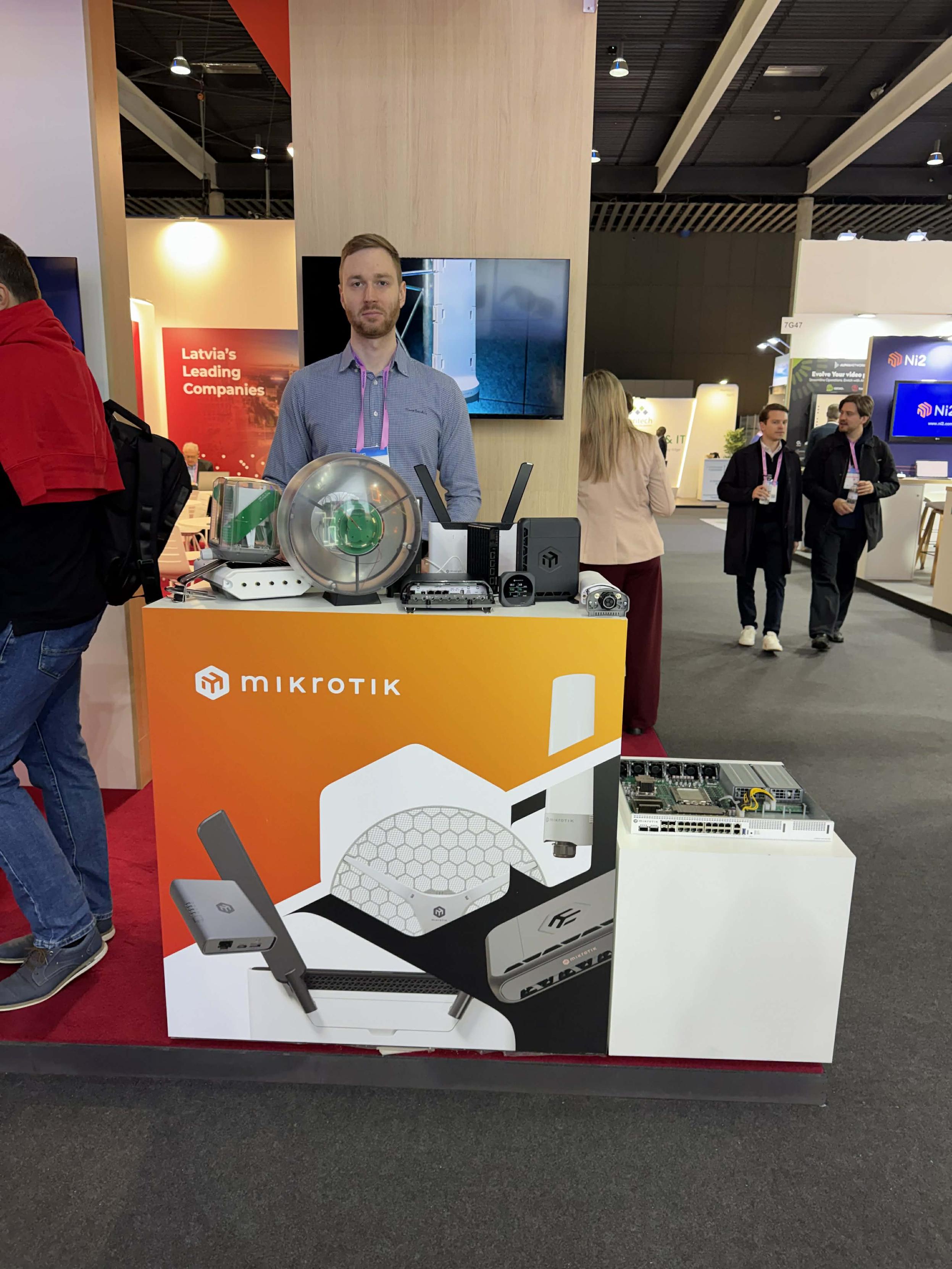
MikroTik Welcomes Curious minds at theM W C Barcelona! Come see us and some of our latest, top secret devices that will shake up the market pretty soon! 😼 P.S. This is how Latvians smile, so don't be shy -- all your questions will be answered:Hall 7 Stand 7G52 @mikrotik@lemmy.world

MikroTik Welcomes Curious minds at the
M             W               C Barcelona! Come see us and some of our latests, top secret devices that will shake up the market pretty soon! 😼 


Hall 7 Stand 7G52
7


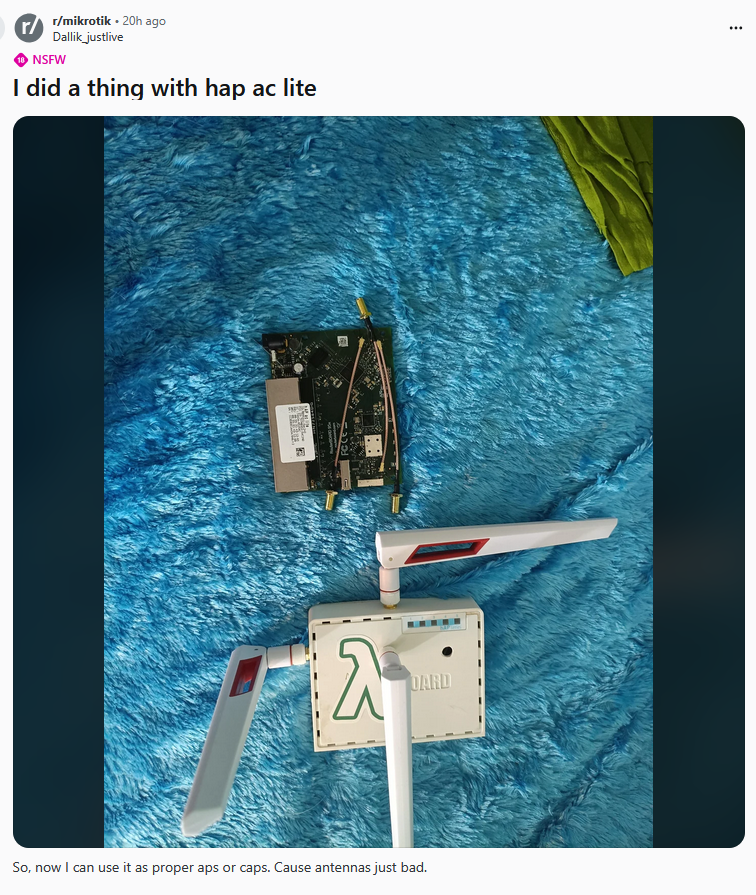
Biblically accurate hAP ac lite. Be not afraid! @mikrotik@lemmy.world

8
submitted 9 months ago by to c/mikrotik@lemmy.world
9


Usually, when a device is built on arm32 architecture, it is not possible to switch to arm64 due to hardware limitations, but this is an exception! The L009UiGS and L009UiGS-2HaxD-IN devices come with an arm64 processor that was initially run in arm32 mode for stability, but we have improved our software! Now, it is possible to do a simple package switch.

Note that there are other 32-bit Mikrotik products with 64-bit ARM Cortex A53 processors, which may get the same upgrade to 64-bit, including the “hEX refresh,” “hEX S (2025),” and “hAP ax S”.

10


cross-posted from: https://feddit.nl/post/50949358

From Mircea Anton:

Hello, everyone!

I fairly recently re-worked most of my Mikrotik automation to move it from Terraform to OpenTofu and Terragrunt and modularize everything.

Tbh the project got to a point I'm quite happy and proud with it. I made a couple of videos about it if you're interested:

Here's the link to the repo: https://github.com/mirceanton/mikrotik-terraform

Been thinking about cleaning up the modules I made, writing a couple more and maybe publish a module library that others can use and contribute to if attempting something like this. What do you think?

11


Hi,

I am considering upgrading my router (RB750Gr3). I am eyeing the CRS309-1G-8S+IN in the hopes that the fast ISP in town eventually expand to my street (10G fiber).

My question is about L3HW offloading, and how it plays with PBR. Currently, I have a number of rules (/routing/rule), some based on source IP and some on VLAN. The purpose is to route certain traffic through VPNs (WireGuard, but I run on a separate computer, not on the router itself). Example: VLAN10 routes all traffic through main routing table, VLAN20 routes local traffic through router but sends external traffic through VPN-1, and VLAN30 sends everything through VPN-2. I use a number of different VPNs, so it's not just a binary "main route or VPN."

I am unclear how this plays with L3HW offloading. This page ( https://help.mikrotik.com/docs/spaces/ROS/pages/62390319/L3+Hardware+Offloading#L3HardwareOffloading-Inter-VLANRoutingwithUpstreamPortBehindFirewall/NAT ) mentions pbr-cap/usage/lpm-bank but I am unclear if that's referring to what I'd be using. That page also says that only the main routing table is HW offloaded in the context of VRF, so I wasn't sure if that also applied to PBR.

The question then, is, does L3HW offloading 1) Just Work for PBR /routing/rule, 2) only work via Fasttrack (perhaps requiring some redirect-to-cpu switch rules), or 3) ain't gonna work?

To preempt a few questions: I know Fasttrack is a last resort. I am a single household, I don't have concerns about TCAM exhaustion. I am considering a CRS instead of a "true" router due to cost and reduced energy footprint. I also know that I don't "need" 10G; if it is ever offered on my street it'll be via an ISP with a "best effort" policy, i.e., they don't have throttled tiers, so 10G is their only offering (cheaper than we're paying now for asymmetric cable).

Thanks!

12


Title of the video is "untitled", I've tried to kept the spirit of its content.

13
14


What I want: I want to be able to route specific clients through different interfaces (WireGuard tunnels), and I want this behavior to persist upon disconnect/reconnect. Clients can change which tunnel, with several VLANs being able to use the tunnels (so a client A on VLAN 124 and client B on VLAN 789 can both use VPN tunnel X or Y at their discretion).

What I have: IPv4 works fine (routing rule src address -> routing table). IPv6 works, but is not persistent, as clients change their IPv6 address. (I have a dinky script where I enter IPv4 address and country, and it will grab a VPN peer from a json file, set it up, and add the IPv4+current IPv6 address to the routing rules. This works well currently; I use Mullvad.)

Any recommendations? Ideas: use IPv6 mangle based on MAC address, but I have been having trouble getting this to work (extremely slow). Another idea is to have a script run and grab the IPv6 address of client (either by hostname or by DHCP lease+MAC info), but I'm not sure if it's possible to trigger a script upon IPv6 neighbor discovery.

Any help appreciated!

15


I am trying to create a setup script for configuring router + AP via CAPsMAN, but would like to ask if there is an easy way to clear my settings as I am testing and exploring the setup to clean up the various config changes I am doing to clear the state easier?

I am changing things like

/caps-man datapath
/caps-man configuration
/caps-man provisioning

And others. Is there some way I can just drop all entries from those config paths? Or something like that to tidy up config while I am editing and trying out things?

16


🏁 Grand Final MikroTik Olimpiade – the ultimate showdown!Better than the Olympics or F1? You decide 😉🎥 LIVE NOW from Indonesia youtube.com/watch?v=iX7BxWQo-dM@mikrotik@lemmy.world

17


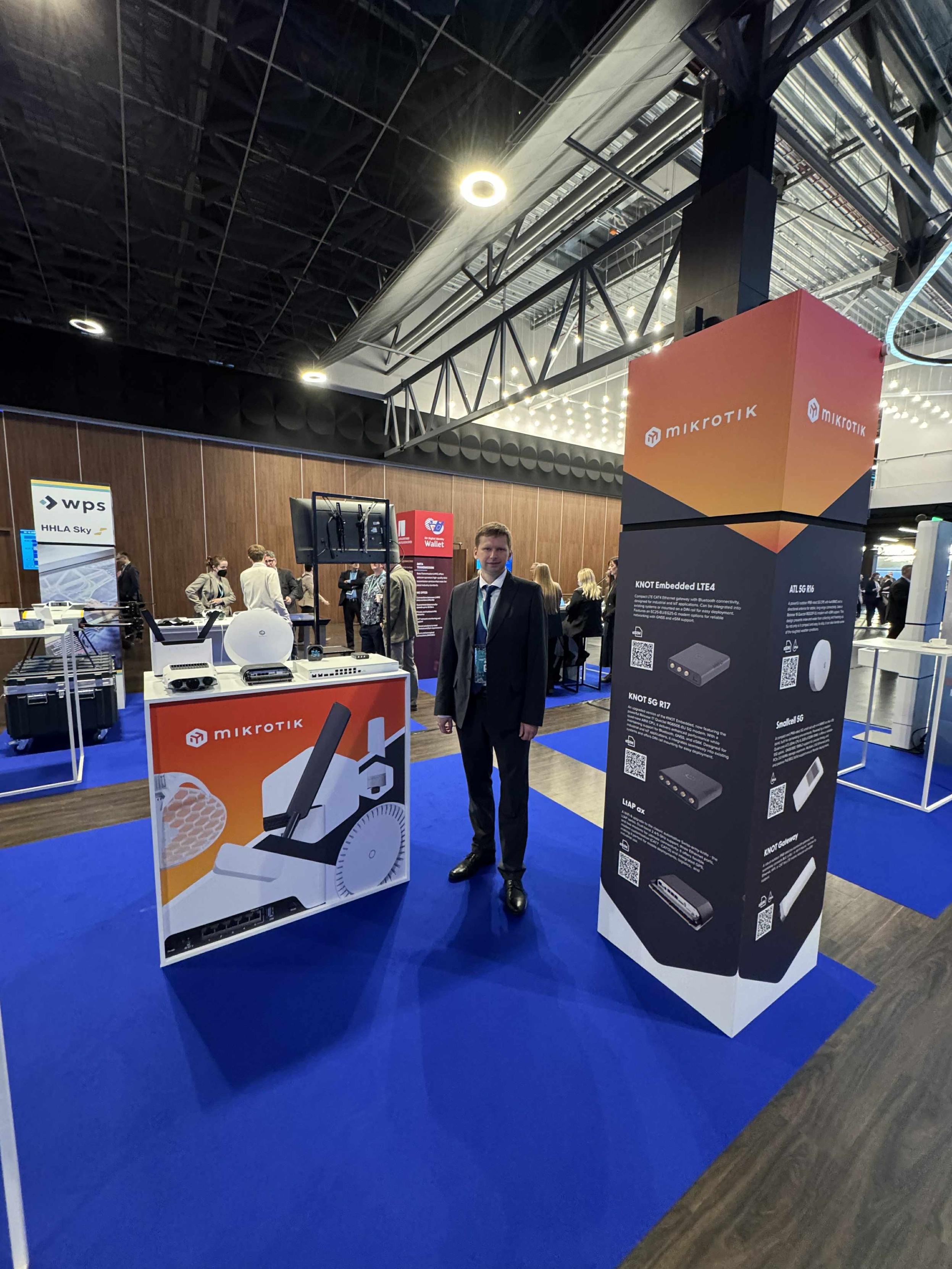
Today is the final day of Techritory 2025. So many great talks about Europe’s digital sovereignty, 5G, and AI this week. 😼 Plenty of inspiration for us to keep expanding the product line in search of the perfect tools to connect people, locations, and ideas! techritory.com@mikrotik@lemmy.world

18


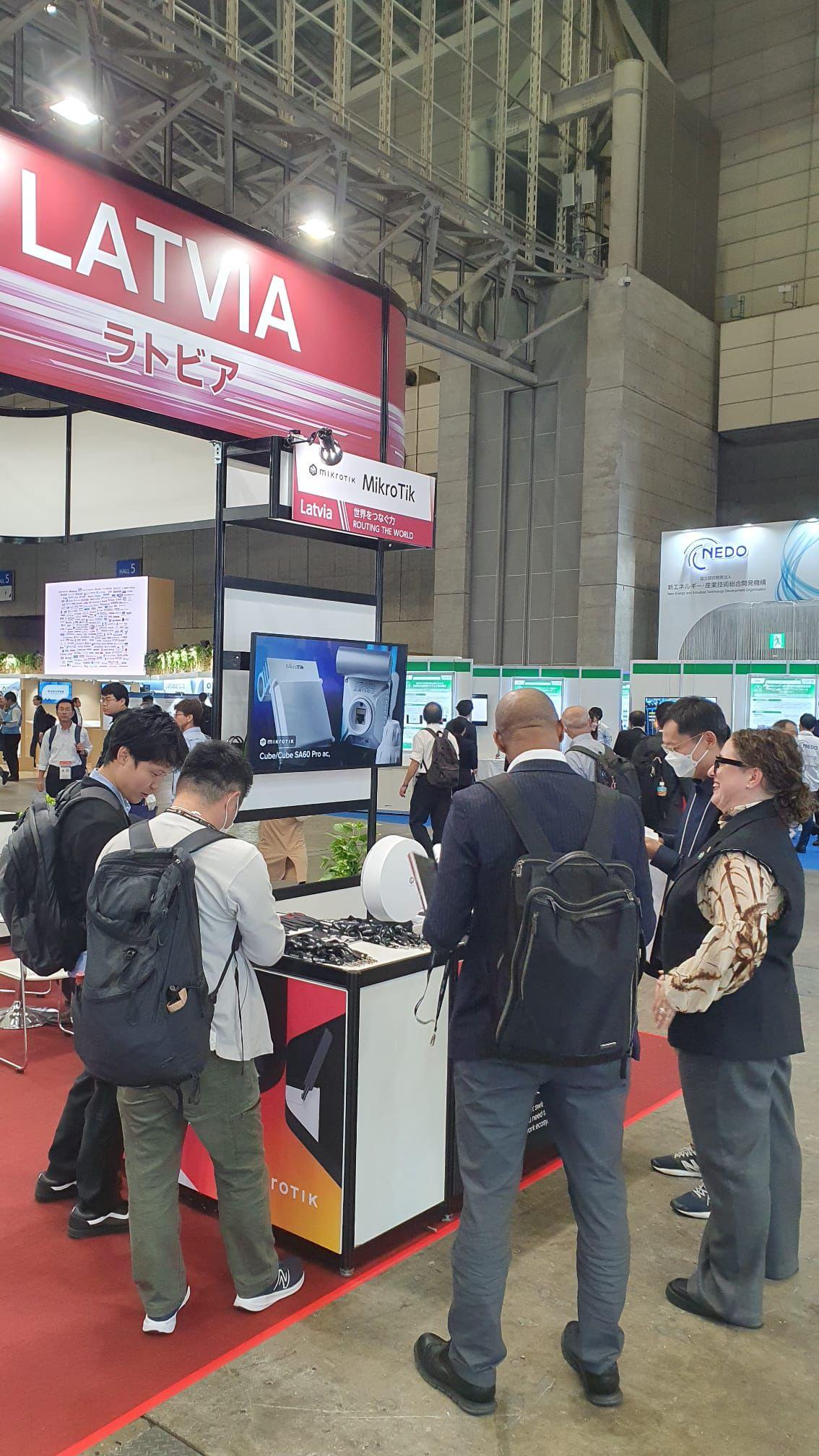
If you’re at CEATEC Japan this week, don’t miss your chance to check out our latest 5G gear - showcased at the LIAA/MikroTik booth by a representative of Investment and Development Agency of Latvia.Visit the LIAA/MikroTik booth (Hall 4, Booth 4H313) to explore the tech, the Northern European work ethic, the people, and the business opportunities behind the MikroTik flexible world of connectivity.ceatec.com/en/@mikrotik@lemmy.world

CEATEC exhibition stand with ATL 5G
19


moved back my instance on my dedicated server (with an IP that's NOT automatically blocked by some ISP just for being in a home IP block)can now magically follow @benoit@mastodon.benoit.jp.net or @mikrotik@lemmy.world without doing anything more...dunno yet for @mikrotik@mikrotik.social , need to check if error occur when trying to follow...

20
21


Finally, an in-depth review of our... home?! 😅 Thank you for making the time, Patrick! 🤝 youtube.com/watch?v=lwQHRtrmmK8@mikrotik@lemmy.world

22


Even if your server room looks perfect, cable management always finds a way to get messy, right? 😅 @mikrotik@lemmy.world

cable management meme
23


RouterOS v7 is basically a Path of Exile 1 passive skill tree for your network. And who better than Chris Wilson himself to explain packets, security, and servers?@mikrotik@lemmy.world youtube.com/watch?v=x4RNkj_0Mso

24


So, we had a little in-house T-shirt design contest, so there is a new Zeus design in our merch store! :) Do you know the story behind Zeus and MikroTik? Btw, we're not adding markup to the merch, it's a non-profit dropshipping fun sideproject - so that everyone can get something cool to wear. merch.mikrotik.com/products/ze@mikrotik@lemmy.world

MikroTik merch T-shirt with a Zeus/LHG print.
25


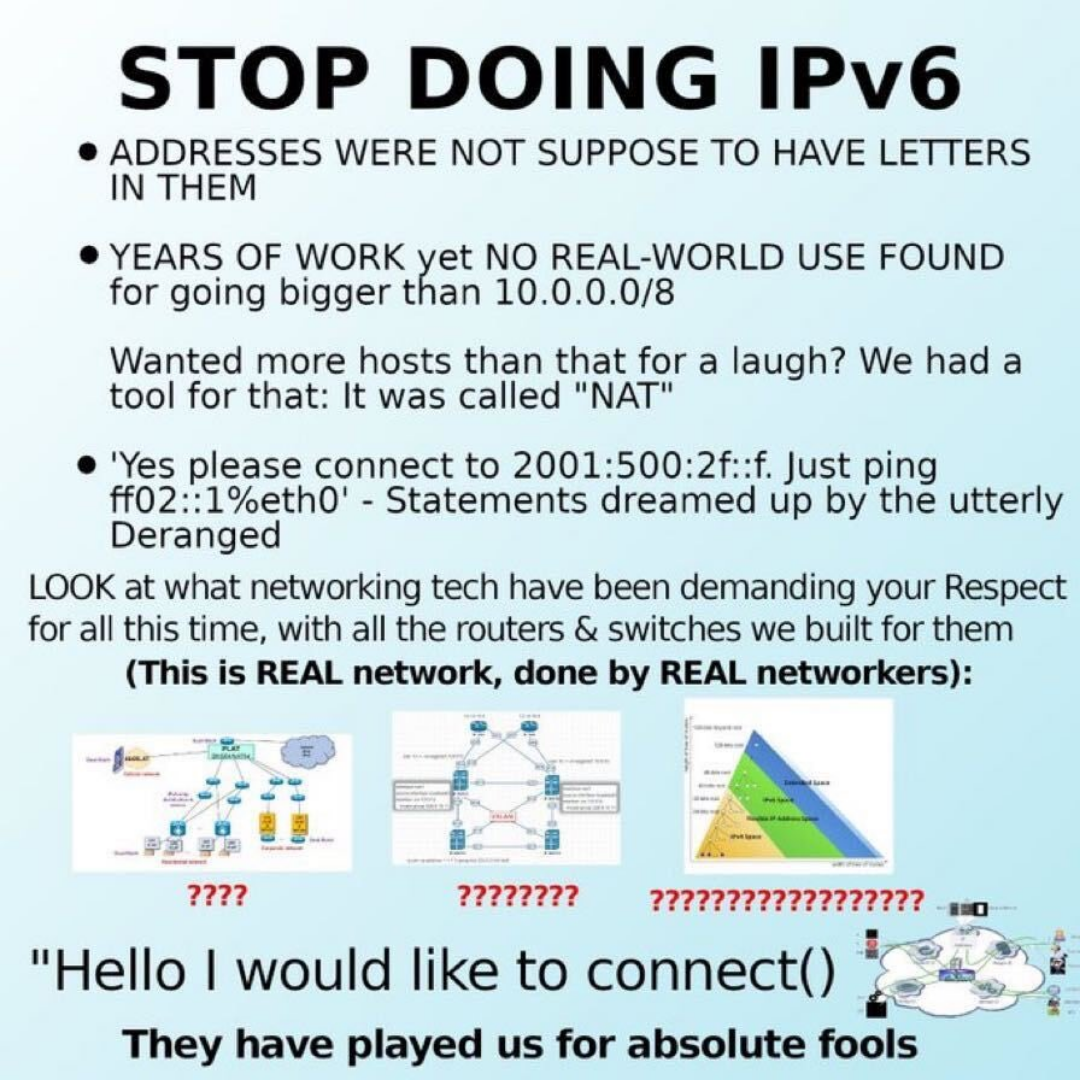
ahh, nothing like some networking hatespeech with the morning coffee 😅 @mikrotik@lemmy.world

An IPv6 meme
view more: next ›