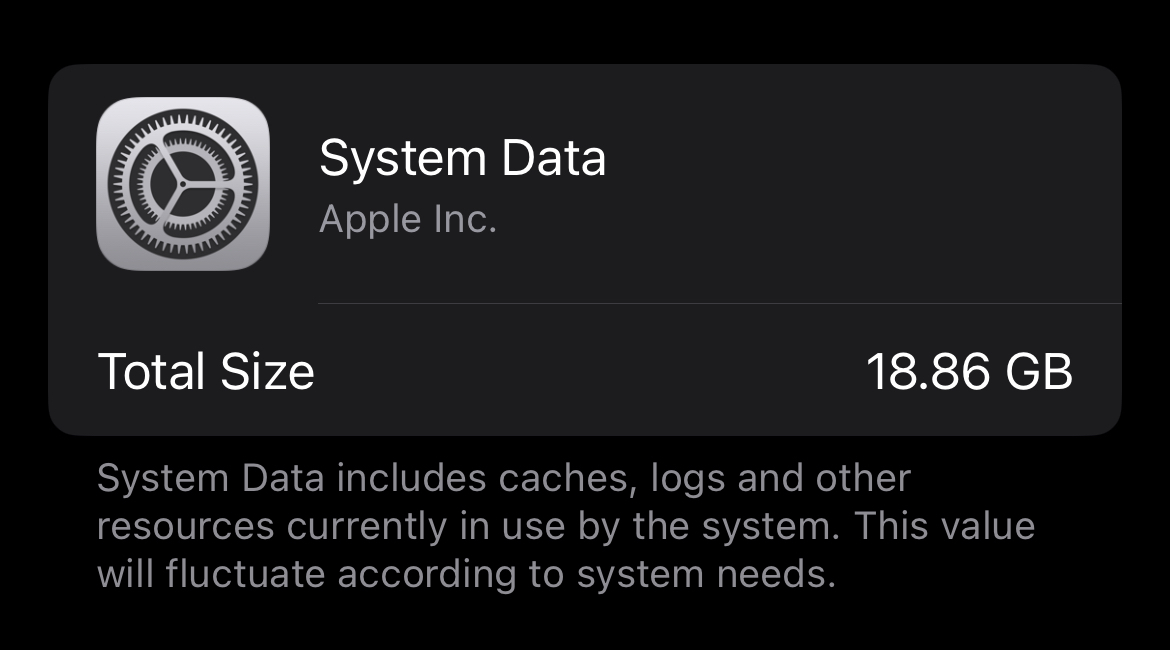
Is there anything I can do about this extremely vague block of data that’s taking up 30% of my phone’s storage? Mind you, this isn’t the operating system itself, as that’s listed as its own category.

EDIT: I tried (a) backing up to my computer, factory resetting, then restoring from backup and (b) setting the date years in the future. Neither worked, in fact (a) actually increased my system data to 34 GB! What DID end up working was updating my iOS from 18 to 26, which I had to do from my computer via iTunes since my phone was full. Apparently major system updates reset system data
you are viewing a single comment's thread
view the rest of the comments
[–] 12 points 1 year ago (4 children)

The advice I’ve seen is to back up your phone (iCloud or iTunes), factory reset, then restore your backup.

These things get bigger and bigger the older your phone is, because OS updates seem to always leave more and more shit laying around (probably for disaster recovery in case the update goes sideways).

Windows has a command you can run to purge all the old update shit to free up space. I wish Apple would get off their ass and implement the same.

  • source
  • hideshow 4 child comments
  • [–] 2 points 1 year ago (3 children)

    Cable backup to Mac’s the best way for some reason is that right?

  • source
  • parent
  • hideshow 3 child comments
  • [–] 2 points 1 year ago (2 children)

    iCloud or local Mac backup is the same in terms of data. A local Mac backup is significantly faster.

  • source
  • parent
  • hideshow 2 child comments
  • [–] 3 points 1 year ago (1 child)

    Local backup saves sensitive data which doesn’t go into iCloud backups. For the most part it doesn’t matter because that data can usually be restored from the keychain and secure enclave, but that takes longer and can still miss some bits you have to enter yourself.

  • source
  • parent
  • hideshow 1 child comment